
Klipsch
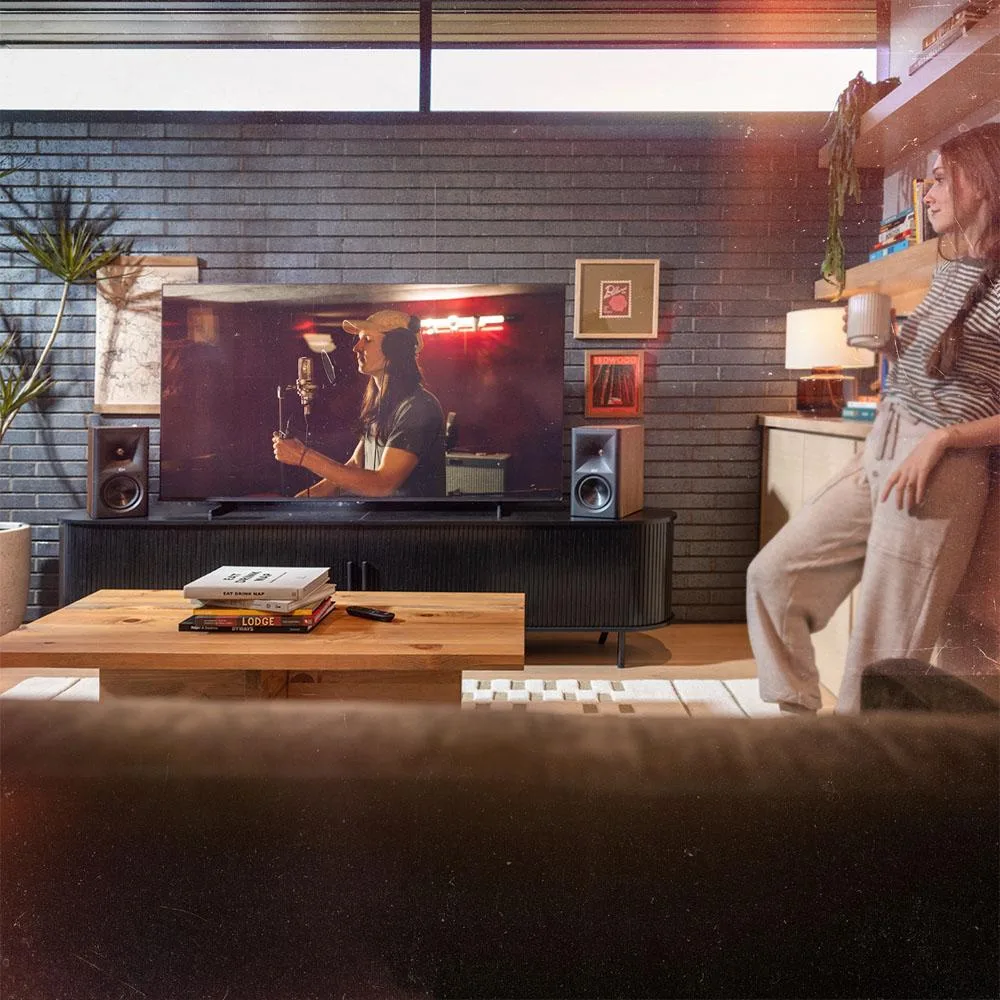
Klipsch The Fives II 5.25" Powered Bookshelf Speaker Pair Walnut
$1,123.99
0.0129797BTC
In stockWe take cryptocurrency — so the coins you hold can buy real hardware.Pay in crypto, spend it on real hardware. Free insured shipping worldwide over $399. Plain, unbranded boxes, sent from Germany.Free insured shipping over $399. Your rate is locked for 30 minutes once checkout opens.Rate locked 30 minutes. Every item sealed, serial-checked and covered by a 24-month warranty.Sealed, 24-month warranty.


Universal
A wireless button that controls SmartThings devices and includes a temperature sensor
The Aeotec SmartThings Button is a single wireless controller designed for users who want a physical trigger for routines linked to a compatible Smart Home Hub. It suits households that prefer a tactile switch over voice or phone-based commands for common actions such as leaving the house.
The button communicates through Aeotec Zigbee technology, so it must remain within reliable radio range of the paired hub. Thick walls, metal surfaces or long distances between the button and the hub can interrupt signals and prevent routines from running.
The unit is powered by an internal battery and includes a temperature sensor, allowing it to report ambient conditions alongside button presses. A dry cloth is the only approved cleaning method, and the device must be kept away from radiators, stoves or other heat sources to avoid damage.
| Type | Other |
|---|
The pack includes one button; each press can trigger a different routine, so you only need extra buttons if you want them in several rooms.
Pressing it sends a Zigbee command to the SmartThings hub, which then runs the routine you assigned — such as closing shutters or lowering the thermostat.
It uses Zigbee, so it must stay within range of the SmartThings hub; the hub then links to your Wi-Fi network for cloud control.
Also in this aisle
Same shelf, same checkout — eight coins and a 30-minute rate lock.
What you pay in, and what you read prices in.
Sent from your wallet at checkout
Display only — the catalogue is priced in USD
No currency matches that.
Pick the language the site speaks to you in.
No language matches that.
New here?
Already have one?
There is no automatic reset: this shop sends no mail, so there is no one-time link to ask for. Leave the address on the account and it gets picked up by hand.
Request noted
Nothing is on its way to your inbox — this shop sends no mail at all. Someone picks these up by hand.
Remembered it?


