TP-Link
TP-Link RE370K AC1200 wireless range extender with smart plug
Dual-band AC1200 extender adds a Gigabit Ethernet port and a smart plug controllable from the Kasa app
- StandardsIEEE802.11ac, IEEE 802.11n, IEEE 802.11g, IEEE 802.11b, IEEE
- Frequency Band2.4 GHz / 5.0 GHz
- Wireless Data RatesUp to 1.2Gbps
- Interface1 x Gigabit Ethernet
- LED1 x Status 1 x Power 1 x 2.4 GHz 1 x 5 GHz 1 x Smart Plug LE
- Button1 x Smart Plug Power On / Off 1 x LED On / Off 1 x Reset
- AC1200 dual-band Wi-Fi extends coverage throughout the home
- Gigabit Ethernet port bridges wired devices to the wireless network
- Integrated smart plug controls appliances remotely via the Kasa app
- Compact wall-plug design fits any 100–120 V outlet
- Works with any existing router or wireless access point
AC1200 dual-band extender with smart plug
The TP-Link RE370K extends an existing Wi-Fi network across 2.4 GHz and 5 GHz bands, delivering combined wireless rates up to 1.2 Gbps. It is suited for households that need stronger coverage in distant rooms without replacing their current router. The integrated smart plug lets users switch connected appliances on or off from a phone.
Compact wall-plug design with Gigabit Ethernet
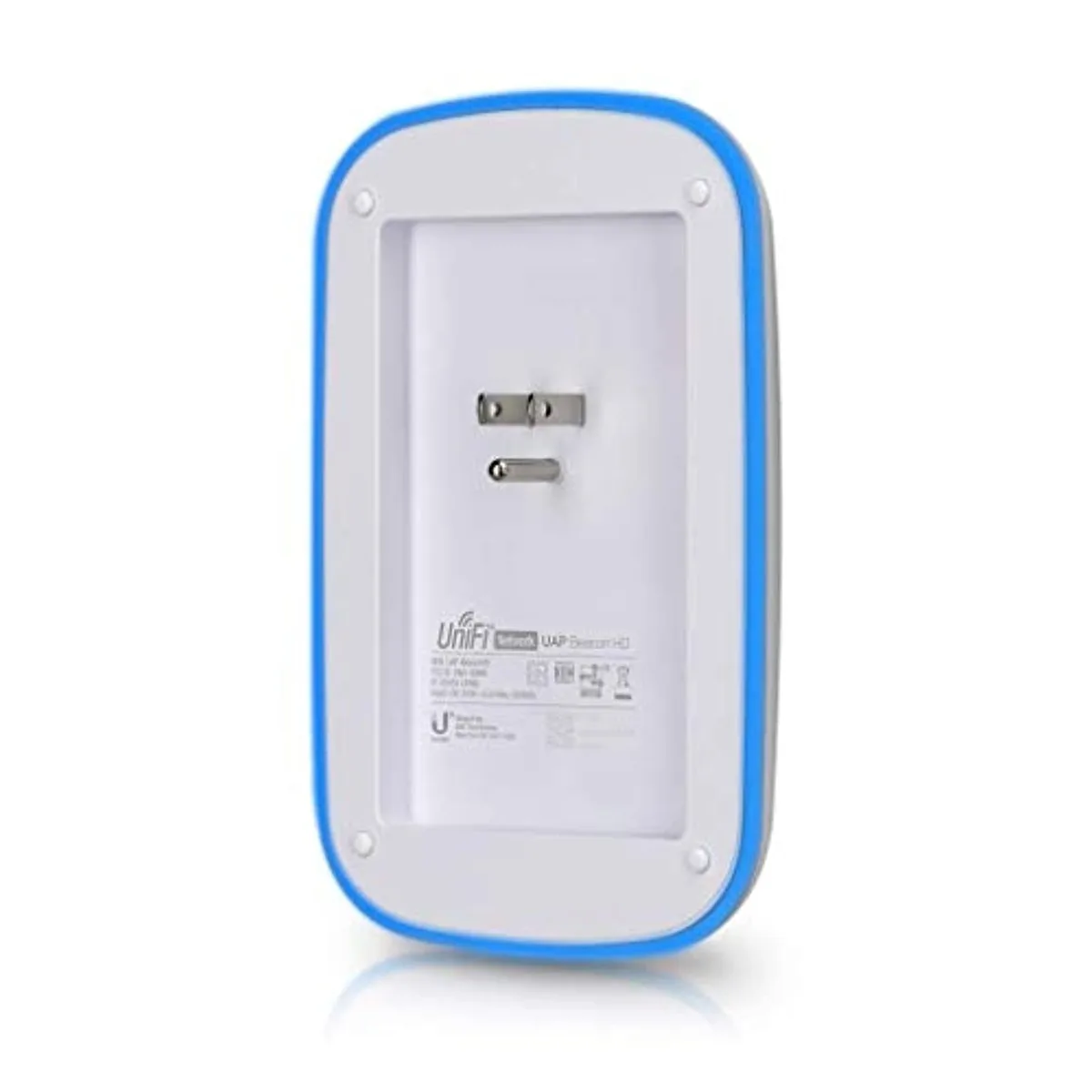
The unit plugs directly into a mains socket and measures 4.92 x 2.76 x 2.52 inches, weighing .53 lb. Five status LEDs show power, both radio bands, smart-plug state and overall link health. A single Gigabit Ethernet port allows a wired device such as a smart TV or game console to join the network through the wireless bridge.
Kasa app control and quick setup included
The package supplies the extender, a quick setup guide and an RJ45 cable. Through the Kasa app on Android 4.2+ or iOS 9+ devices, owners can manage the smart plug remotely, toggle LEDs and configure the extender without a computer. The hardware operates from 0 to 40 °C and stores safely down to -40 °C.
Highlights
- AC1200 dual-band Wi-Fi extends coverage throughout the home
- Gigabit Ethernet port bridges wired devices to the wireless network
- Integrated smart plug controls appliances remotely via the Kasa app
- Compact wall-plug design fits any 100–120 V outlet
- Works with any existing router or wireless access point
Specifications
| Brand | TP-Link |
|---|---|
| Model | RE370K |
| Standards | IEEE802.11ac, IEEE 802.11n, IEEE 802.11g, IEEE 802.11b, IEEE 802.11a |
| Frequency Band | 2.4 GHz / 5.0 GHz |
| Wireless Data Rates | Up to 1.2Gbps |
| Interface | 1 x Gigabit Ethernet |
| LED | 1 x Status 1 x Power 1 x 2.4 GHz 1 x 5 GHz 1 x Smart Plug LED |
| Button | 1 x Smart Plug Power On / Off 1 x LED On / Off 1 x Reset |
| Power | 100~120V AC, 50/60 Hz |
| System Requirements | Android 4.2 and above iOS 9 and above |
| Dimensions | 4.92" x 2.76" x 2.52" |
| Weight | 0.53 lb. |
| Features | 300 Mbps on 2.4 GHz + 867 Mbps on 5 GHz Expand your High-Speed Wi-Fi Across Your Home Works with any Wi-Fi router or wireless access point Smart Plug to control your devices from anywhere in the world from the Kasa App Gigabit Ethernet port acts as a wireless bridge for connecting a wired device to your network |
| Operating Temperature | 0 ~ 40 degree Celsius (32 ~ 104 degree Fahrenheit) |
| Operating Humidity | 10% ~ 90% non-condensing |
| Storage Temperature | -40 ~ 70 degree Celsius (-40 ~ 158 degree Fahrenheit) |
| Storage Humidity | 5% ~ 90% non-condensing |
| Package Contents | RE370K Quick Setup Guide RJ45 Cable |
Questions about this item
What Wi-Fi standards does the RE370K support and what is the maximum combined data rate?
The RE370K supports IEEE 802.11ac, n, g, b, and a standards on dual-band 2.4 GHz and 5.0 GHz, delivering a combined wireless data rate of up to 1.2 Gbps.
What are the exact dimensions and weight of the RE370K for wall-outlet placement?
The unit measures 4.92 inches by 2.76 inches by 2.52 inches and weighs 0.53 lb, so it plugs directly into a standard AC outlet without blocking the second socket.
How is the RE370K initially configured and which step do users often miss?
Plug it in, connect a phone to its default Wi-Fi, then open the Kasa app to follow the setup wizard; the step often missed is moving the extender to a location halfway between the router and the dead zone after the wizard finishes.
Also in this aisle
People compared these
Same shelf, same checkout — eight coins and a 30-minute rate lock.