WarmlyYours
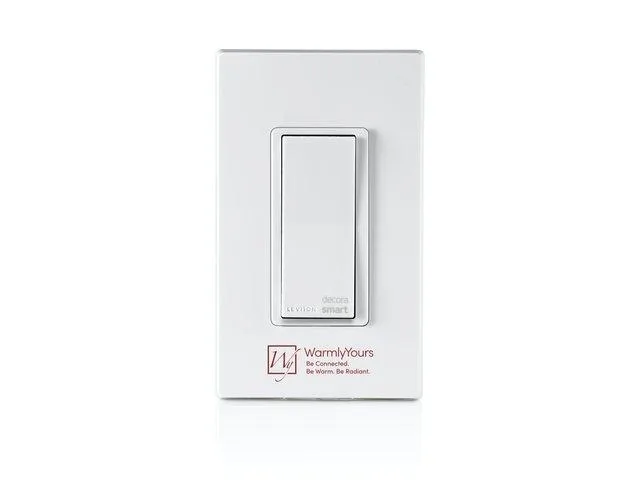
WarmlyYours Hardwired Programmable Timer smart thermostat
- Infared (IR)
$52.99
0.00062971BTC
In stockWe take cryptocurrency — so the coins you hold can buy real hardware.Pay in crypto, spend it on real hardware. Free insured shipping worldwide over $399. Plain, unbranded boxes, sent from Germany.Free insured shipping over $399. Your rate is locked for 30 minutes once checkout opens.Rate locked 30 minutes. Every item sealed, serial-checked and covered by a 24-month warranty.Sealed, 24-month warranty.


TP-Link
A two-pack of Wi-Fi smart plugs rated at 15 A and 1.8 kW, controllable via the Kasa app with scheduling and away-mode, compatible with Alexa and Google Assistant
The HS100 KIT includes two Wi-Fi smart plugs rated at 15 A and 1.8 kW on 100–120 VAC circuits. Each unit connects to a 2.4 GHz 802.11b/g/n network and is managed through the free Kasa app on Android 4.1 or higher and iOS 8 or higher. Voice control works with Amazon Alexa and Google Assistant for hands-free operation.
Renters or owners who need simple on/off timing for lamps, fans or small appliances will find the scheduling and randomised away-mode useful. Builders who require 5 GHz Wi-Fi, energy-monitoring data, or a higher amperage rating should look at other models. The plugs occupy a single outlet each and do not support hard-wired loads.
The box contains two plugs and a Quick Start Guide; no hub, subscription or extra hardware is needed. The Kasa app handles pairing, schedules, away-mode timers and voice-assistant linking. Firmware updates arrive over Wi-Fi, so the plugs stay current without user intervention.
| Brand | TP-LINK |
|---|---|
| Model | HS100 KIT |
| Protocol | WiFi |
| Color | White |
| Type | Accessories |
| App-Enabled | Yes |
| Specifications | Protocol: IEEE 802.11b/g/n Wireless Type: 2.4 GHz, 1T1R System Requirements: Android 4.1 or higher, iOS 8 or higher Package Contents: Smart Plug HS100, Quick Start Guide Materia: PC Buttons: Power button, Settings button Input voltage: 100-120V AC, 15A Output voltage: 100-120V AC, 15A Maximum Load: 15A Maximum Power: 1.8 KW Dimensions: 3.95" x 2.61" x 2.52" Weight: 0.27 lb. |
| Features | Remote Access - Control devices connected to the Smart Plug wherever you have Internet using the free Kasa app on your smartphone. Scheduling - Schedule the Smart Plug to automatically power electronics on and off as needed, like setting lights to come on at dusk or turn off at sunrise. Away Mode - Turns your devices on and off at different times to give the appearance that someone is home. Voice Control - Amazon Echo (sold separately) lets you control devices connected to the Smart Plugs just using your voice. |
| Dimensions | 3.90" x 2.60" x 2.50" |
| Weight | 0.27 lb. |
| Shipping weight | 0.23 kg |
| Package size | 140 × 89 × 89 mm |
Yes, the plug communicates over IEEE 802.11b/g/n on the 2.4 GHz band only, so your router must broadcast a 2.4 GHz network.
Each unit measures 3.90 by 2.60 by 2.50 inches, so they may cover neighbouring sockets depending on strip spacing.
Open the Kasa app, select each plug and toggle the power button; the connected device should turn on and off instantly, confirming operation.
Also in this aisle
Same shelf, same checkout — eight coins and a 30-minute rate lock.
What you pay in, and what you read prices in.
Sent from your wallet at checkout
Display only — the catalogue is priced in USD
No currency matches that.
Pick the language the site speaks to you in.
No language matches that.
New here?
Already have one?
There is no automatic reset: this shop sends no mail, so there is no one-time link to ask for. Leave the address on the account and it gets picked up by hand.
Request noted
Nothing is on its way to your inbox — this shop sends no mail at all. Someone picks these up by hand.
Remembered it?