

Accsoon
Accsoon CineView SE Multi-Spectrum Wireless Video Transmitter 1200ft 1080p HDMI SDI
$181.99
0.0021649BTC
In stockWe take cryptocurrency — so the coins you hold can buy real hardware.Pay in crypto, spend it on real hardware. Free insured shipping worldwide over $399. Plain, unbranded boxes, sent from Germany.Free insured shipping over $399. Your rate is locked for 30 minutes once checkout opens.Rate locked 30 minutes. Every item sealed, serial-checked and covered by a 24-month warranty.Sealed, 24-month warranty.
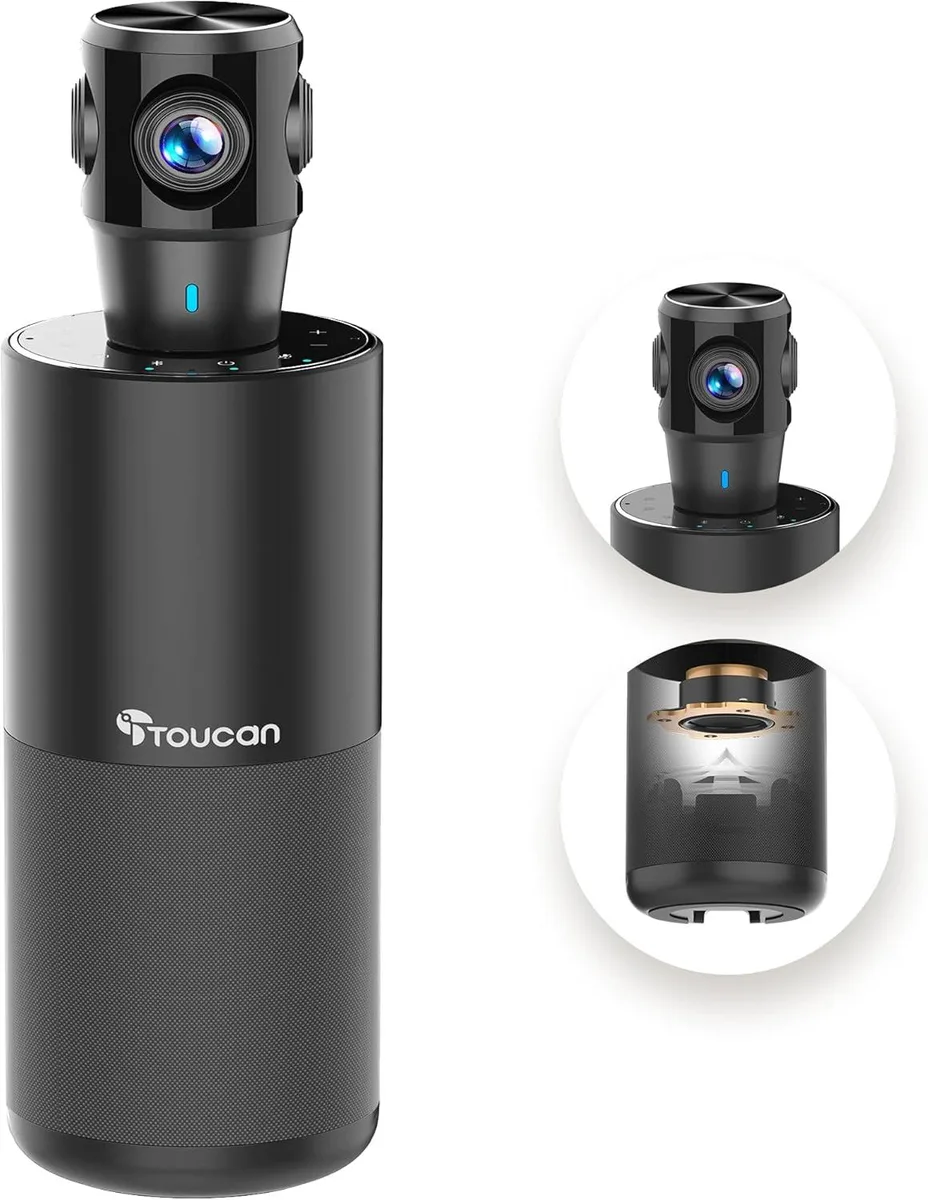


TOUCAN
A 360-degree 1080p conference camera with built-in speaker and four noise-reduction microphones for plug-and-play meetings on any platform
The TOUCAN 360 captures omnidirectional video at 1080p resolution so every participant in the room stays in frame. It is built for teams that run meetings on Zoom, Google Voice, Microsoft Teams and similar platforms from a PC, Mac, laptop or tablet. Plug-and-play operation removes driver hassles for IT staff and end users alike.
An integrated speaker and four microphones handle both sides of the conversation without extra peripherals. The microphone array suppresses background sound while picking up voices from any direction around the device. A single USB connection carries power, audio and video, keeping desk cabling simple in huddle spaces or large conference halls.
On-board AI tracking follows the active speaker automatically, maintaining a steady picture without manual camera control. The unit draws power from the host USB port so no external adapter is required. Passive cooling keeps operation silent during long sessions.
No published specifications for this item yet.
The unit sits on a flat surface or clips to a monitor; no extra brackets are included.
A single USB cable carries both power and video, so no separate adapter is needed.
Launch the meeting software, select the camera, then press the tracking button on the device to start auto-framing.
Also in this aisle
Same shelf, same checkout — eight coins and a 30-minute rate lock.
What you pay in, and what you read prices in.
Sent from your wallet at checkout
Display only — the catalogue is priced in USD
No currency matches that.
Pick the language the site speaks to you in.
No language matches that.
New here?
Already have one?
There is no automatic reset: this shop sends no mail, so there is no one-time link to ask for. Leave the address on the account and it gets picked up by hand.
Request noted
Nothing is on its way to your inbox — this shop sends no mail at all. Someone picks these up by hand.
Remembered it?



