

Astro Gaming
Astro Gaming Wireless Keyboard Mouse Combo Silver White 2 in 1 Accessories
$43.99
0.00051046BTC
In stockWe take cryptocurrency — so the coins you hold can buy real hardware.Pay in crypto, spend it on real hardware. Free insured shipping worldwide over $399. Plain, unbranded boxes, sent from Germany.Free insured shipping over $399. Your rate is locked for 30 minutes once checkout opens.Rate locked 30 minutes. Every item sealed, serial-checked and covered by a 24-month warranty.Sealed, 24-month warranty.
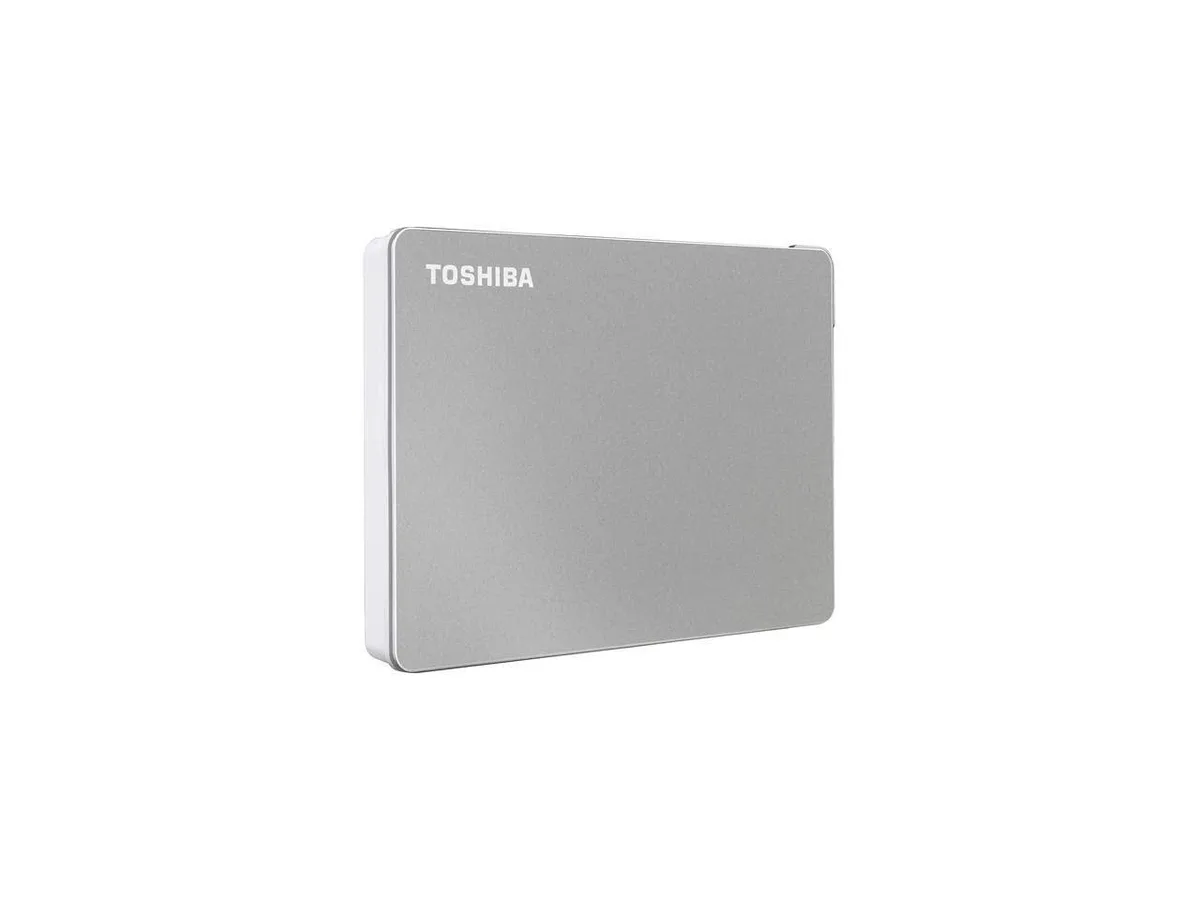


Toshiba
A 2 TB portable drive formatted exFAT with USB-C and USB-A cables for PC, Mac and tablet use
The Toshiba Canvio Flex 2TB portable hard drive works with PC, Mac and supported tablet devices. It arrives formatted exFAT for immediate cross-platform use. A USB-C cable and a USB-A cable are both included in the box. This drive suits users who move files between different operating systems daily.
The silver enclosure is designed for portability and regular transport. Two supplied cables cover USB-C and USB-A ports without needing separate adapters. Plug the appropriate cable into the host device and the drive is ready. No external power supply is required for operation.
Transfer speeds depend on the host USB 3.0 or USB-C port performance. Actual formatted capacity may differ from the stated 2TB figure. Compatibility can vary with specific hardware configurations or operating system versions. Reformatting may be needed for certain backup utilities such as Apple Time Machine.
No published specifications for this item yet.
The drive uses USB 3.0 with a USB-C connector, capping at 5 Gbps in practice.
The box includes both a USB-C cable and a USB-A cable for direct connection.
It is formatted exFAT out of the box; just plug in. Reformatting is needed for Apple Time Machine.
Also in this aisle
Same shelf, same checkout — eight coins and a 30-minute rate lock.
What you pay in, and what you read prices in.
Sent from your wallet at checkout
Display only — the catalogue is priced in USD
No currency matches that.
Pick the language the site speaks to you in.
No language matches that.
New here?
Already have one?
There is no automatic reset: this shop sends no mail, so there is no one-time link to ask for. Leave the address on the account and it gets picked up by hand.
Request noted
Nothing is on its way to your inbox — this shop sends no mail at all. Someone picks these up by hand.
Remembered it?


