


Tonstep
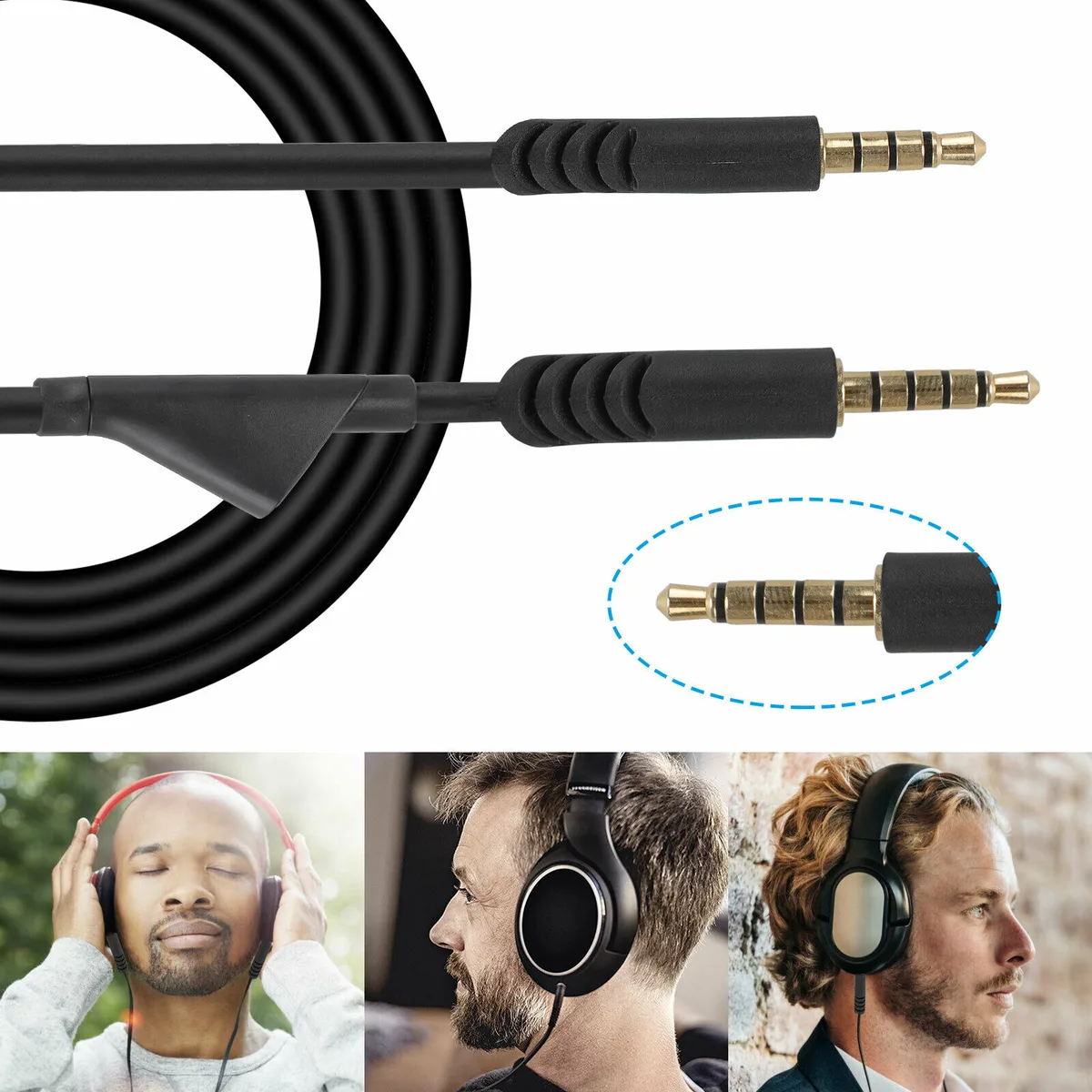
Tonstep Headset Audio Cable 2m 3.5mm for Astro A10 A40 G233 G433
A 2 m copper audio cable with inline mute and volume control connects Astro A10, A40, G233 and G433 headsets to Xbox One, PS4 or PC via a combined 3.5 mm jack
- ColorBlack
- Chat-ready audio on consoles and PC via combined 3.5 mm jack
- Inline mute and volume control keep hands on the game
- Two-metre copper cable gives freedom to move
- Works with Astro A10, A40, G233 and G433 headsets
- Single cord carries both microphone and headphone signals
Compatible Astro Headset Models
This replacement audio cable fits Astro A10, A40, G233 and G433 headsets. It restores both microphone and headphone functions through a single 3.5mm connection. The inline mute button and volume control give quick access during gameplay. Copper conductors carry the signal across the full length.
Suited For Console And PC Gamers
Players using an Xbox One or PlayStation 4 controller with a combined 3.5mm jack can plug straight in. The same cable works on PCs and Macs that share a mic/headphone port. Buyers needing a detachable mic cable for a headset without a 3.5mm jack should look elsewhere.
Build Integration With 2m Reach
At 2m the cord reaches from a desktop tower or a couch-side controller without stretching. The 3.5mm plug occupies one combined port, freeing separate mic and headphone sockets for other peripherals. An inline mute switch lets you silence the mic without navigating software menus.
Highlights
- Chat-ready audio on consoles and PC via combined 3.5 mm jack
- Inline mute and volume control keep hands on the game
- Two-metre copper cable gives freedom to move
- Works with Astro A10, A40, G233 and G433 headsets
- Single cord carries both microphone and headphone signals
Specifications
| Color | Black |
|---|
Questions about this item
What headset models does the 2 m cable with inline mute support?
The cable works with Astro A10, A40, G233 and G433 headsets.
Which controllers or computers accept the 3.5 mm plug on this cable?
It fits Xbox One controllers, PlayStation 4 controllers and any PC or Mac with a combined mic/headphone 3.5 mm jack.
How can I confirm the mute button and volume control are functioning after I plug it in?
Press the inline mute switch — the microphone should cut out — then adjust the volume wheel and verify the sound level changes on the connected device.
Also in this aisle
People compared these
Same shelf, same checkout — eight coins and a 30-minute rate lock.


BFKK
BFKK Hecate G1000 Black speaker 10W Bluetooth 5.3 12 RGB 2.5in 3.5mm
- Black
$87.99
0.00103769BTC
In stock