Timoom
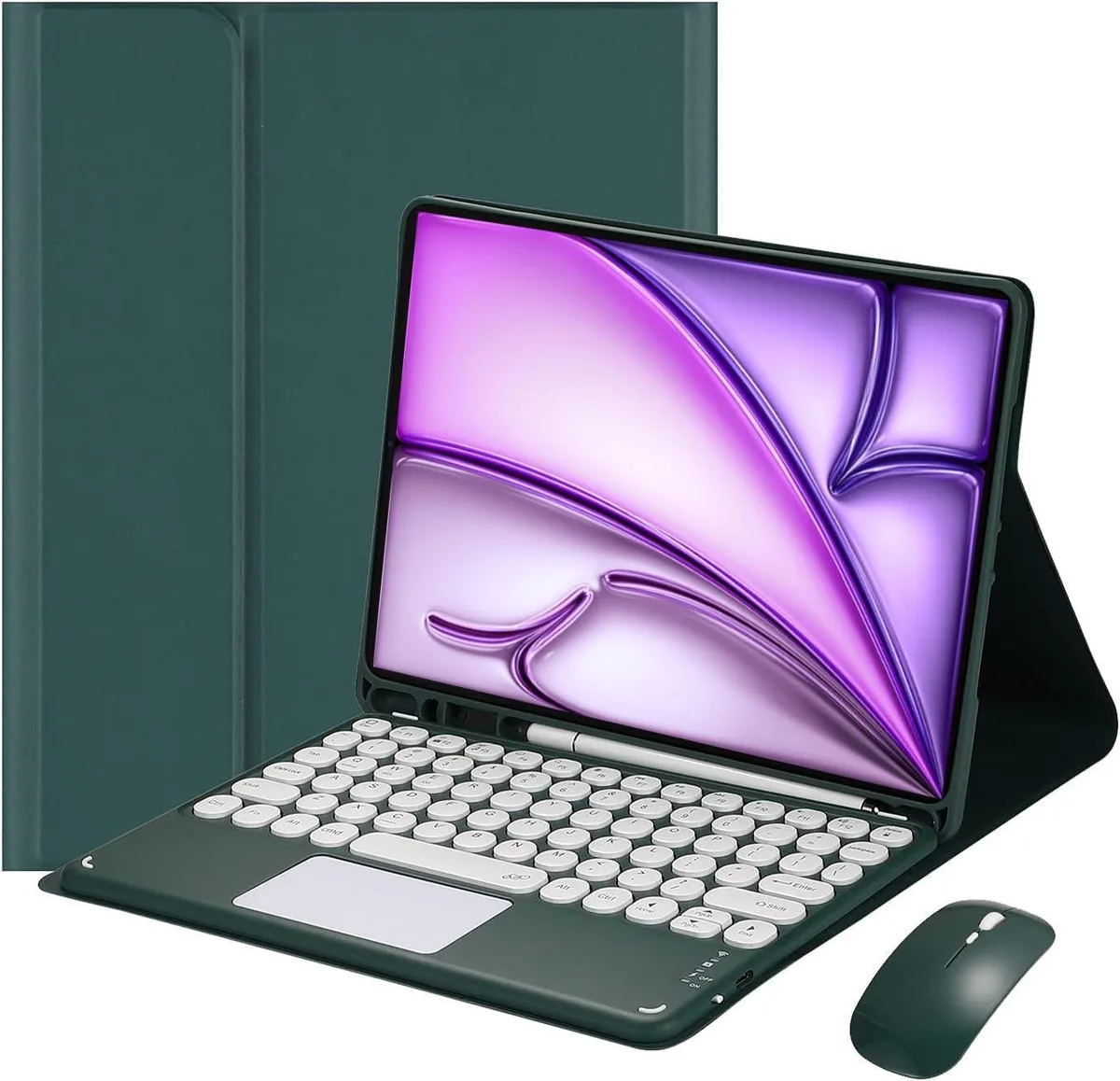
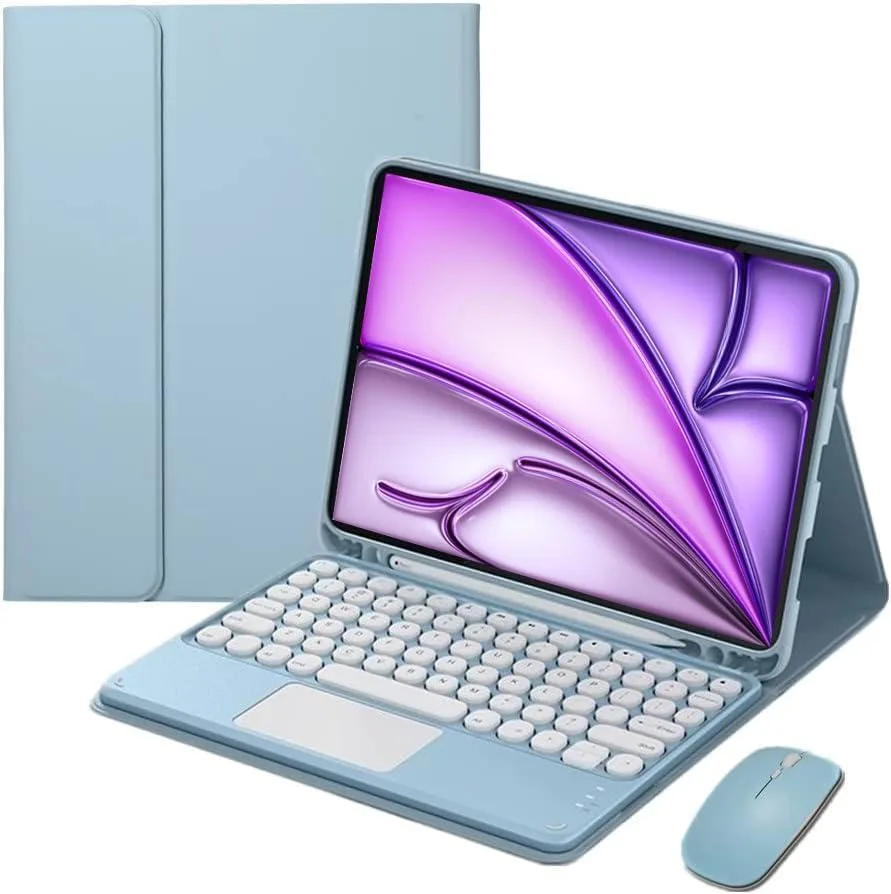
Timoom Magnetic Detachable Touch Keyboard Case with Mouse for iPad Air 13" & iPad Pro 12.9", Blue
- Keyboard
- Blue
$44.99
0.00053223BTC
In stockWe take cryptocurrency — so the coins you hold can buy real hardware.Pay in crypto, spend it on real hardware. Free insured shipping worldwide over $399. Plain, unbranded boxes, sent from Germany.Free insured shipping over $399. Your rate is locked for 30 minutes once checkout opens.Rate locked 30 minutes. Every item sealed, serial-checked and covered by a 24-month warranty.Sealed, 24-month warranty.


Timoom
Magnetic detachable keyboard case with backlit keys, trackpad, wireless mouse and Apple Pencil slot fits iPad Air 13" and Pro 12.9" models
This Timoom keyboard case transforms compatible iPad Air and iPad Pro models into a laptop-style workstation. It includes a detachable backlit keyboard with integrated touchpad, a protective tablet case, a wireless mouse and a USB cable. The bundle targets users who want a portable typing and navigation setup for supported tablets.
The keyboard runs up to 23 hours on a full charge and offers 80 working hours or 30-day standby between charges. Bluetooth connectivity keeps the desk free of cables while the RGB backlighting aids visibility in low light. The included dual-mode mouse connects via Bluetooth or 2.4 GHz wireless for flexible use with the iPad or a laptop.
This case fits iPad Air 13-inch M2 2024 and M3 2025 plus iPad Pro 12.9-inch models from 2018 through 2022. It does not fit other iPad sizes or generations. Buyers needing a case for smaller iPads or non-listed models should look elsewhere. The upgrade makes sense when a laptop-like typing experience and mouse control are required on these specific tablets.
| Brand | Timoom |
|---|---|
| Accessory Type | Keyboard |
| Color | Black |
| Maximum support size | 13" |
| Features | Backlit, Multi Functional, Bluetooth, rgb |
| Package Contents | Bluetooth keyboard*1, Tablet Case*1, USB Cable, Wireless mouse*1 |
Other versions of this model
Same family, different memory, cooler or clock — compare before you commit.
Toggle the right-side power switch, then hold FN + C together until the Bluetooth light blinks; open iPad Settings > Bluetooth and select the keyboard, entering the PIN if prompted.
The keyboard runs about 80 working hours or 30-day standby on a full charge; recharge via the included USB cable when the battery runs low.
A full charge gives roughly 23 hours of continuous use with the backlight on, so plan to plug in after a full work day.
Also in this aisle
Same shelf, same checkout — eight coins and a 30-minute rate lock.
What you pay in, and what you read prices in.
Sent from your wallet at checkout
Display only — the catalogue is priced in USD
No currency matches that.
Pick the language the site speaks to you in.
No language matches that.
New here?
Already have one?
There is no automatic reset: this shop sends no mail, so there is no one-time link to ask for. Leave the address on the account and it gets picked up by hand.
Request noted
Nothing is on its way to your inbox — this shop sends no mail at all. Someone picks these up by hand.
Remembered it?