Timoom
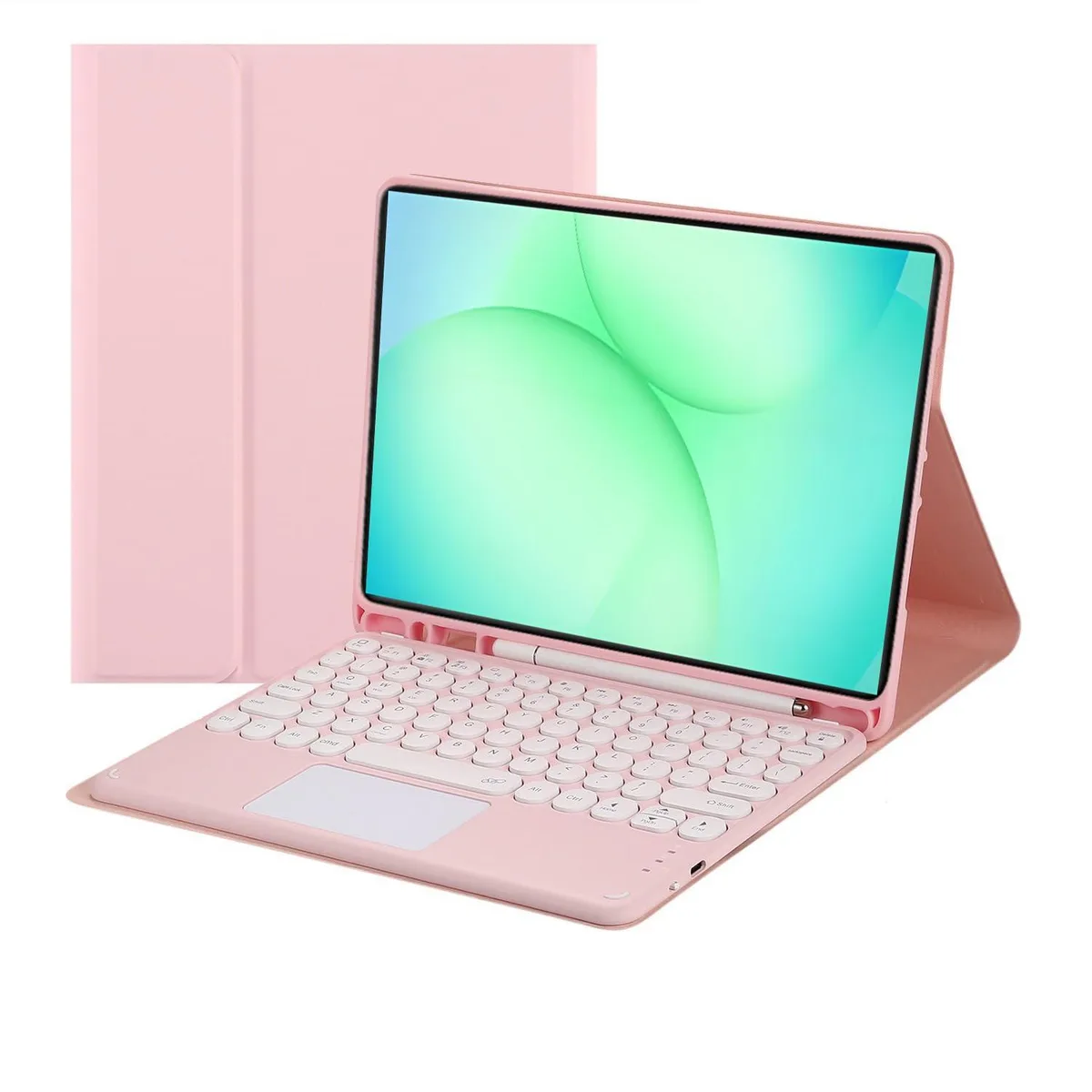
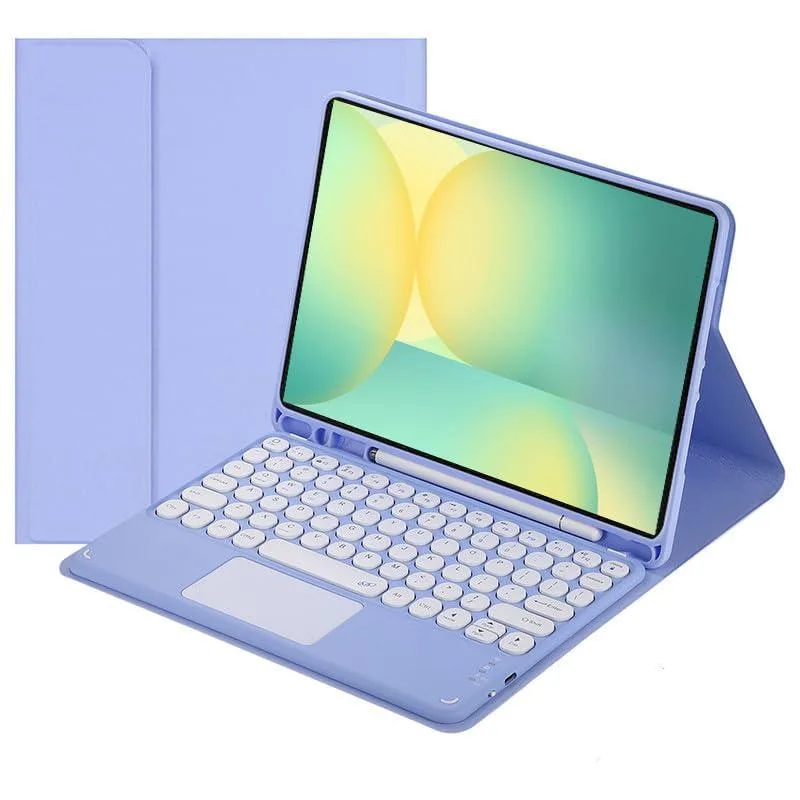
Timoom Bluetooth Keyboard Case for Galaxy Tab S10 FE/S9 FE 10.9/S9 11 Black
- Black
- 11"
$40.99
0.00048499BTC
In stockWe take cryptocurrency — so the coins you hold can buy real hardware.Pay in crypto, spend it on real hardware. Free insured shipping worldwide over $399. Plain, unbranded boxes, sent from Germany.Free insured shipping over $399. Your rate is locked for 30 minutes once checkout opens.Rate locked 30 minutes. Every item sealed, serial-checked and covered by a 24-month warranty.Sealed, 24-month warranty.


Timoom
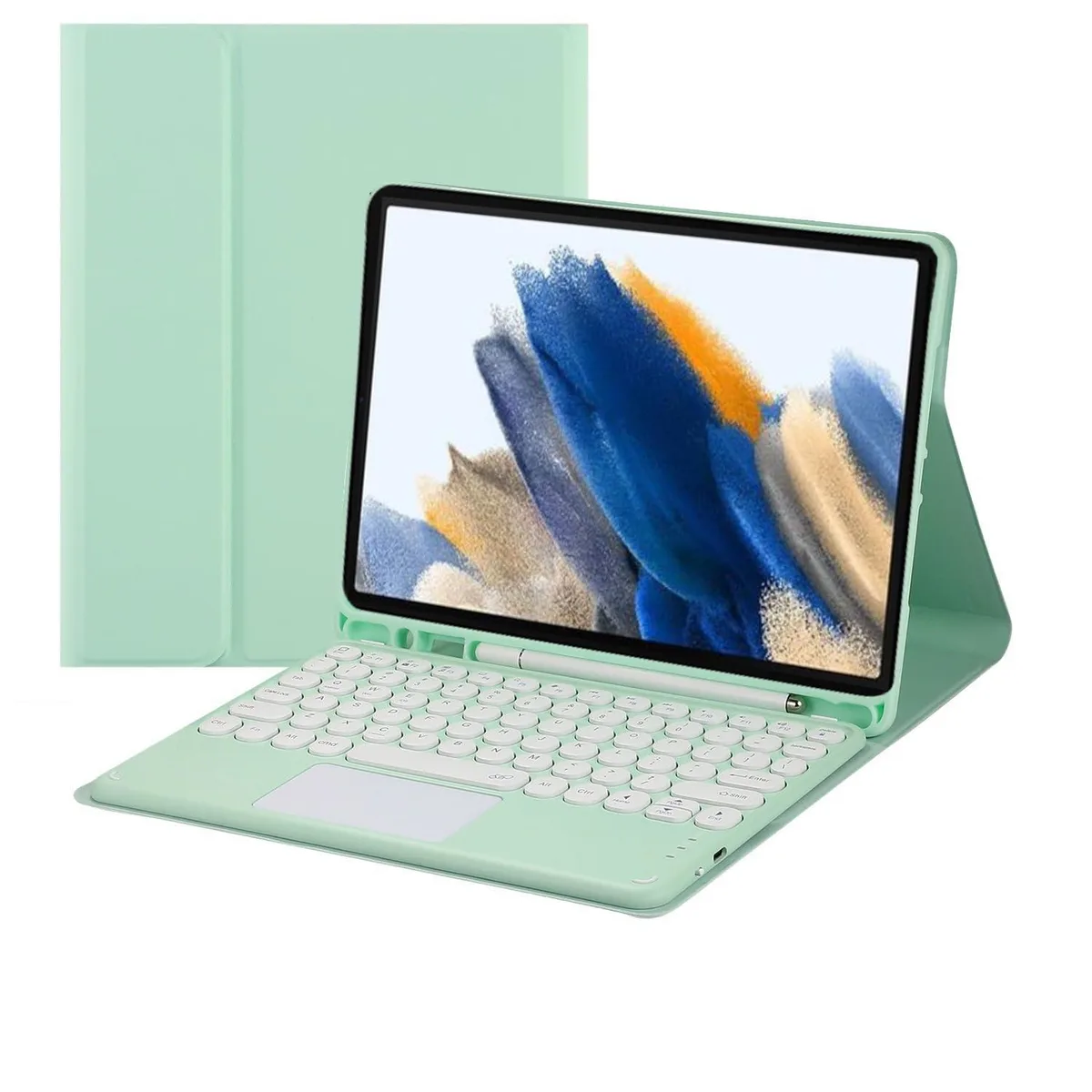
Detachable backlit keyboard with touchpad and pencil holder fits Samsung Tab A8 10.5" 2022, offers 23-hour charge and 80 working hours
The Timoom Bluetooth keyboard case fits only the Samsung Galaxy Tab A8 10.5 inch 2022 models SM-X200, SM-X205 and SM-X207. A built-in touchpad removes the need for a separate mouse, while the magnetic design lets the keyboard detach instantly. It targets users who want a laptop-like typing experience on this specific tablet without carrying extra peripherals.
The back shell uses soft acrylonitrile butadiene styrene for grip and drop protection, and the case supports several viewing angles for typing or media. A dedicated pencil slot keeps a stylus secure, though the stylus itself is not included. RGB backlighting across the 78 keys aids low-light work, and a USB cable is supplied for recharging the internal battery.
This case replaces the tablet's virtual keyboard and a separate stand, adding tactile keys and a trackpad in one enclosure. The jump is worthwhile for anyone writing long documents, emails or code on the Tab A8 who finds touchscreen input slow or inaccurate. It does not suit owners of other Samsung tablets or users who need a full-size key layout.
| Brand | Timoom |
|---|---|
| Color | Green |
| Maximum support size | 10.5" |
| Features | Backlit, Multi Functional, Bluetooth, rgb |
| Package Contents | Bluetooth keyboard*1, Tablet Case*1, USB Cable, User Manual |
Other versions of this model
Same family, different memory, cooler or clock — compare before you commit.
Charge fully, power on, press FN+C to enter pairing, select the keyboard in the tablet Bluetooth menu, then press FN+Q to switch to Android mode for normal use.
The tablet snaps into the non-slip TPU back shell; the cover folds back to prop the device at multiple viewing angles for typing or media.
Press FN+C together to start Bluetooth pairing; after connecting you must press FN+Q to activate Samsung Android mode, otherwise keys may not map correctly.
Also in this aisle
Same shelf, same checkout — eight coins and a 30-minute rate lock.
What you pay in, and what you read prices in.
Sent from your wallet at checkout
Display only — the catalogue is priced in USD
No currency matches that.
Pick the language the site speaks to you in.
No language matches that.
New here?
Already have one?
There is no automatic reset: this shop sends no mail, so there is no one-time link to ask for. Leave the address on the account and it gets picked up by hand.
Request noted
Nothing is on its way to your inbox — this shop sends no mail at all. Someone picks these up by hand.
Remembered it?