


TAURKENAM
TAURKENAM NT604 OBD2 Scanner ABS SRS Transmission Code Reader Car Electronics Accessory
A 2024 enhanced 4-system code reader covering 10000+ vehicles with live data and battery test
- Typetype
- Reads and clears codes on four key systems
- Full OBDII diagnostics with live data stream
- Covers 10000+ models across 60 car makes
- Lifetime free updates keep coverage current
- Built-in DTC lookup explains codes instantly
What this tool does
The TAURKENAM NT604 is a 2024 model OBDII code reader that diagnoses four major systems: engine, ABS, SRS and transmission. It reads and clears fault codes, shows live data streams, retrieves vehicle information and includes battery testing plus I/M readiness checks.
Who it suits and who it does not
DIY owners and independent workshops needing broad multi-system coverage across many brands will find it practical. Buyers who need manufacturer-specific bi-directional controls, advanced module programming or support for vehicles outside standard OBDII protocols should look at higher-tier diagnostic platforms.
The specification that decides fit
Coverage spans 60+ makes and over 10000 models with AUTOVIN identification, so the decisive factor is whether your vehicle falls within that supported list. Verify the specific make, model and year against the manufacturer's coverage data before purchase.
Highlights
- Reads and clears codes on four key systems
- Full OBDII diagnostics with live data stream
- Covers 10000+ models across 60 car makes
- Lifetime free updates keep coverage current
- Built-in DTC lookup explains codes instantly
Specifications
| Type | type |
|---|
Questions about this item
What OBDII protocols does the NT604 support, and what does that cap in practice?
The NT604 performs full OBDII diagnostics on all cars with OBDII protocols, covering 10000+ models from 60+ makes, and it caps at the four built-in systems: engine, ABS, SRS and transmission.
What physical connection does the NT604 need to fit the vehicle?
It plugs into the standard 16-pin OBDII port under the dashboard; no extra cables or adapters are required for the supported vehicles.
How is the NT604 installed, and what step do people often get wrong?
Turn the ignition on, connect the scanner to the OBDII port, select the vehicle make, then run the scan; the step often missed is that fault codes can only be erased after the underlying problem has been fixed.
Also in this aisle
People compared these
Same shelf, same checkout — eight coins and a 30-minute rate lock.


Audiovox
Audiovox AVX10USB 10.1 Mobile Video with Headphones
- Headrest Monitor wi…
$465.99
0.00545611BTC
In stock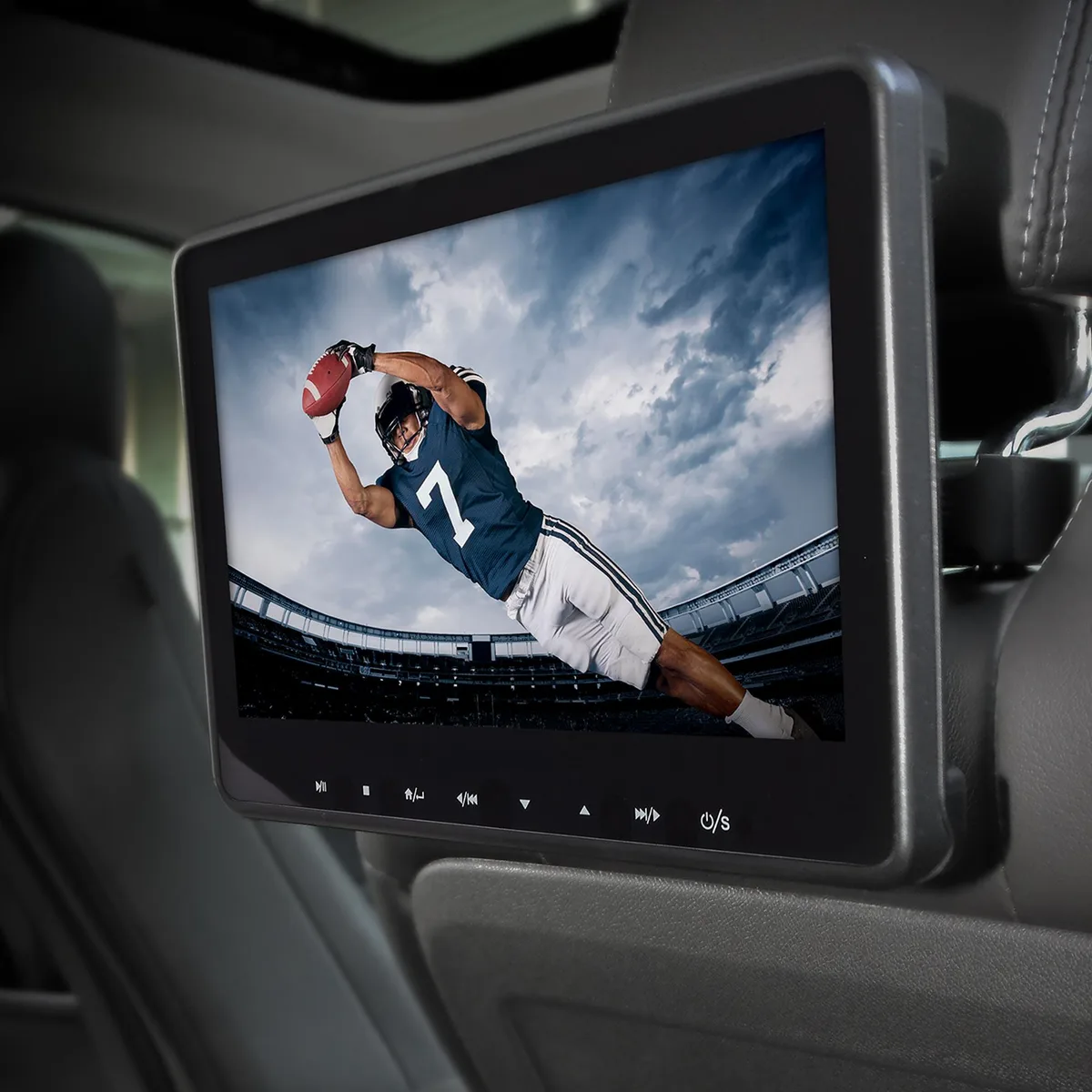
Audiovox
Audiovox AVX10USB 10.1" Headrest Monitor with DVD
- Headrest Monitor wi…
$226.99
0.00265774BTC
In stock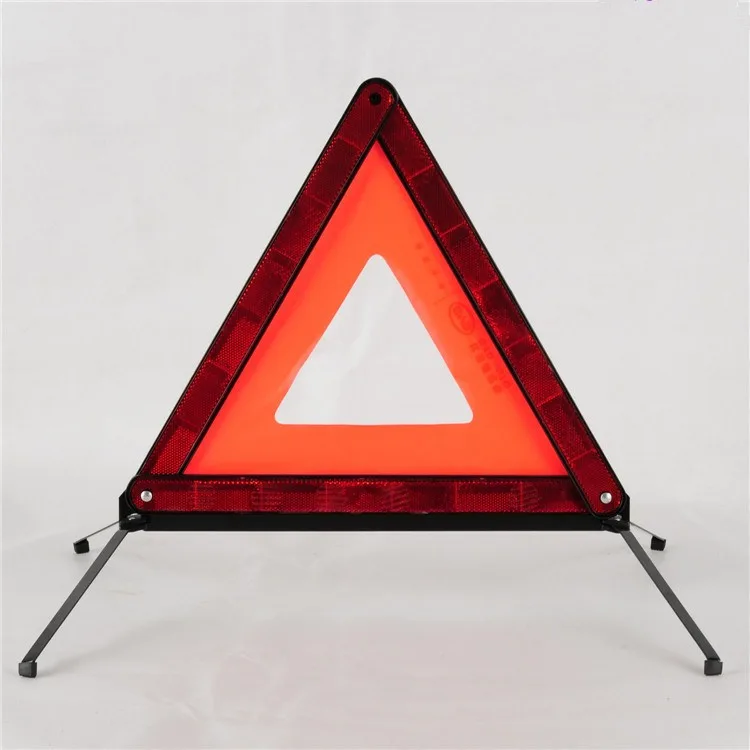
Adeco Auto
Adeco Auto Foldable Car Triangle Warning Board 43 cm
- Other Accessories
$9.99
0.00011697BTC
In stock