Targus
Targus USB-C Universal Docking Station Quad 4K 100W
Universal dock drives four 4K displays at 60 Hz via DisplayPort or 50 Hz via HDMI and supplies 100 W power delivery
- Drive four 4K displays at 60 Hz via DisplayPort
- Connect four 4K screens at 50 Hz through HDMI ports
- Thunderbolt 3 compatible for flexible laptop connectivity
- 100 W USB-C power keeps your laptop charged while working
- Gigabit Ethernet plus four USB 3.0 ports expand wired connectivity
Quad 4K multi-display docking station
The Targus USB-C Universal Docking Station Quad 4K 100W connects up to four external monitors at 3840 x 2160 resolution. It is designed for professionals who need a single-cable workstation with extensive peripheral connectivity. Thunderbolt 3 compatible laptops can drive the full display array through one port. The included USB-C to USB-A cable extends compatibility to legacy laptops.
Passive cooling with 100W power delivery
The unit operates without active fans, so it adds no audible noise to a desk environment. It supplies up to 100W non-PD power through its USB-C 3.0 port to charge the host laptop while driving four displays. A Gigabit Ethernet port and four USB 3.0 ports, one with fast charging, handle data and accessories without extra power adapters. The 3.5mm combo audio jack supports headset auto-detection.
Sustained quadruple 4K output under load
During continuous operation the dock maintains 60Hz refresh on DisplayPort or 50Hz on HDMI across all four outputs without thermal throttling. The 100W charging capacity remains stable while all USB 3.0 ports and Ethernet are active. Builders who need five or more simultaneous displays or laptops limited to dual external outputs cannot use the full quad-head capability.
Highlights
- Drive four 4K displays at 60 Hz via DisplayPort
- Connect four 4K screens at 50 Hz through HDMI ports
- Thunderbolt 3 compatible for flexible laptop connectivity
- 100 W USB-C power keeps your laptop charged while working
- Gigabit Ethernet plus four USB 3.0 ports expand wired connectivity
Specifications
No published specifications for this item yet.
Questions about this item
How do I install the Targus USB-C Universal Docking Station with my laptop and four monitors?
Connect the dock to your laptop using the included USB-C cable, then plug up to four displays into the DisplayPort or HDMI ports; the step often missed is ensuring the laptop host port supports video output over USB-C so the quad 3840 x 2160 signal can pass through.
What maintenance or replacement will this docking station need over time?
The unit has no user-serviceable parts; keep the vents clear of dust and check the USB-C and DisplayPort cables periodically for wear, replacing any damaged cable to maintain reliable 100 W power delivery and 60 Hz video.
What limit appears first when running four 4K displays continuously?
The HDMI ports are capped at 50 Hz while DisplayPort runs at 60 Hz, so sustained quad-display work will hit the HDMI refresh ceiling before thermal or bandwidth limits become an issue.
Also in this aisle
People compared these
Same shelf, same checkout — eight coins and a 30-minute rate lock.
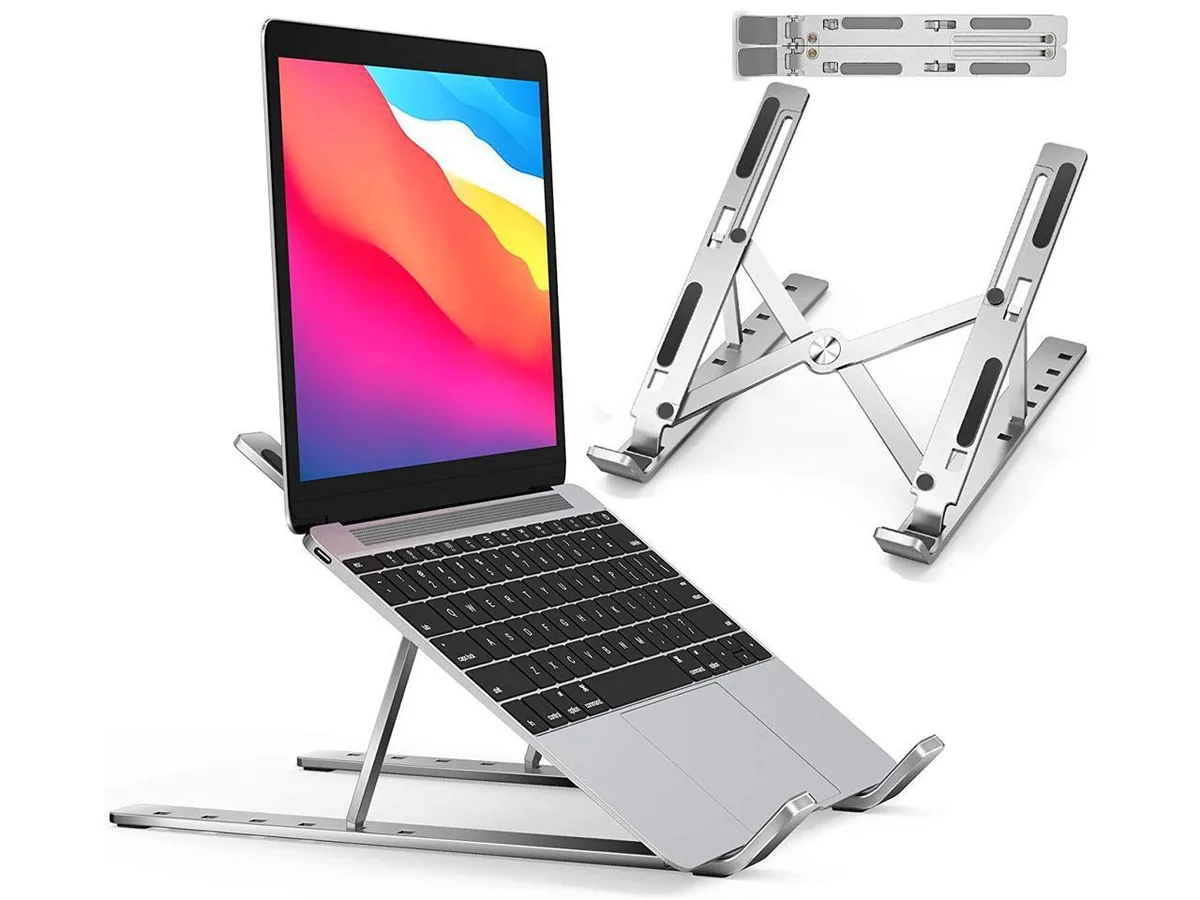


IXJYLCPC
IXJYLCPC C08LS Adjustable Ergonomic Riser Stand Black 10-15.6
- Stand
$31.99
0.00036735BTC
In stock