


Tap Packaging Solutions
Tap Packaging Solutions DPS CD/DVD Easel 5x7" Black
Holds 5×7″ prints and a CD/DVD in a black easel with a retractable rear sleeve for client presentations
- Securely stores 5x7" prints and a CD/DVD together
- Sleek black cover elevates professional client presentations
- Integrated easel simplifies image review and selection workflow
- Retractable rear sleeve keeps digital media accessible yet hidden
- Durable construction protects proofs during transport and handling
Product Purpose
The Tap Packaging Solutions DPS CD/DVD Easel is an all-in-one presentation tool designed for professional photographers and graphic designers. It securely holds 5x7 inch printed images alongside a corresponding CD or DVD in a single, bound album format.
Build and Connectors
The easel features a sleek black cover crafted from durable, high-quality materials for a professional appearance. A patent-pending retractable CD/DVD storage sleeve is integrated into the back panel, keeping digital media accessible while maintaining a clean, uncluttered look during client reviews.
Compatibility Check
Verify that your printed proofs are exactly 5x7 inches to fit the display sleeves correctly. Ensure the digital media you intend to store uses the standard CD or DVD form factor, as the retractable sleeve is sized specifically for those optical disc dimensions.
Highlights
- Securely stores 5x7" prints and a CD/DVD together
- Sleek black cover elevates professional client presentations
- Integrated easel simplifies image review and selection workflow
- Retractable rear sleeve keeps digital media accessible yet hidden
- Durable construction protects proofs during transport and handling
Specifications
No published specifications for this item yet.
Questions about this item
What size prints and media does the DPS CD/DVD Easel hold?
The easel is designed for 5x7" prints and includes a retractable sleeve on the back panel that stores a single CD or DVD alongside the displayed images.
What are the physical dimensions and mounting requirements for this easel?
The unit is a self-standing bound album with a black cover; it sits on any flat surface such as a desk or table and requires no wall mounting or additional hardware.
How do I insert the disc and prints, and what step is often missed?
Place the 5x7" prints in the display area, then pull out the retractable sleeve from the back panel, insert the CD or DVD, and push the sleeve fully back in so the disc is secured and the easel lies flat.
Also in this aisle
People compared these
Same shelf, same checkout — eight coins and a 30-minute rate lock.


TRITON PRODUCTS LLC
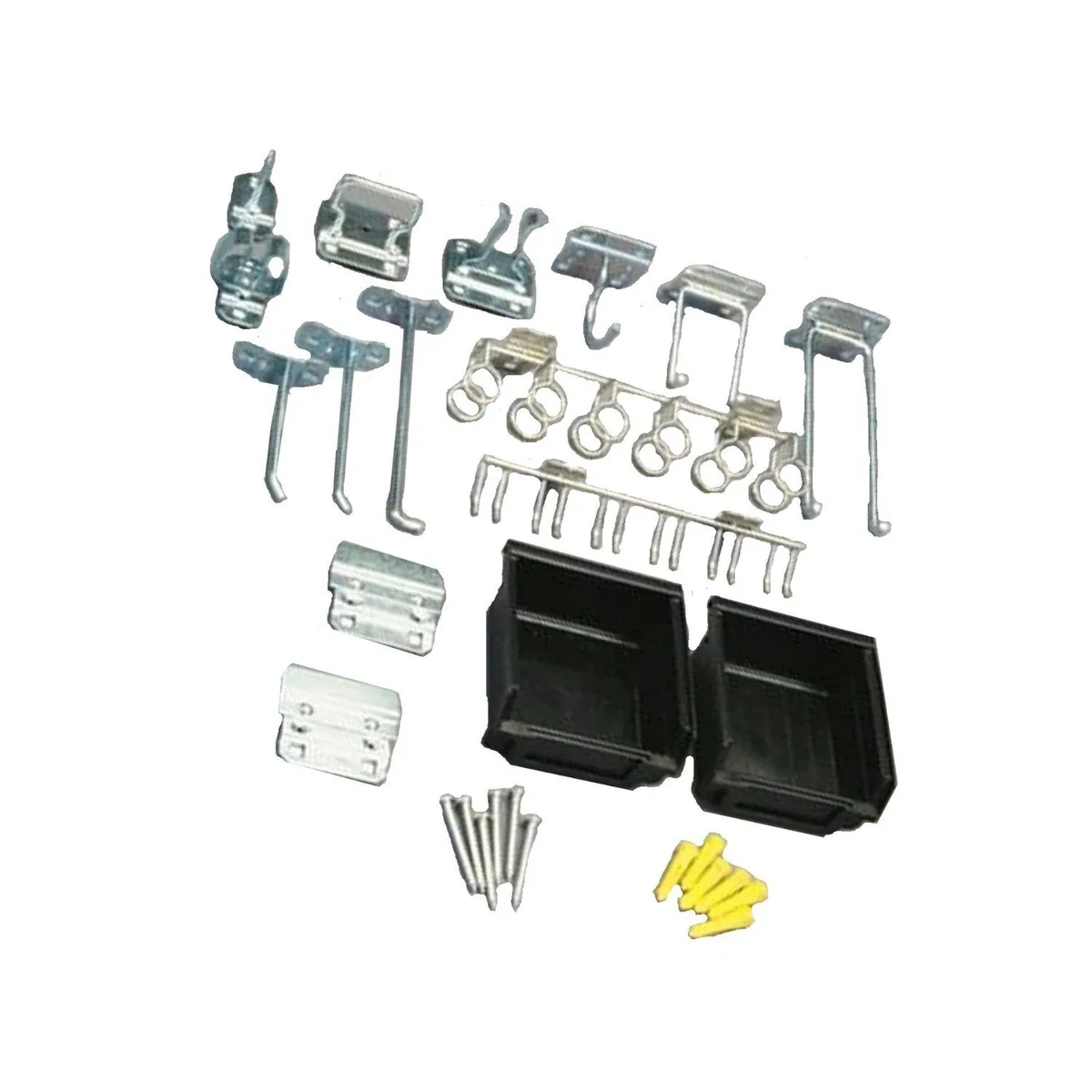
TRITON PRODUCTS LLC LH3-KIT 30-piece zinc plated steel hook and bin assortment for LocBoard
- Set
$49.99
0.00058632BTC
In stock
