
SteelSeries
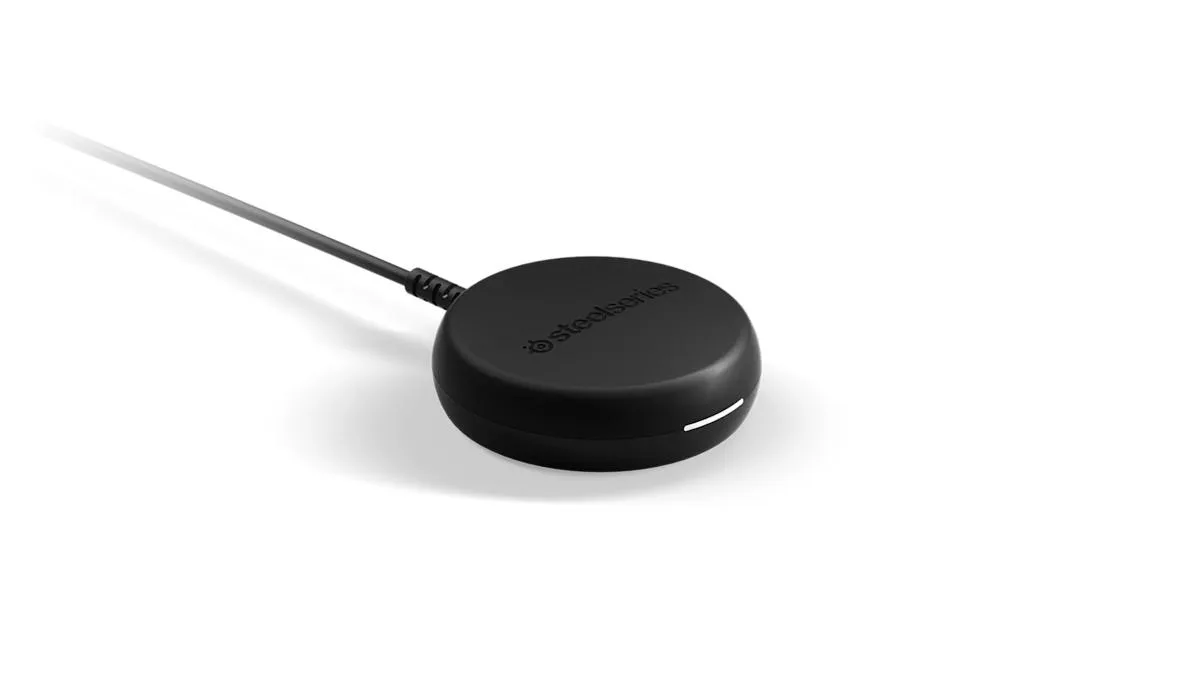
SteelSeries Arctis 9 USB-A Dongle ZHK-HS-00018TX
Genuine replacement USB-A wireless dongle for the SteelSeries Arctis 9 headset
- ColorBlack
- Package ContentsDongle only. No additional cables or accessories.
- Genuine OEM replacement dongle restores wireless audio
- Designed exclusively for Arctis 9 headset compatibility
- Simple USB-A connection enables quick setup
- Black finish matches original headset aesthetic
- Dongle-only package focuses on essential replacement
Genuine OEM Replacement Dongle
This SteelSeries USB-A dongle carries part number ZHK-HS-00018TX and is the original transmitter for the Arctis 9 wireless headset. It arrives as a single black dongle with no extra cables or accessories. Buyers receive a direct factory replacement that pairs only with the Arctis 9 model.
Arctis 9 Owners Needing a Spare
The part suits anyone who has lost or broken the original receiver for their Arctis 9 headset. It will not work with any other Arctis headset, so owners of different models should not purchase this dongle. Compatibility is limited to the single headset series named in the specification.
Part Number ZHK-HS-00018TX Identifies the Correct
Matching this exact part number to the headset documentation is the only way to confirm fit. No other Arctis dongle shares this code, so verifying the number prevents ordering an incompatible receiver. The dongle restores the wireless link for the designated headset alone.
Highlights
- Genuine OEM replacement dongle restores wireless audio
- Designed exclusively for Arctis 9 headset compatibility
- Simple USB-A connection enables quick setup
- Black finish matches original headset aesthetic
- Dongle-only package focuses on essential replacement
Specifications
| Brand | SteelSeries |
|---|---|
| Series | Arctis |
| Model | SteelSeries Arctis 9 |
| Part Number | ZHK-HS-00018TX |
| Color | Black |
| Package Contents | Dongle only. No additional cables or accessories. |
Questions about this item
How do I install the SteelSeries Arctis 9 USB-A dongle ZHK-HS-00018TX, and what step do people miss?
Plug the dongle into a USB-A port on the PC or console; the step many miss is putting the Arctis 9 headset into pairing mode so the two devices link.
What maintenance or replacement will the USB-A dongle ZHK-HS-00018TX need later?
No routine maintenance is required; if the dongle is lost or damaged you simply buy another genuine replacement unit.
What limit appears first on the USB-A dongle ZHK-HS-00018TX during sustained use?
The practical limit is the wireless range and interference environment; the dongle itself has no duty-cycle or thermal throttle specified.
Also in this aisle
People compared these
Same shelf, same checkout — eight coins and a 30-minute rate lock.


BFKK
BFKK Hecate G1000 Black speaker 10W Bluetooth 5.3 12 RGB 2.5in 3.5mm
- Black
$87.99
0.00104556BTC
In stock