


SPECIAL PIE
SPECIAL PIE Infrared Pen (2PCS)
Two infrared pens act as a cursor and drawing tool for interactive whiteboard systems
- TypeCarrying Cases
- Works as a cursor or drawing tool for presentations
- Compatible with Windows XP, 7, 8, 8.1, 10 and 11
- Includes two pens for collaborative use
- Verify pen function with AMcap video capture software
- Requires sensor, computer and projector to operate
Interactive Pen for Digital Whiteboards
This infrared pen works with an interactive whiteboard system to control a computer cursor or to write and draw on the projected surface. It is intended for classrooms, video conferencing rooms and other group settings where collaborative annotation is needed. The package contains two pens so a spare is available or two users can work simultaneously.
Operating Requirements and Checks
The system requires a Windows PC running XP, 7, 8, 8.1, 10 or 11; iOS devices are not supported. A sensor, computer and projector must be connected before the supplied E-Note software is installed. Pen function can be verified with AMcap software by checking for a bright spot on the projection surface when the tip is pressed.
Windows-Only Compatibility
Buyers who need macOS, iOS, Linux or Android support cannot use this pen because the driver software runs only on the listed Windows versions. Organisations that standardise on non-Windows platforms should look for an alternative interactive solution.
Highlights
- Works as a cursor or drawing tool for presentations
- Compatible with Windows XP, 7, 8, 8.1, 10 and 11
- Includes two pens for collaborative use
- Verify pen function with AMcap video capture software
- Requires sensor, computer and projector to operate
Specifications
| Type | Carrying Cases |
|---|
Questions about this item
How do I install the SPECIAL PIE infrared pen with the sensor and projector on Windows 10?
Connect the sensor to the computer, link the projector, insert the software CD or download E-Note from the supplier site, disable 360 antivirus during setup, then calibrate the pen on the projected surface.
What ongoing maintenance does the infrared pen require?
No scheduled maintenance is described; verify function by clicking the projection surface while recording with Amcap — if no bright spot appears the pen is faulty and the supplier will replace it.
What is the first limitation encountered during extended whiteboard sessions?
The system only supports Windows XP, 7, 8, 8.1, 10 and 11; iOS is not supported, so sessions cannot continue on Apple mobile devices.
Also in this aisle
People compared these
Same shelf, same checkout — eight coins and a 30-minute rate lock.



Volvik
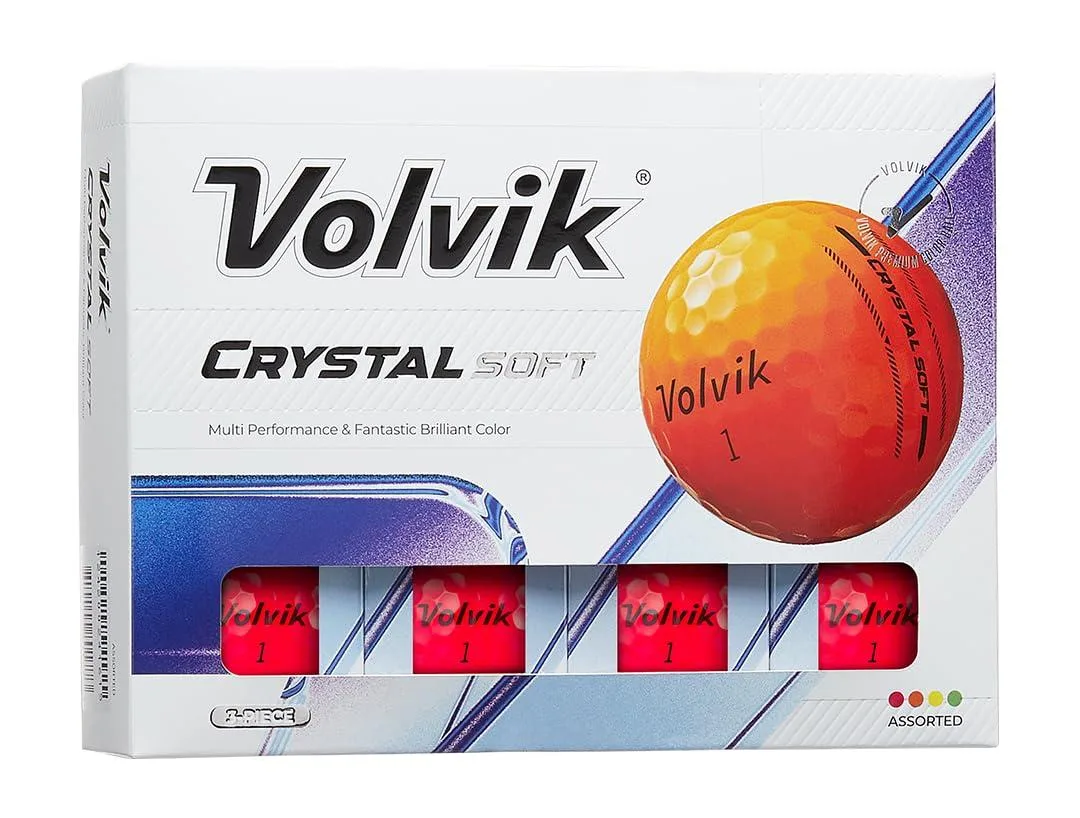
Volvik Crystal Soft Red Golf Balls 1 Dozen 3 Piece 70 Compression 322 Dimple
- Red
- 1 Dozen
$35.99
0.00041799BTC
In stock