


SMUGDESK
SMUGDESK USB4 Cable Thunderbolt 4 Certified 5 ft 240W 40Gbps 8K@60Hz
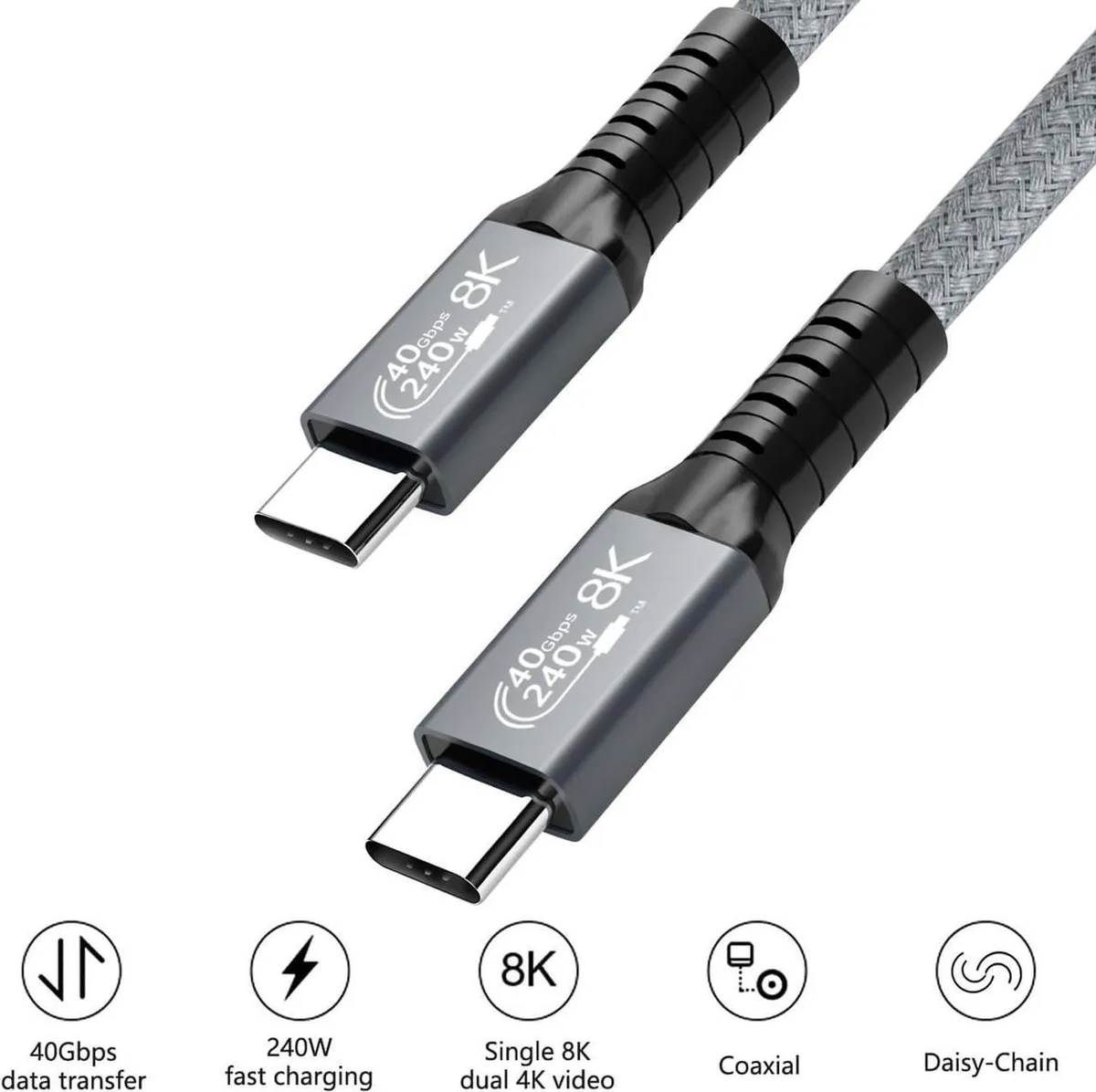
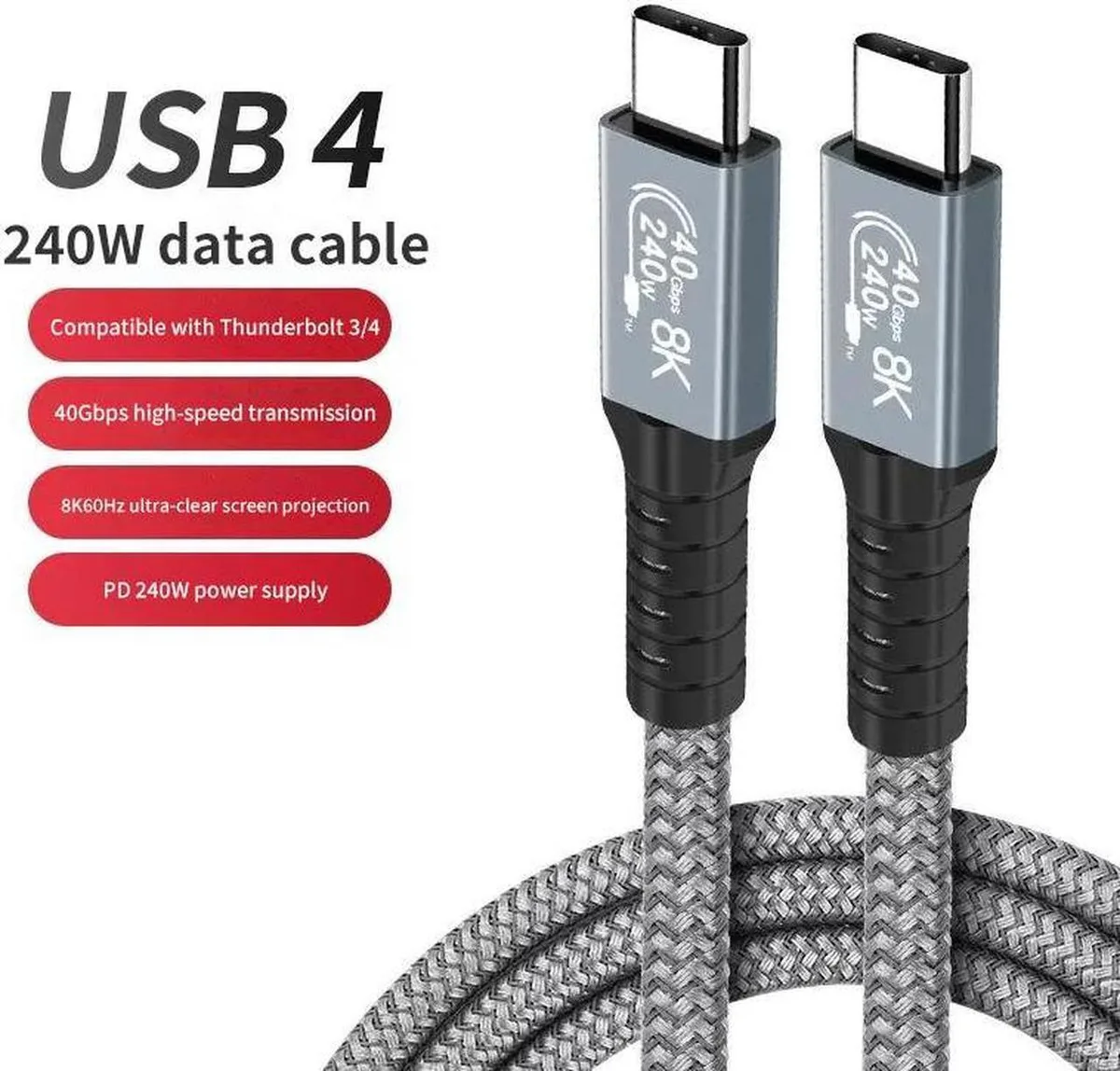
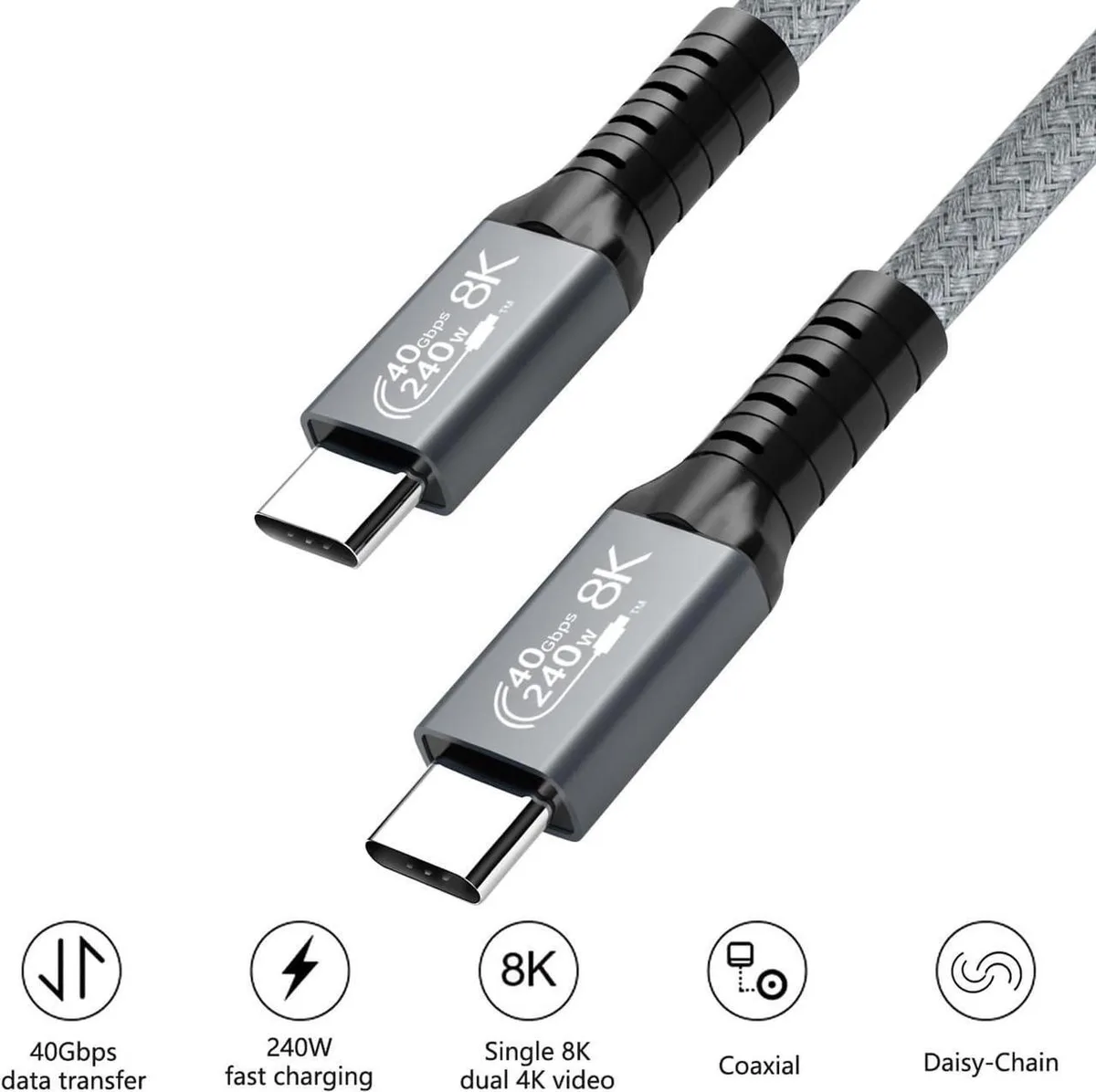
Thunderbolt 4 certified cable delivers 40 Gbps data transfer, 240 W charging and 8K at 60 Hz video over five feet
- Thunderbolt 4 certified for trusted compatibility
- Up to 240W power delivery charges laptops fast
- 40Gbps bandwidth moves 14 hours of HD video in one minute
- 8K@60Hz or dual 4K@60Hz video from one cable
- 5 ft length gives flexible desk placement
What this cable does
The SMUGDESK USB4 cable is a Thunderbolt 4 certified USB-C to USB-C link rated for 40Gbps data, 8K video at 60Hz and up to 240W power delivery. It suits professionals moving large media libraries, creators driving high-resolution displays and anyone charging laptops or peripherals through a single cable.
Replaces slower USB-C leads
It upgrades from cables limited to 20Gbps Gen2 bandwidth or lower power profiles, letting you reach full Gen3 40Gbps throughput and 48V 5A charging when both host and device support it. The jump matters when you need dual 4K@60Hz output, eGPU bandwidth or the fastest possible charge for power-hungry laptops.
Build fit: one cable for dock, display and power
Plug it into a Thunderbolt 4, Thunderbolt 3, USB4 or USB-C port to carry data, video and up to 240W charging simultaneously. It frees you from carrying separate display and power cables, though actual speeds and wattage still depend on the capabilities of the connected ports and charger.
Highlights
- Thunderbolt 4 certified for trusted compatibility
- Up to 240W power delivery charges laptops fast
- 40Gbps bandwidth moves 14 hours of HD video in one minute
- 8K@60Hz or dual 4K@60Hz video from one cable
- 5 ft length gives flexible desk placement
Specifications
No published specifications for this item yet.
Other versions of this model
5 more in the same range
Same family, different memory, cooler or clock — compare before you commit.


Questions about this item
Does the 5 ft cable reach a monitor on a standard desk without strain?
The 5 ft length spans a typical desk-to-monitor distance so the USB-C connectors sit flat without pulling on the ports.
Which way round do the USB-C plugs go for 240W charging?
Either end works — both connectors are identical USB-C, so insert either side into the charger and the other into the laptop.
When should I replace the cable if the 40Gbps speed drops?
If large transfers fall to 20Gbps or video drops from 8K@60Hz to 4K, the internal wiring has likely degraded and the cable should be swapped.
Also in this aisle
People compared these
Same shelf, same checkout — eight coins and a 30-minute rate lock.



CHIEF MANUFACTURING
CHIEF MANUFACTURING CMS018 18" 457 mm Fixed Extension Column projector accessory
- Extension Column
- Projector
$22.99$22.99
0.00027237BTC
In stock