SMUGDESK
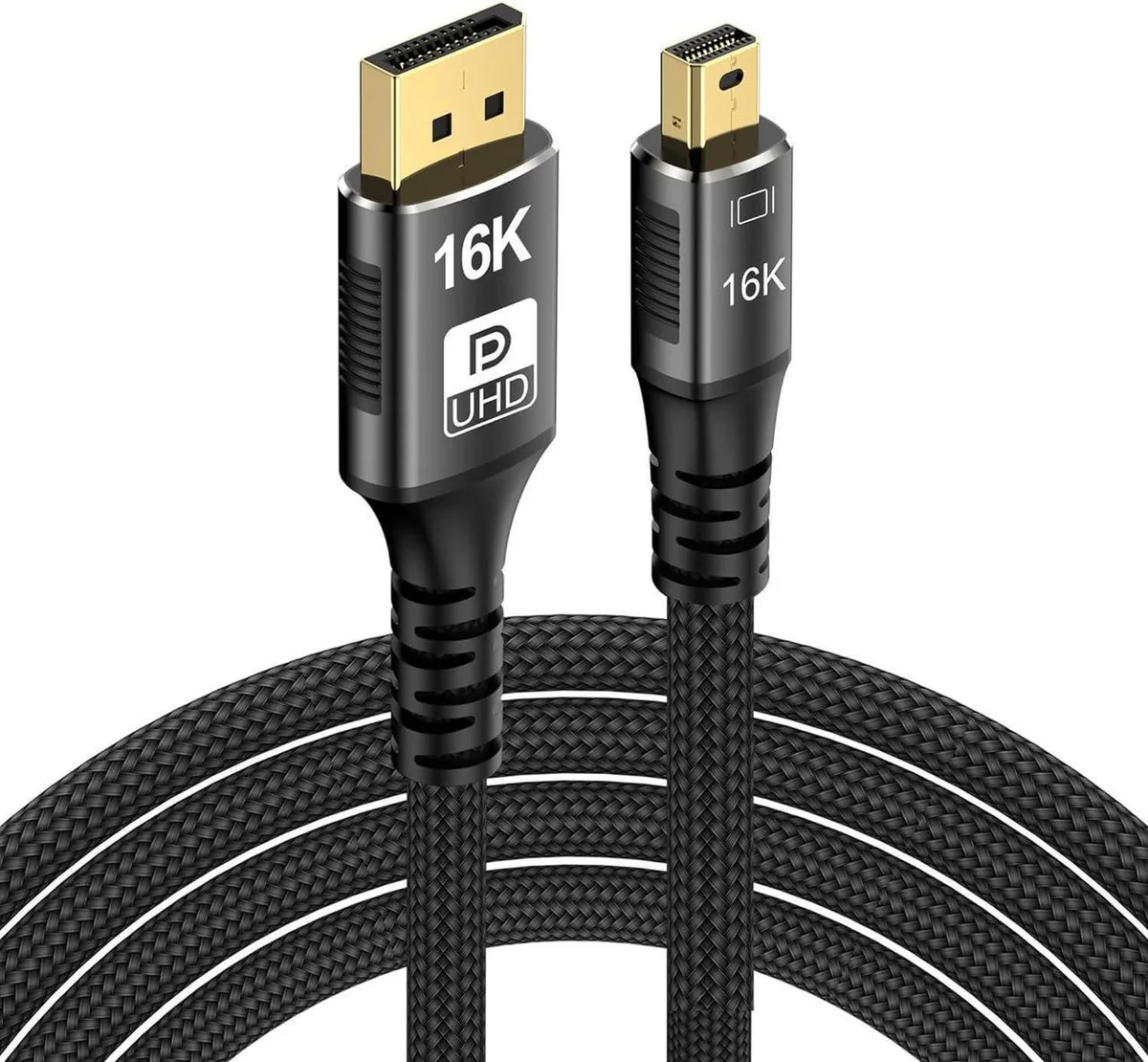
SMUGDESK DisplayPort 2.0 cable 6.6ft 80Gbps 16K@60Hz 8K@120Hz 4K@240Hz 165Hz 144Hz
$17.99
0.00020799BTC
In stockWe take cryptocurrency — so the coins you hold can buy real hardware.Pay in crypto, spend it on real hardware. Free insured shipping worldwide over $399. Plain, unbranded boxes, sent from Germany.Free insured shipping over $399. Your rate is locked for 30 minutes once checkout opens.Rate locked 30 minutes. Every item sealed, serial-checked and covered by a 24-month warranty.Sealed, 24-month warranty.


SMUGDESK
Two 3.3 ft USB-C cables support 20 Gbps data, 100 W charging and 4K 60 Hz video
This two-pack supplies two elbow-style USB-C to USB-C cables, each 3.3 ft long. They are built for users who charge and transfer data with laptops, tablets, SSDs or docking stations and prefer a right-angle connector that reduces strain on ports in tight spaces.
The cables move data at up to 20 Gbps, which is 2× faster than USB 3.0 and 3.1 Gen 1 and 20× faster than USB 2.0. The jump is worth it when you regularly shift large video projects or drive a 4K 60 Hz or 2K 144 Hz display from a single port.
The assembly handles 5 A at 20 V continuously, so power delivery stays at 100 W during long charge sessions. Data rates hold at the rated 20 Gbps under prolonged transfers, and the elbow moulding keeps the connection stable without cable tug that can degrade signal integrity over time.
No published specifications for this item yet.
Other versions of this model
Same family, different memory, cooler or clock — compare before you commit.
The angled USB-C plug sits flush against the port, so only the cable thickness projects rearward; allow roughly the cable diameter plus a few millimetres for the moulded strain relief.
Insert the connector straight into the USB-C port until the metal shell clicks; twisting while pushing can misalign the high-speed lanes and drop the link to a lower speed.
Replace the cable if the plug wobbles in the port, the jacket shows kinks near the elbow, or connected devices negotiate only 2.0 speeds or lower power profiles.
Also in this aisle
Same shelf, same checkout — eight coins and a 30-minute rate lock.
What you pay in, and what you read prices in.
Sent from your wallet at checkout
Display only — the catalogue is priced in USD
No currency matches that.
Pick the language the site speaks to you in.
No language matches that.
New here?
Already have one?
There is no automatic reset: this shop sends no mail, so there is no one-time link to ask for. Leave the address on the account and it gets picked up by hand.
Request noted
Nothing is on its way to your inbox — this shop sends no mail at all. Someone picks these up by hand.
Remembered it?