


SMUGDESK
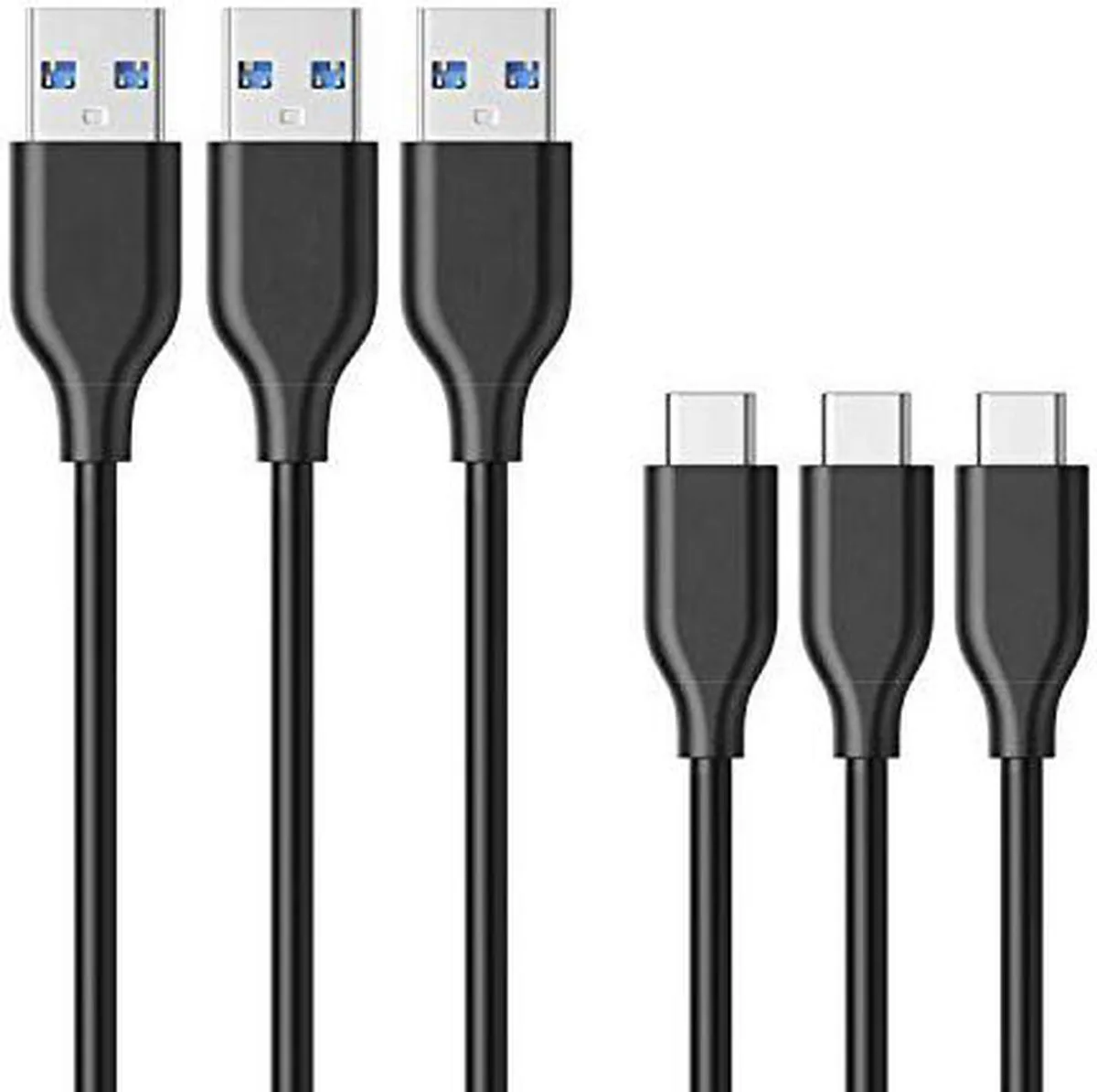
SMUGDESK USB C to USB 3.0 Cable 3-Pack 3ft 56k Ohm
Three-foot USB-C to USB 3.0 cables with 56k ohm pull-up resistors, sold in a pack of three
Cable Length 3 Feet
- 3 Feet
- 6 Feet
- Three cables included for multi-device convenience
- 56 kΩ pull-up resistor protects connected hardware
- USB 3.0 interface enables 5 Gbps data transfer
- Reversible USB-C plug inserts correctly every time
- Three-foot length suits desk and travel use
Three-pack USB-C to USB 3.0 cables
This three-pack supplies three 3 ft USB-C to USB 3.0 cables, each fitted with a 56 kOhm pull-up resistor for compliant charging. The reversible USB-C connector plugs in either way up. They are designed for data sync and backup charging with phones, tablets, laptops and consoles.
Suits users charging several USB-C devices
Households or offices with multiple USB-C phones, tablets or a Nintendo Switch gain convenient spare cables for travel bags, desks and bedside tables. Buyers who need longer runs, higher power delivery or faster data rates than 5 Gbps should look at something else.
56 kOhm pull-up resistor ensures safe legacy
The built-in 56 kOhm resistor makes each cable compliant for drawing power from standard USB-A chargers without risking damage to the source or the connected device. This single component determines whether the cable is safe for everyday backup charging.
Highlights
- Three cables included for multi-device convenience
- 56 kΩ pull-up resistor protects connected hardware
- USB 3.0 interface enables 5 Gbps data transfer
- Reversible USB-C plug inserts correctly every time
- Three-foot length suits desk and travel use
Specifications
No published specifications for this item yet.
Other versions of this model
5 more in the same range
Same family, different memory, cooler or clock — compare before you commit.


Questions about this item
What USB connector types are on each end of this 3 ft cable?
One end has a USB-C plug and the other a standard USB 3.0 Type-A plug, so it fits USB-C devices and legacy USB-A ports.
How do I use the cable for both charging and data, and what mistake should I avoid?
Plug the USB-C side into the device and the USB-A side into a charger or computer; do not force the reversible USB-C connector upside-down — it only seats one way.
When should I replace a cable from this 3-pack?
Replace a cable if the connectors become loose, the sheath frays, or data transfer drops below the rated 5 Gbps speed.
Also in this aisle
People compared these
Same shelf, same checkout — eight coins and a 30-minute rate lock.



CHIEF MANUFACTURING
CHIEF MANUFACTURING CMS018 18" 457 mm Fixed Extension Column projector accessory
- Extension Column
- Projector
$22.99$22.99
0.00027106BTC
In stock