


SMUGDESK
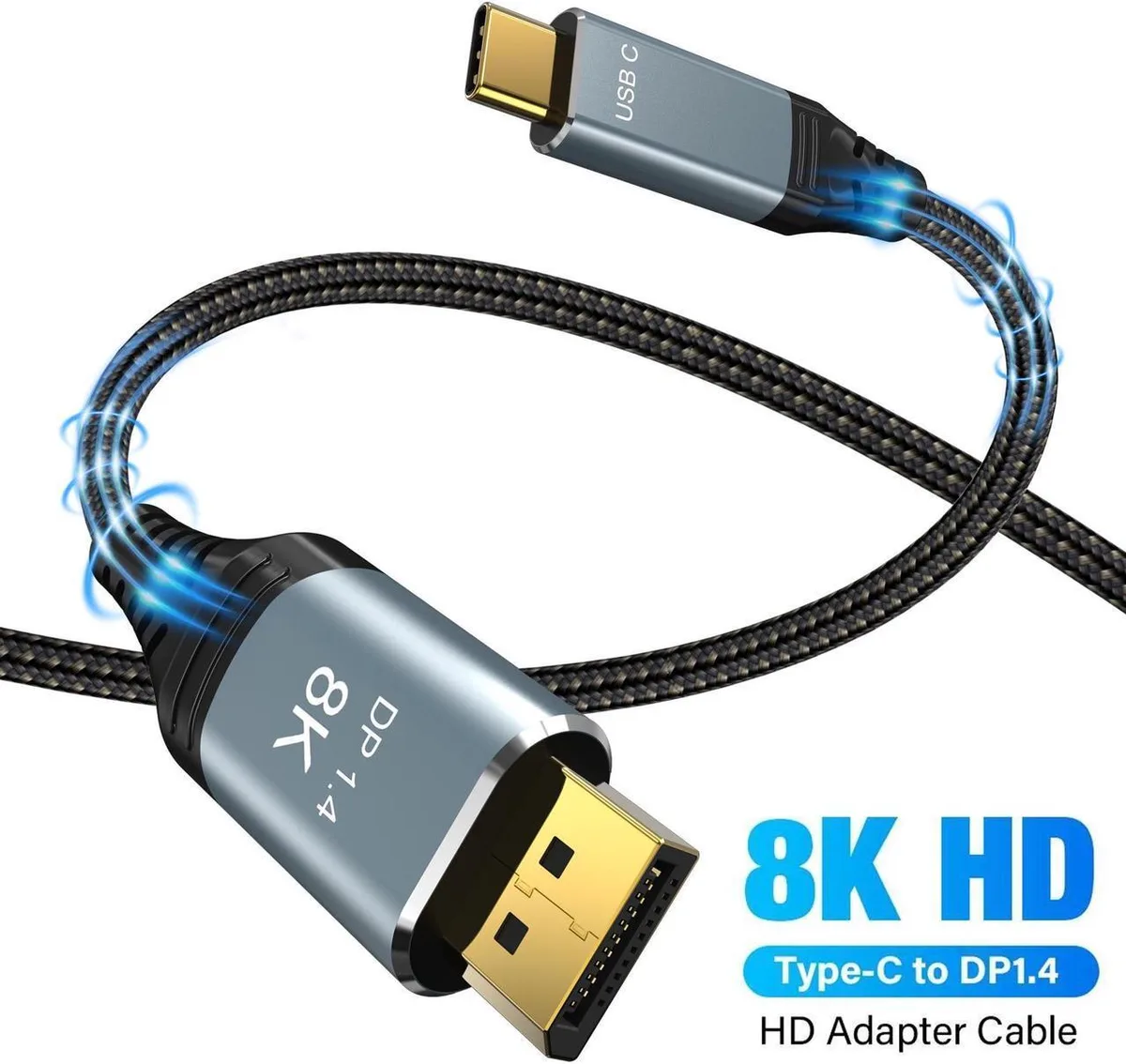
SMUGDESK USB C to DisplayPort 1.4 Cable 3.3FT 8K@60Hz 4K@240Hz
Unidirectional USB-C to DisplayPort 1.4 cable delivers 8K at 60 Hz and 4K at 240 Hz over 3.3 ft with 32.4 Gbps bandwidth
- 8K@60Hz resolution for ultra-sharp visuals
- 4K@240Hz refresh rate for smooth gaming motion
- 4Gbps bandwidth handles high-resolution video data
- Thunderbolt 4/3 compatibility connects modern laptops and tablets
- VESA certified DisplayPort 1.4 ensures standards compliance
USB-C to DisplayPort 1.4 Cable
This cable connects a USB-C or Thunderbolt 4/3 source to a DisplayPort monitor. It supports 8K at 60 Hz, 4K up to 240 Hz, and 2K up to 240 Hz. The 3.3 ft length suits desktop setups where the host and display sit close together.
Upgrade from older DisplayPort cables
Replaces DP 1.1, 1.2, or 1.3 links that limit resolution or refresh rate. The jump is worth it when your monitor and source both support DSC and HBR3 for 4K 144 Hz or higher. If either device lacks DP Alt Mode, the cable cannot deliver the rated modes.
Installation and common issues
Plug the USB-C end into the host and the DisplayPort end into the monitor; the CYPD smart chip handles negotiation automatically. The cable is unidirectional, so reversing the ends will not work. A frequent problem is attempting 4K 240 Hz on a host or display that does not support that resolution and refresh combination.
Highlights
- 8K@60Hz resolution for ultra-sharp visuals
- 4K@240Hz refresh rate for smooth gaming motion
- 4Gbps bandwidth handles high-resolution video data
- Thunderbolt 4/3 compatibility connects modern laptops and tablets
- VESA certified DisplayPort 1.4 ensures standards compliance
Specifications
No published specifications for this item yet.
Other versions of this model
5 more in the same range
Same family, different memory, cooler or clock — compare before you commit.


SMUGDESK
SMUGDESK DisplayPort 1.4 Cable 6.6ft 32.4Gbps 8K 60Hz 4K 144Hz 2K 240Hz HDR FreeSync G-Sync
$10.99
0.00013102BTC
In stock
Questions about this item
What USB-C port capability does the source device need to support for video output?
The source device must support DisplayPort Alternate Mode over its USB-C or Thunderbolt port for the cable to transmit video.
Which end of the cable plugs into the computer and which end plugs into the monitor?
The USB-C connector goes into the source device and the DisplayPort connector goes into the display; the cable is unidirectional and will not work in reverse.
What resolution and refresh rate combinations are supported by the cable?
The cable supports 8K at 60 Hz, 4K at 240 Hz, 165 Hz or 144 Hz, and 2K at 240 Hz or 165 Hz, provided both devices support the chosen mode.
New to this? Which coin should you pay with — what to check, what it costs to pay, and what is never asked for.
Also in this aisle
People compared these
Same shelf, same checkout — eight coins and a 30-minute rate lock.


Black Box Corporation
Black Box Corporation CAT6 EZ-RJ45 Modular Plugs 100-Pack
$95.99
0.00114437BTC
In stock
