


SMUGDESK
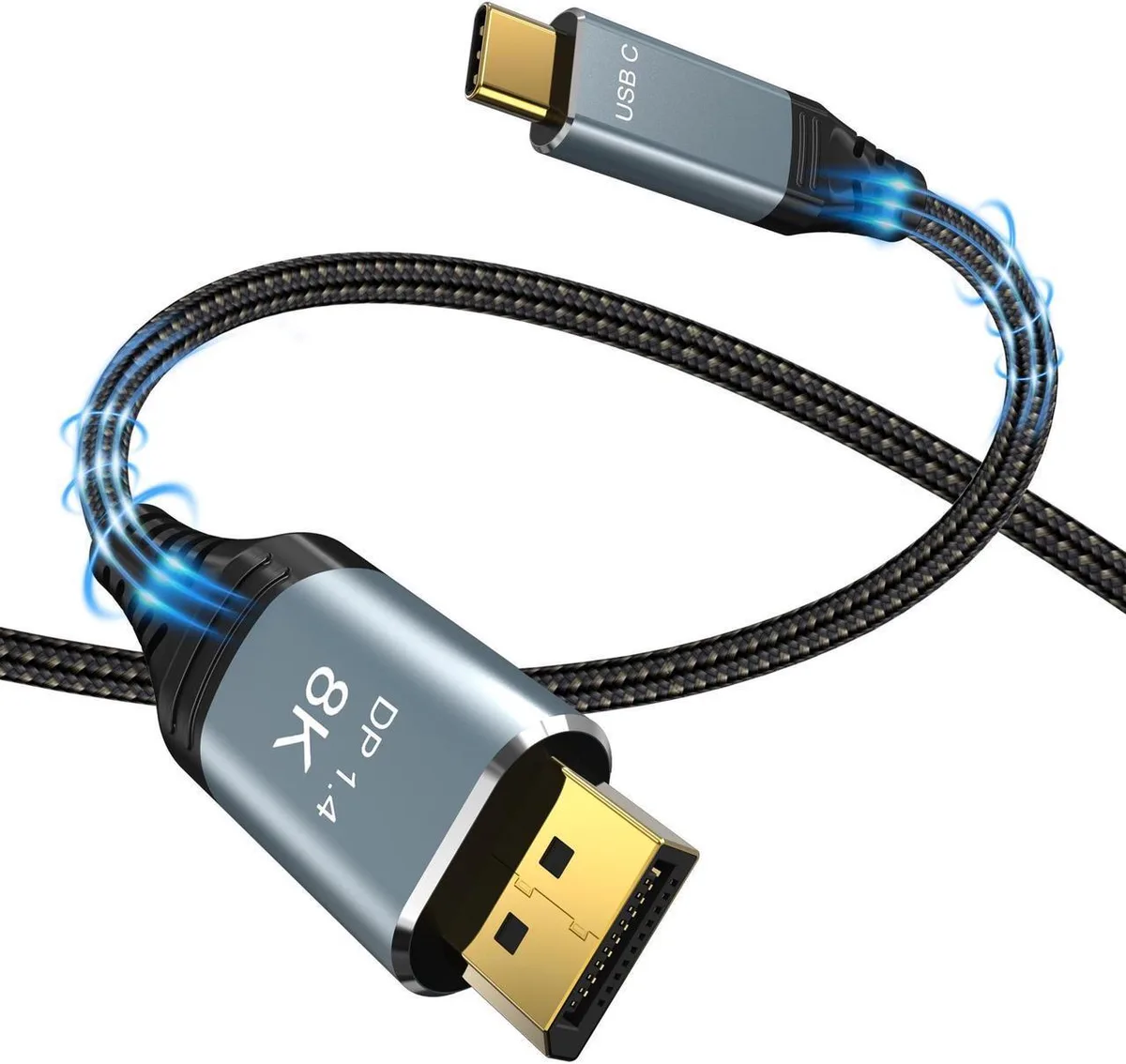
SMUGDESK USB-C to DisplayPort 1.4 cable 3.3 ft 8K 60 Hz 4K 240 Hz
A 3.3 ft USB-C to DisplayPort 1.4 cable delivers 8K at 60 Hz, 4K at 240 Hz, and 2K at 240 Hz with 32.4 Gbps bandwidth and HDR support
- 8K at 60 Hz for ultra-sharp workstations
- 4K at 240 Hz and 2K at 240 Hz for high-refresh gaming
- 4 Gbps bandwidth with DSC and HDR for flicker-free colour
- Thunderbolt 3 and 4 compatible, plug and play
- 3 ft unidirectional cable with smart CYPD chip
USB-C to DisplayPort 1.4 cable 3.3 ft
This cable carries video from a USB-C source that supports DP Alt Mode to a DisplayPort monitor. It handles 8K at 60 Hz, 4K at up to 240 Hz and 2K at 240 Hz with HDR. The 3.3 ft length suits desktop setups where the host and display sit close together. It is unidirectional and does not carry power.
Upgrade from older DP 1.2 or 1.3 links
The 32.4 Gbps HBR3 bandwidth removes the flicker and compression limits of earlier cables. The jump is worth it when you need 4K above 144 Hz, 5K at 60 Hz or 8K at 60 Hz on a single cable. It also enables Windows MST for daisy-chained monitors and supports MacBook clamshell mode when the laptop is powered.
8K 60 Hz and high-refresh 4K headroom
The link comfortably drives 7680x4320 at 60 Hz, 3840x2160 at 144, 165 or 240 Hz, and 5120x1440 at 120 Hz with DSC and FEC active. It runs out when the source lacks DP Alt Mode, when the display demands more than HBR3 bandwidth, or when a Thunderbolt dock requires bidirectional data or charging.
Highlights
- 8K at 60 Hz for ultra-sharp workstations
- 4K at 240 Hz and 2K at 240 Hz for high-refresh gaming
- 4 Gbps bandwidth with DSC and HDR for flicker-free colour
- Thunderbolt 3 and 4 compatible, plug and play
- 3 ft unidirectional cable with smart CYPD chip
Specifications
No published specifications for this item yet.
Other versions of this model
5 more in the same range
Same family, different memory, cooler or clock — compare before you commit.



SMUGDESK
SMUGDESK USB-C to DisplayPort 1.4 Cable 10 ft 8K 60Hz 4K 144Hz 2K 240Hz
$11.99
0.00014275BTC
In stock
Questions about this item
What size USB-C port does the 3.3 ft cable need on the source device?
The USB-C connector fits a standard Thunderbolt 3 or 4 port that supports DP Alt Mode for video output.
Which end plugs in first during installation, and what setting must be enabled on a MacBook?
Connect the USB-C end to the host and the DisplayPort end to the monitor; on a MacBook enable clamshell mode while connected to power.
When should the cable be replaced if 4K 240 Hz flickering appears?
Replace the cable if the 32.4 Gbps HBR3 link degrades and causes flicker at 4K 240 Hz or 8K 60 Hz that persists after reseating both connectors.
New to this? Which coin should you pay with — what to check, what it costs to pay, and what is never asked for.
Also in this aisle
People compared these
Same shelf, same checkout — eight coins and a 30-minute rate lock.


Black Box Corporation
Black Box Corporation CAT6 EZ-RJ45 Modular Plugs 100-Pack
$95.99
0.00114286BTC
In stock
