SMUGDESK
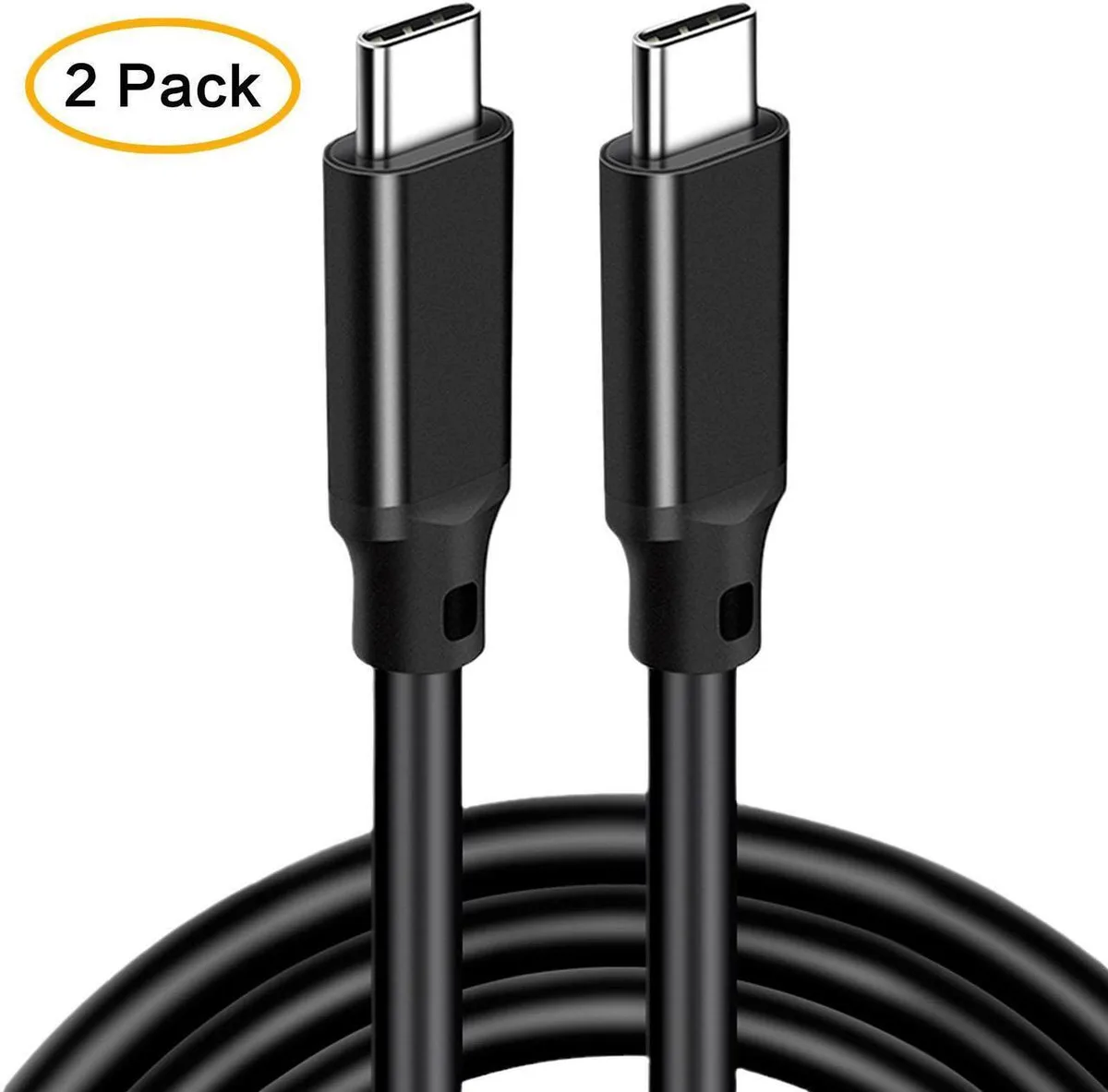
SMUGDESK USB-C to USB-C USB 3.2 Gen 2x2 20Gbps 100W Right Angle 3m 2 Pack
$19.99
0.00023624BTC
In stockWe take cryptocurrency — so the coins you hold can buy real hardware.Pay in crypto, spend it on real hardware. Free insured shipping worldwide over $399. Plain, unbranded boxes, sent from Germany.Free insured shipping over $399. Your rate is locked for 30 minutes once checkout opens.Rate locked 30 minutes. Every item sealed, serial-checked and covered by a 24-month warranty.Sealed, 24-month warranty.


SMUGDESK
A 6.6 ft USB cable delivering 20 Gbps data, 100 W charging and 4K 60 Hz video
This 6.6 ft USB 3.2 Gen 2x2 cable delivers up to 20Gbps data transfer, 100W power delivery and 4K@60Hz video output. It suits professionals moving large project files between laptops, docking stations and external SSDs. The length gives flexibility for desk or mobile setups without signal compromise.
Upgrading from a 5Gbps or 10Gbps cable is worthwhile when you transfer multi-gigabyte assets daily or drive a 4K 60Hz monitor from a single port. The 20Gbps link and 100W charging remove the need for separate power and video cables. It does not serve users who only need basic charging or low-speed peripheral links.
Connect it to a USB-C charger, car port or dock to handle data, video and charging simultaneously. The cable frees up extra ports by combining three functions in one run. It requires host and device ports that support USB 3.2 Gen 2x2 alternate modes for full performance.
No published specifications for this item yet.
Other versions of this model
Same family, different memory, cooler or clock — compare before you commit.
The connector fits any standard USB-C port on laptops, MacBooks, iPad Pro, Dell systems, phones, docking stations, SSDs or hard drives.
Connect both ends to USB-C ports that support DisplayPort Alternate Mode; the cable carries the signal automatically without drivers.
Replace it if 100W 5A fast charging no longer negotiates or if 20Gbps data transfers become unreliable after repeated bending.
Also in this aisle
Same shelf, same checkout — eight coins and a 30-minute rate lock.
What you pay in, and what you read prices in.
Sent from your wallet at checkout
Display only — the catalogue is priced in USD
No currency matches that.
Pick the language the site speaks to you in.
No language matches that.
New here?
Already have one?
There is no automatic reset: this shop sends no mail, so there is no one-time link to ask for. Leave the address on the account and it gets picked up by hand.
Request noted
Nothing is on its way to your inbox — this shop sends no mail at all. Someone picks these up by hand.
Remembered it?