


SMUGDESK
SMUGDESK Thunderbolt 4 Cable 6.6 ft Braided USB4 C to C 40Gbps 8K 60Hz 100W
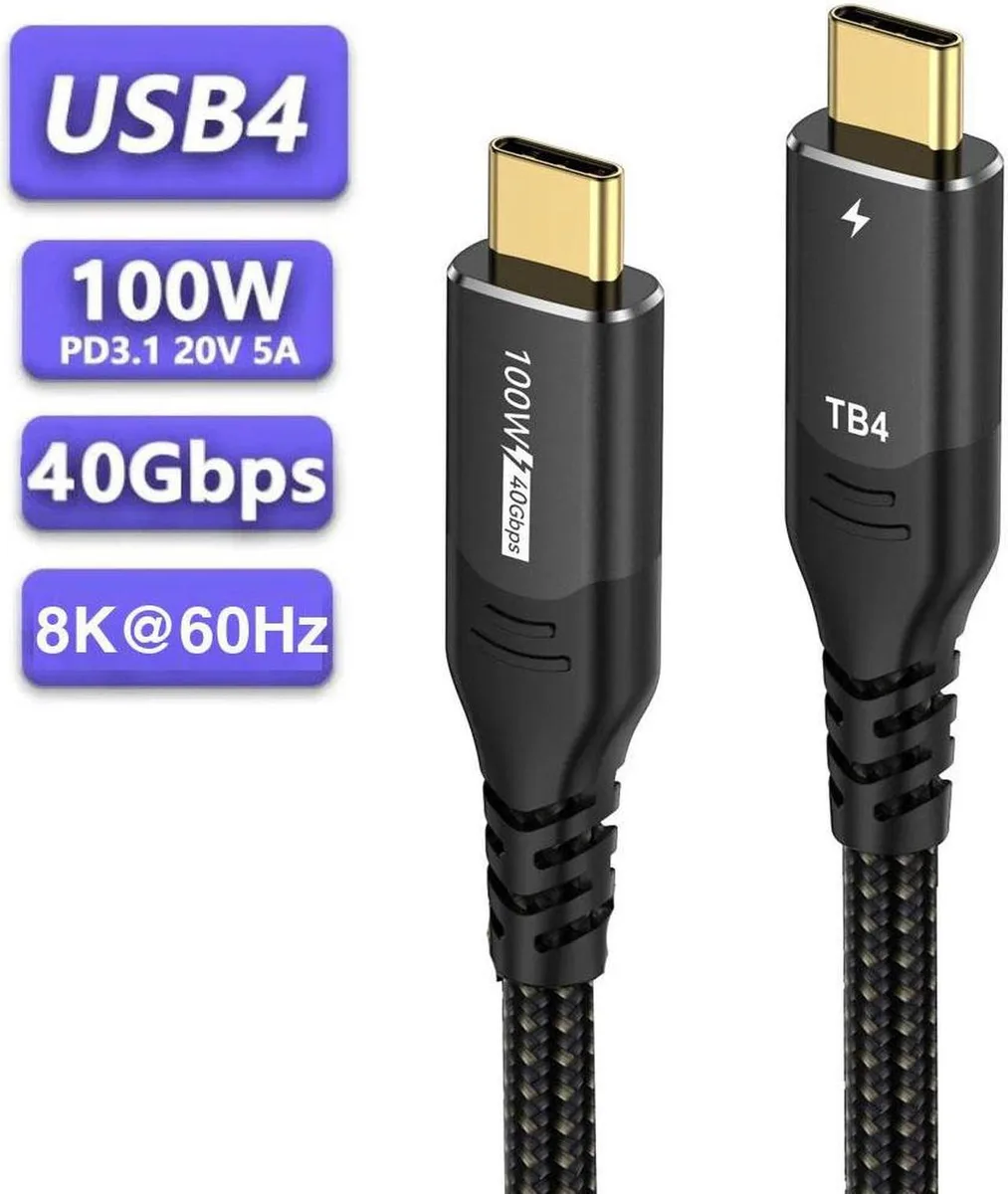
A 6.6 ft braided USB-C cable delivering 40 Gbps data, 8K 60 Hz video and 100 W charging
- Charges compatible laptops at up to 100W (20V/5A) for a full MacBook Pro in under 1.5 hours
- Transfers data at up to 40Gbps when both devices support the speed
- Drives a single display at 8K 60Hz or two 4K displays with two cables
- Works with Thunderbolt 4 and earlier Thunderbolt 3 and USB 3.2/3.1/3.0 devices
- Braided 6.6 ft cable built for durable daily use
6.6 ft Thunderbolt 4 Cable
This Thunderbolt 4 cable connects USB-C devices at up to 40 Gbps and carries 8K video at 60 Hz. It delivers up to 100 W of power for fast laptop charging. The braided 6.6 ft length suits desk or docking setups.
Replaces slower USB-C cables
It upgrades from cables limited to 10 Gbps or lower power delivery when you need full Thunderbolt 4 bandwidth and 100 W charging. The jump is worth it for 8K displays, high-speed storage or docking stations that require 40 Gbps.
Plug-and-play USB-C to USB-C
Both ends are USB-C so installation is a simple connection; no drivers are required. The main issues arise when the host or peripheral does not support Thunderbolt 4 speeds or 100 W PD, limiting performance to the device's capability.
Highlights
- Charges compatible laptops at up to 100W (20V/5A) for a full MacBook Pro in under 1.5 hours
- Transfers data at up to 40Gbps when both devices support the speed
- Drives a single display at 8K 60Hz or two 4K displays with two cables
- Works with Thunderbolt 4 and earlier Thunderbolt 3 and USB 3.2/3.1/3.0 devices
- Braided 6.6 ft cable built for durable daily use
Specifications
No published specifications for this item yet.
Other versions of this model
5 more in the same range
Same family, different memory, cooler or clock — compare before you commit.


Questions about this item
How much clearance does the 6.6 ft braided cable need behind a dock or monitor?
The 6.6 ft length gives ample reach from a wall outlet or desk hub to a laptop or monitor without tension on the connectors.
Which end plugs in first when connecting a Thunderbolt 4 laptop to an 8K 60Hz display?
Both ends are identical USB-C; insert either end into the laptop and the other into the display, then ensure the host port supports video-out and 40Gbps data.
When should the cable be replaced if it carries 100W charging daily?
Inspect the braided sheath and USB-C connectors periodically; replace the cable if the jacket frays, pins bend, or charging drops below the rated 100W 20V/5A.
Also in this aisle
People compared these
Same shelf, same checkout — eight coins and a 30-minute rate lock.


Tripp Lite
Tripp Lite U324-003-BK USB 3.0 cable USB-A to USB-A 3 ft
- USB
- Black
$13.99
0.00016734BTC
In stock

MADE IN USA TONER
MADE IN USA TONER TK-8367K Cyan Toner Cartridge 25000 Pages
$48.99
0.000586BTC
In stock