

Accsoon
Accsoon CineView SE Multi-Spectrum Wireless Video Transmitter 1200ft 1080p HDMI SDI
$181.99
0.00216035BTC
In stockWe take cryptocurrency — so the coins you hold can buy real hardware.Pay in crypto, spend it on real hardware. Free insured shipping worldwide over $399. Plain, unbranded boxes, sent from Germany.Free insured shipping over $399. Your rate is locked for 30 minutes once checkout opens.Rate locked 30 minutes. Every item sealed, serial-checked and covered by a 24-month warranty.Sealed, 24-month warranty.


SMUGDESK
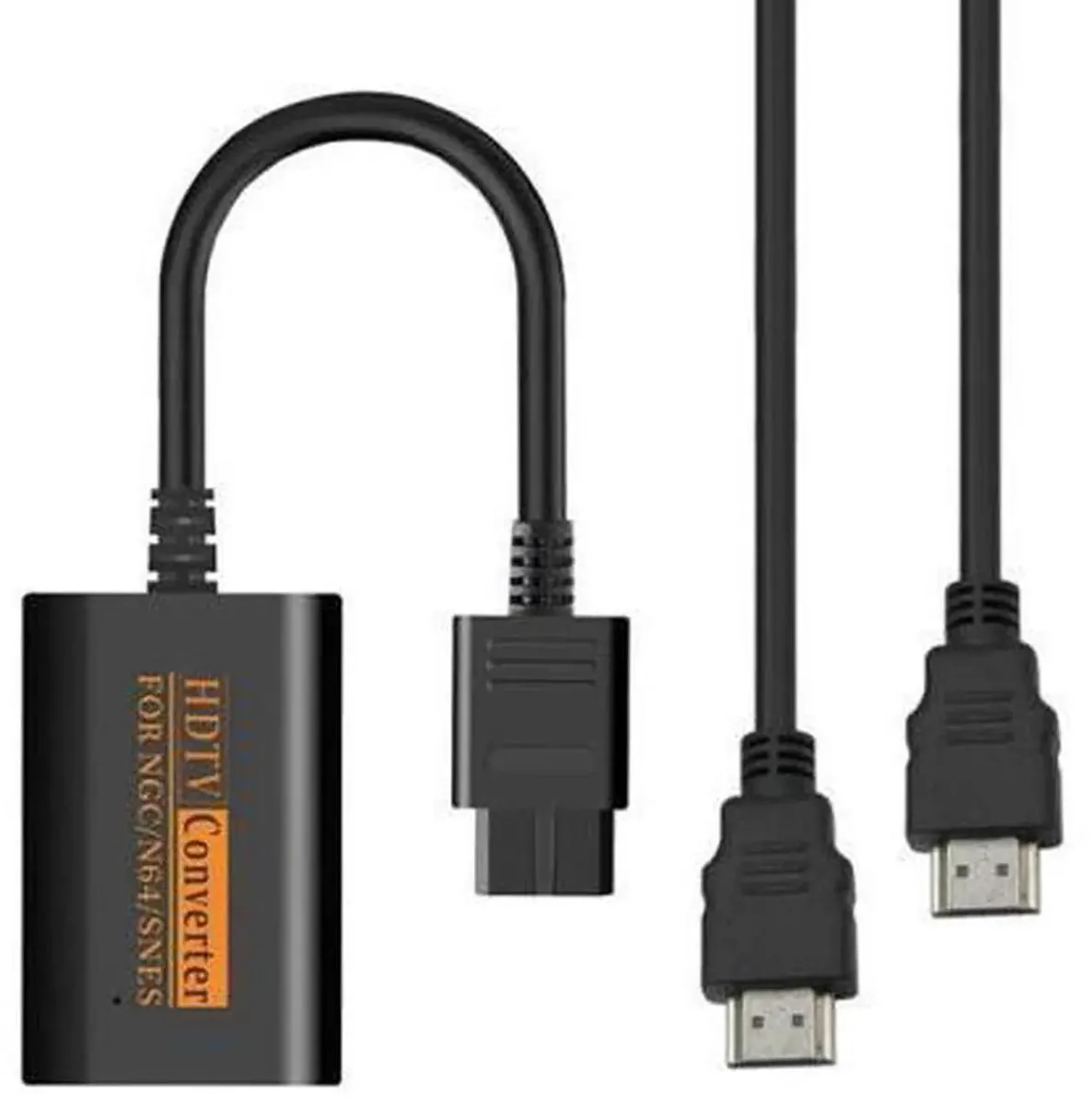
Converts N64, GameCube and SNES signals to HDMI for modern displays with plug-and-play setup and synchronized digital audio and video
The SMUGDESK converter connects Nintendo 64, GameCube and SNES consoles to modern HDMI displays. It translates the original analogue output into a full digital video and audio signal without extra drivers. Plug-and-play operation makes setup instant for collectors and retro enthusiasts.
This adapter suits anyone who wants to play original cartridges on current televisions or monitors. It is not intended for users seeking upscaling, scan-line filters or HDMI capture for streaming. Buyers who need multi-console switching or component-video input should look at different devices.
The single specification that decides fit is the HDMI-compatible digital output carrying both video and audio from the three supported consoles. If your display accepts this signal the converter will deliver a synchronized picture and sound; if the screen lacks an HDMI port the adapter cannot be used.
No published specifications for this item yet.
Plug the converter’s multi-out directly into the console’s AV port, then connect an HDMI cable from the converter to the display; the step often missed is selecting the correct HDMI input on the TV before powering on the console.
The HDMI cable and the console’s AV port see the most insertions, so keep a spare HDMI lead and check the port for bent pins if the picture drops out.
Heat buildup in the tiny enclosure is the first constraint; give it airflow and avoid stacking other gear on top during marathon play.
Also in this aisle
Same shelf, same checkout — eight coins and a 30-minute rate lock.
What you pay in, and what you read prices in.
Sent from your wallet at checkout
Display only — the catalogue is priced in USD
No currency matches that.
Pick the language the site speaks to you in.
No language matches that.
New here?
Already have one?
There is no automatic reset: this shop sends no mail, so there is no one-time link to ask for. Leave the address on the account and it gets picked up by hand.
Request noted
Nothing is on its way to your inbox — this shop sends no mail at all. Someone picks these up by hand.
Remembered it?



