


SMUGDESK
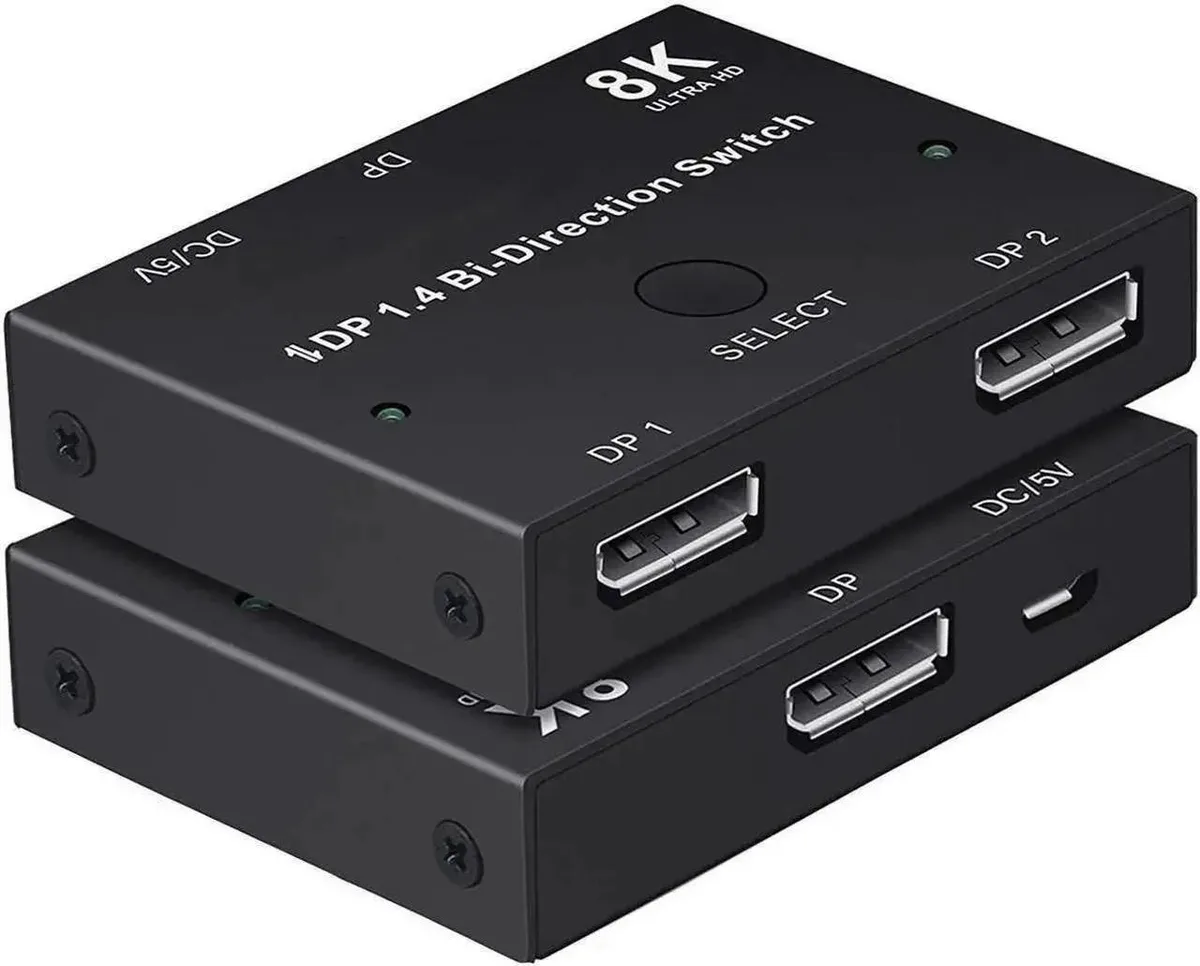
SMUGDESK Bi-Directional DP 1.4 Switch 2 in 1 Out 1 in 2 Out 8K 30Hz 4K 120Hz 2K 144Hz
A bidirectional DisplayPort 1.4 switch lets two computers share one monitor or one computer drive two displays at up to 8K 30Hz, 4K 120Hz or 2K 144Hz
- Share one monitor between two PCs or drive two displays from one PC with bi-directional switching
- DP 1.4 bandwidth delivers 8K at 30 Hz, 4K at 120 Hz and 2K at 144 Hz
- HDR and HDCP pass-through preserves original colour and detail for editing and gaming
- One-key manual switching with LED indicator shows the active channel instantly
- Plug-and-play operation requires no driver or external power adapter
Bi-Directional DP 1.4 Switch
The SMUGDESK bidirectional DisplayPort 1.4 switch lets two computers share one monitor or one computer drive two displays without unplugging cables. It suits gamers, designers and office users who need quick manual switching between sources. No drivers or external power are required.
Manual One-Key Switching With LED
A single button toggles the active channel and an LED shows which port is live, keeping the desktop tidy and cable-free. The compact housing fits alongside a graphics card, laptop or industrial display with a standard DP connector. It frees up ports by consolidating multiple DP cables into one selector.
Passive Operation, No Added Noise
The unit draws power from the DisplayPort signal itself, so it adds no fan noise or extra heat to the system. Anti-interference shielding maintains stable 8K 30Hz, 4K 120Hz and 2K 144Hz output with full HDR and HDCP pass-through. Builders needing automatic switching or more than two ports will need a different solution.
Highlights
- Share one monitor between two PCs or drive two displays from one PC with bi-directional switching
- DP 1.4 bandwidth delivers 8K at 30 Hz, 4K at 120 Hz and 2K at 144 Hz
- HDR and HDCP pass-through preserves original colour and detail for editing and gaming
- One-key manual switching with LED indicator shows the active channel instantly
- Plug-and-play operation requires no driver or external power adapter
Specifications
No published specifications for this item yet.
Questions about this item
What is the highest refresh rate the switch can pass at 1440p resolution?
The switch supports up to 2K at 144Hz, so 1440p gaming monitors can run at their full high-refresh capability.
Does the unit need an external power adapter or generate noticeable heat during continuous operation?
No external power adapter is required; the switch draws power from the DisplayPort connection and runs cool under normal all-day use.
Which DisplayPort version must my graphics card and monitor support to get the advertised 8K 30Hz or 4K 120Hz performance?
Both the source and the display need a standard DP 1.4 port to achieve the stated 8K@30Hz, 4K@120Hz and 2K@144Hz modes.
New to this? Which coin should you pay with — what to check, what it costs to pay, and what is never asked for.
Also in this aisle
People compared these
Same shelf, same checkout — eight coins and a 30-minute rate lock.



Black Box Corporation
Black Box Corporation CAT6 EZ-RJ45 Modular Plugs 100-Pack
$95.99
0.00114286BTC
In stock
