
SK hynix
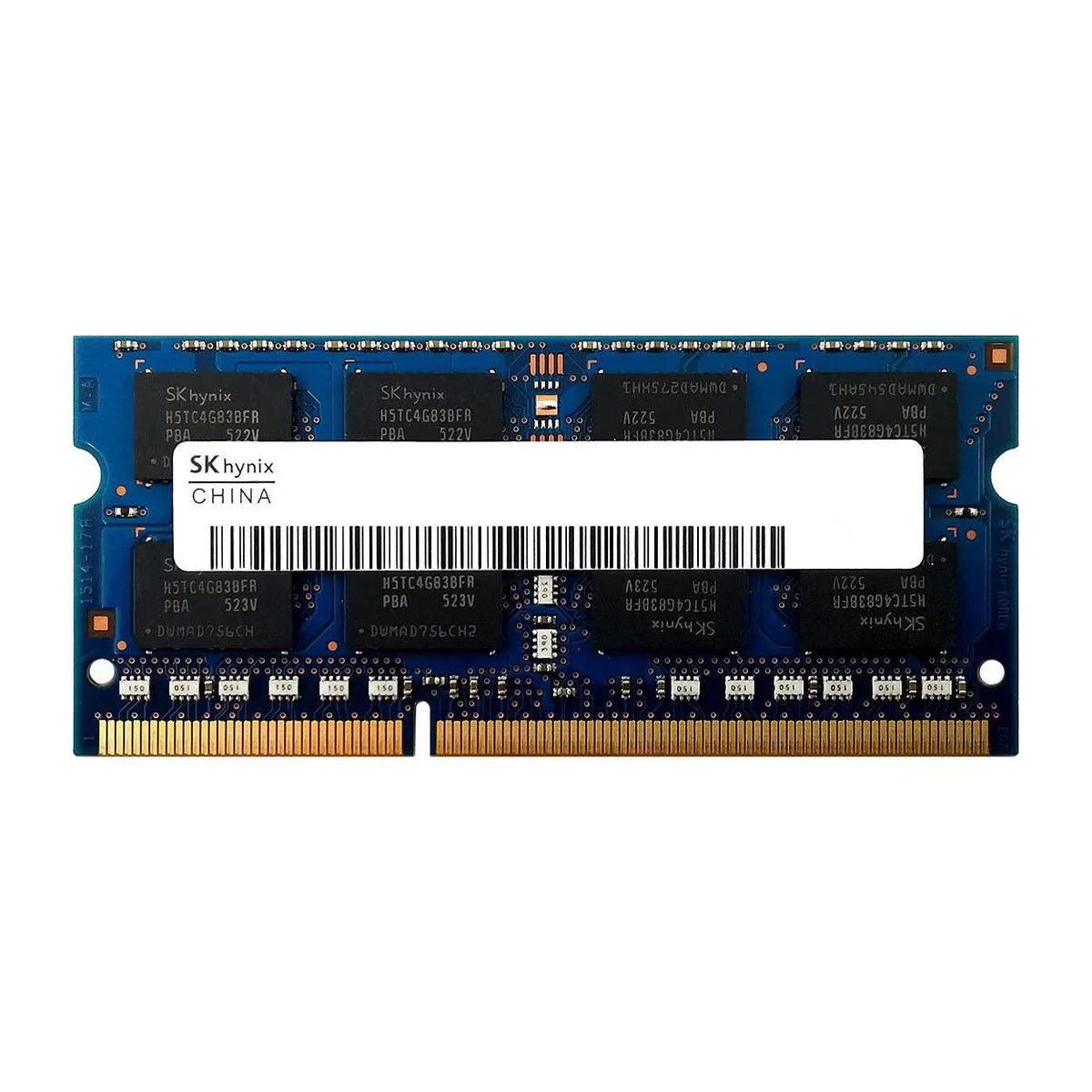
SK hynix HMT41GS6BFR8A-PB 8GB DDR3 1600 1.35V laptop RAM
8 GB DDR3 1600 MHz SO-DIMM laptop memory module running at 1.35 V low voltage
- Capacity8GB
- SpeedDDR3 1600 (PC3 12800)
- 8 GB capacity upgrades laptop multitasking headroom
- 35 V low-voltage operation reduces power draw
- DDR3 1600 MHz speed matches PC3-12800 bandwidth
- 204-pin SO-DIMM form factor fits standard laptop slots
- Non-ECC unbuffered design suits consumer notebook platforms
8GB DDR3 1600 SO-DIMM for laptop upgrades
This module adds 8GB of DDR3 memory at 1600MHz to notebooks that accept low-voltage SO-DIMMs. It is intended for owners of compatible Dell, HP, Lenovo, Apple, Acer, Asus, Toshiba, Sony or Intel-based laptops seeking a straightforward capacity increase.
Suits laptops with DDR3 slots and 1.35V support.
The stick fits 204-pin DDR3 SO-DIMM sockets and operates at 1.35V, so it works in systems designed for PC3L-12800 memory. Buyers whose notebooks require a different voltage, a different pin count, or a higher density per slot should look at other modules.
Low-voltage 1.35V DDR3 1600 specification decides
The single specification that determines compatibility is the 1.35V DDR3 1600 (PC3L-12800) rating combined with the 204-pin SO-DIMM form factor. Verify that the laptop’s documentation lists this exact voltage and speed before purchasing.
Highlights
- 8 GB capacity upgrades laptop multitasking headroom
- 35 V low-voltage operation reduces power draw
- DDR3 1600 MHz speed matches PC3-12800 bandwidth
- 204-pin SO-DIMM form factor fits standard laptop slots
- Non-ECC unbuffered design suits consumer notebook platforms
Specifications
| Capacity | 8GB |
|---|---|
| Speed | DDR3 1600 (PC3 12800) |
Questions about this item
What does the PC3L-12800 rating mean for this DDR3 module?
PC3L-12800 identifies the module as low-voltage DDR3 running at 1600 MHz with a 1.35 V operating voltage.
Will this 204-pin SO-DIMM fit my laptop's memory slot?
The module uses the standard 204-pin SO-DIMM form factor used by most DDR3 laptops; verify your device accepts DDR3 SO-DIMMs before purchase.
How do I install this RAM, and what step is often missed?
Power off the laptop, remove the battery if possible, open the memory compartment, align the notch on the 204-pin edge connector with the slot key, press firmly until the side clips click, then reassemble.
New to this? Buying memory and SSDs with crypto — what to check, what it costs to pay, and what is never asked for.
Also in this aisle
People compared these
Same shelf, same checkout — eight coins and a 30-minute rate lock.



Sunfounder
Sunfounder Raspberry Pi Ultimate Kit with PiCrawler AI Robot 337 components 131 projects
$174.99
0.00210484BTC
In stock
minisforum
minisforum MF-SRP01 SSD Heatsink accessories barebone
- SSD Heatsink
$6.99
0.00008408BTC
In stock