usbroway
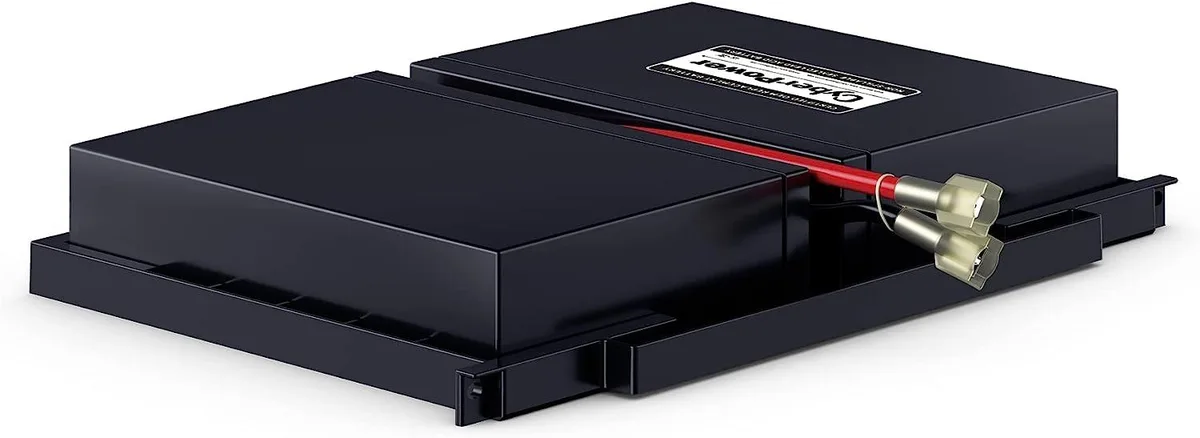
usbroway 3.6V 800mAh Ni-MH 2-pack PMNN4477AR standard battery
- Two-way Radio
$42.99
0.00049367BTC
In stockWe take cryptocurrency — so the coins you hold can buy real hardware.Pay in crypto, spend it on real hardware. Free insured shipping worldwide over $399. Plain, unbranded boxes, sent from Germany.Free insured shipping over $399. Your rate is locked for 30 minutes once checkout opens.Rate locked 30 minutes. Every item sealed, serial-checked and covered by a 24-month warranty.Sealed, 24-month warranty.
Simmtec, Inc
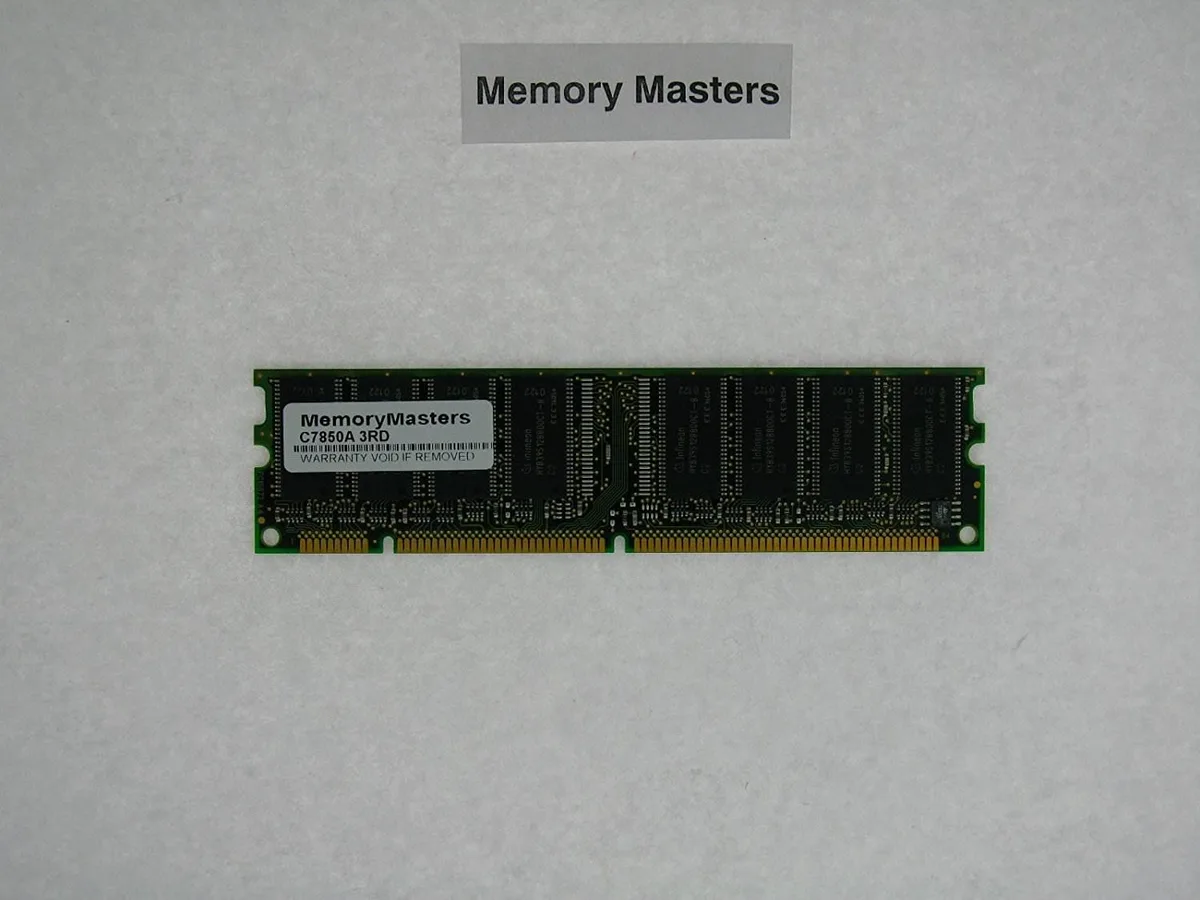
128 MB memory upgrade for HP DesignJet 5000, 5500 and LaserJet 9000, 9500 series printers
This 128 MB memory card carries part numbers C7850A and C2382A. It is designed for HP DesignJet 5000, 5000PS, 5500 and 5500ps wide-format printers. The module also supports HP LaserJet 9000hnf, 900lmfp and 9085 mfp devices. It adds working memory to handle larger print jobs.
Installing this card upgrades printers that shipped with less memory, reducing spooling delays on complex graphics or PostScript files. The jump is worthwhile when the current configuration struggles with multi-page documents or high-resolution output. It is not for users needing storage media or devices outside the listed model series.
No published specifications for this item yet.
The card is listed as a 128MB upgrade for HP DesignJet 5000, 5000PS, 5500, 5500ps and 5500 uv printers, and for HP LaserJet 9000hnf, 900lmfp, 9085 mfp, 9500, 9500n and 9500hdn printers.
Power off the printer, open the formatter board cover, align the card with the DIMM slot, press firmly until the latches click, then close the cover and power on; the step often missed is fully seating both latches so the card is recognised at boot.
Also in this aisle
Same shelf, same checkout — eight coins and a 30-minute rate lock.
What you pay in, and what you read prices in.
Sent from your wallet at checkout
Display only — the catalogue is priced in USD
No currency matches that.
Pick the language the site speaks to you in.
No language matches that.
New here?
Already have one?
There is no automatic reset: this shop sends no mail, so there is no one-time link to ask for. Leave the address on the account and it gets picked up by hand.
Request noted
Nothing is on its way to your inbox — this shop sends no mail at all. Someone picks these up by hand.
Remembered it?