

Rosewill
Rosewill RHUB-M14 14-in-1 USB-C Docking Station 100W PD
- 1 x DisplayPort (4K…
- 1.1kg
$125.99$188.99−33%
0.00149826BTC
In stockWe take cryptocurrency — so the coins you hold can buy real hardware.Pay in crypto, spend it on real hardware. Free insured shipping worldwide over $399. Plain, unbranded boxes, sent from Germany.Free insured shipping over $399. Your rate is locked for 30 minutes once checkout opens.Rate locked 30 minutes. Every item sealed, serial-checked and covered by a 24-month warranty.Sealed, 24-month warranty.
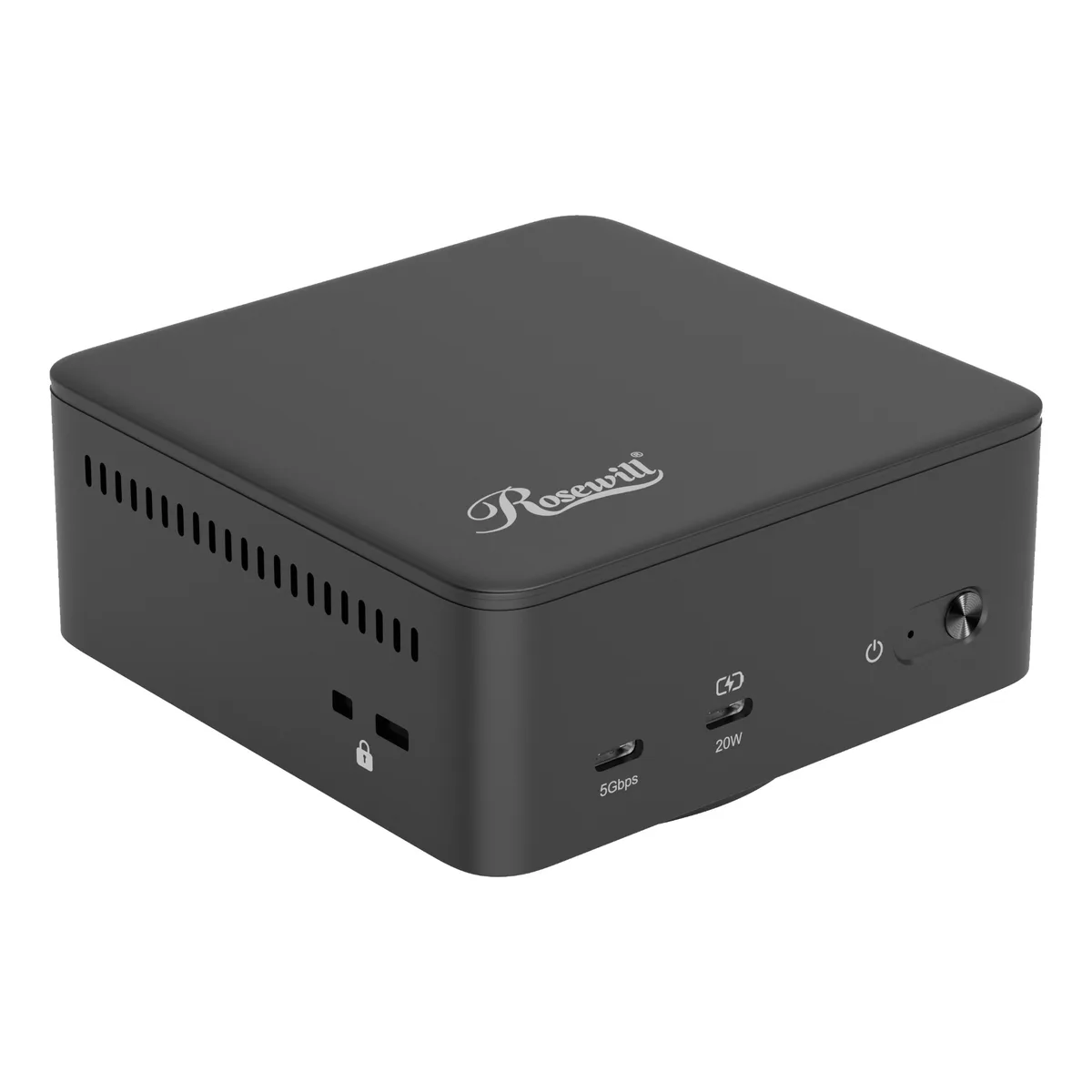


Rosewill
A 12-in-1 DisplayLink dock adds three 4K 60 Hz displays, 10 Gbps USB ports, Gigabit Ethernet and 135 W laptop charging
The Rosewill RHUB-DL12 is a 12-in-1 docking station that uses DisplayLink technology to drive three external monitors at 4K 60Hz from a single USB-C connection. It targets professionals who need multi-monitor productivity on laptops with limited video outputs, including Windows, macOS and ChromeOS devices. The included 135W DC adapter powers the dock and delivers up to 30W pass-through charging to the host laptop.
Setup requires installing the DisplayLink driver before connecting the dock; without it the extra displays will not appear. The dock draws power from its own 130W adapter, so the host port only needs to carry data and 30W PD. A common issue is forgetting the driver on macOS, where a system extension must be approved in Security settings before the monitors activate.
Verify that your laptop has a USB-C port that supports video alt mode or data-only DisplayLink operation, and confirm it accepts at least 30W PD input for charging. The dock provides three HDMI and two DisplayPort outputs, but only three streams are active simultaneously. Ensure your monitors have compatible HDMI or DisplayPort inputs and that you have the necessary cables, which are not included.
| Brand | Rosewill |
|---|---|
| Model | RHUB-DL12 |
| Ports Spec | 3 x HDMI Up to 4K@60Hz 2 x DP Up to 4K@60Hz 2 x USB 3.2 GEN 2 Type C 1 x USB 3.0 Type C 2 x USB 3.0 Type A 1 x PD 30W 1 x Audio 1 x 1000M RJ45 |
| Features | Triple 4K Display Support: Drive up to three external monitors simultaneously at stunning 4K Ultra HD resolution (3840 x 2160) with smooth 60Hz refresh rates for exceptional multi-tasking and visual clarity. High-Speed 10Gbps Data Transfer: Connect your peripherals effortlessly with multiple USB ports supporting blazing-fast data transfer speeds up to 10Gbps. Gigabit Ethernet Port: Achieve reliable, high-speed wired network connectivity with the integrated Gigabit Ethernet port (10/100/1000 Mbps) for stable internet and file transfers. Powerful 130W DC Adapter: Includes a robust 130W |
| Shipping weight | 1.29 kg |
| Package size | 222 × 163 × 83 mm |
Other versions of this model
Same family, different memory, cooler or clock — compare before you commit.
Open your OS display settings and verify each external monitor shows 3840 x 2160 resolution at 60 Hz; the DisplayLink manager will also report three active DisplayLink displays.
The box includes the dock and a 130 W DC adapter; you must supply three HDMI or DisplayPort cables for the monitors and any USB-C cables for 10 Gbps peripherals.
Use the three HDMI ports for HDMI monitors or the two DisplayPort ports plus one HDMI port for mixed setups; both port types support 4K at 60 Hz.
Also in this aisle
Same shelf, same checkout — eight coins and a 30-minute rate lock.
What you pay in, and what you read prices in.
Sent from your wallet at checkout
Display only — the catalogue is priced in USD
No currency matches that.
Pick the language the site speaks to you in.
No language matches that.
New here?
Already have one?
There is no automatic reset: this shop sends no mail, so there is no one-time link to ask for. Leave the address on the account and it gets picked up by hand.
Request noted
Nothing is on its way to your inbox — this shop sends no mail at all. Someone picks these up by hand.
Remembered it?


