

Panorama Antennas
Panorama Antennas LG-IN2445 5G 71 Dome Wi-Fi adapter
- Accessories
$282.99
0.00331463BTC
In stockWe take cryptocurrency — so the coins you hold can buy real hardware.Pay in crypto, spend it on real hardware. Free insured shipping worldwide over $399. Plain, unbranded boxes, sent from Germany.Free insured shipping over $399. Your rate is locked for 30 minutes once checkout opens.Rate locked 30 minutes. Every item sealed, serial-checked and covered by a 24-month warranty.Sealed, 24-month warranty.


Rocstor
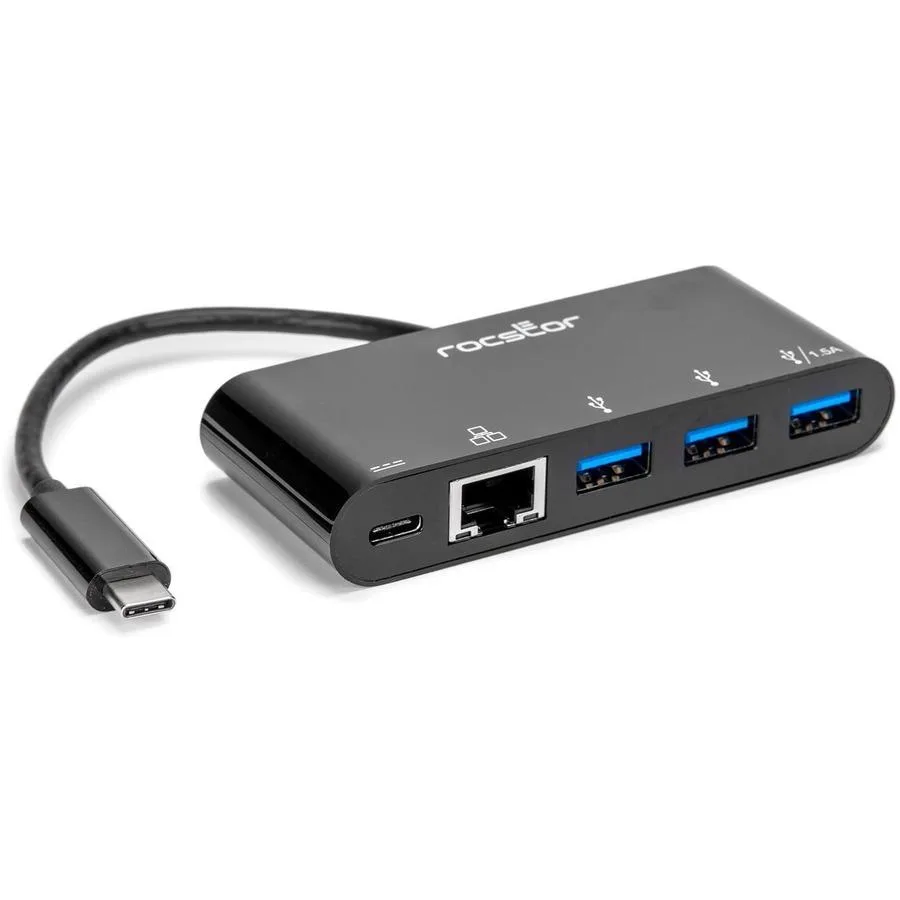
USB-C hub adds three USB 3.0 ports for connecting peripherals to laptops
This Rocstor Y10A262B1 adapter connects to a USB-C host and provides three USB 3.0 ports for peripherals. It is designed for users who need to expand a single USB-C connection into multiple standard USB-A sockets. The unit is supplied new and was first listed by the manufacturer in 2022.
The adapter suits owners of thin laptops or tablets that offer only USB-C sockets and need to attach flash drives, keyboards, mice or other USB-A devices. Buyers who require Ethernet connectivity, video output or power delivery through the same hub should look elsewhere.
The decisive specification is the presence of three USB 3.0 Type-A ports fed from one USB-C upstream link. This port count determines whether the hub can accommodate all the peripherals you plan to connect simultaneously.
| Brand | Rocstor |
|---|---|
| Type | USB Wi-FI Adapter |
| Shipping weight | 5.44 kg |
| Package size | 229 × 178 × 25 mm |
Plug the USB-C connector into a USB 3.0 port, then connect your Ethernet cable to the Gigabit port; the step often missed is ensuring the host port actually supports USB 3.0 speeds.
The adapter has no moving parts or replaceable modules; keep the USB-C contacts clean and replace the unit only if the Gigabit Ethernet link fails.
The Gigabit Ethernet link caps throughput at 1 Gbps, so sustained transfers will hit that network ceiling before the USB 3.0 bus saturates.
Also in this aisle
Same shelf, same checkout — eight coins and a 30-minute rate lock.
What you pay in, and what you read prices in.
Sent from your wallet at checkout
Display only — the catalogue is priced in USD
No currency matches that.
Pick the language the site speaks to you in.
No language matches that.
New here?
Already have one?
There is no automatic reset: this shop sends no mail, so there is no one-time link to ask for. Leave the address on the account and it gets picked up by hand.
Request noted
Nothing is on its way to your inbox — this shop sends no mail at all. Someone picks these up by hand.
Remembered it?



