


Ritz Gear
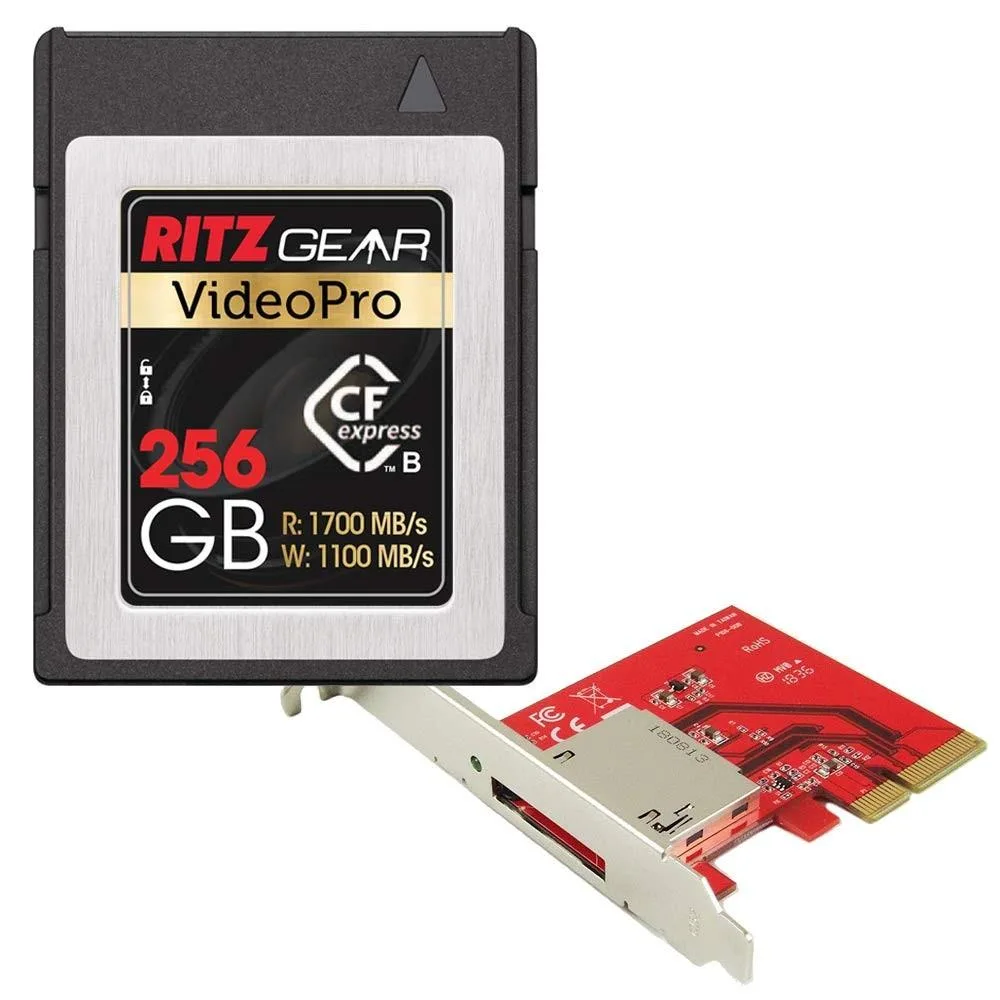
Ritz Gear Video Pro CFexpress 256GB Type B 1700/1100 MB/s with PCIe 3.0 x4 Adapter
A 256 GB CFexpress Type B card delivers 1700 MB/s read and 1100 MB/s write speeds for cinema-quality 4K RAW capture and includes a PCIe 3.0 x4 host adapter for fast post-production transfers
- 256 GB capacity stores extensive 4K RAW footage
- 1700 MB/s read speed accelerates post-production transfers
- 1100 MB/s write speed sustains continuous high-resolution bursts
- CFexpress Type B format maximises camera performance
- PCIe 3.0 x4 adapter enables direct computer ingestion
256GB CFexpress Type B card
The Ritz Gear Video Pro is a 256GB CFexpress Type B memory card paired with a PCIe 3.0 x4 host adapter. It targets photographers and videographers who need removable media for high-bitrate capture. The combination lets a workstation ingest footage directly from the card without a dedicated card reader.
Replacing slower SD media
The bundle supersedes conventional SD cards that bottleneck sustained write throughput and buffer clearing. The jump is worthwhile when a camera supports CFexpress Type B and the workflow demands continuous RAW 4K recording or extended burst sequences that would otherwise stall on slower media.
Capacity and sustained throughput
At 256GB the card holds a practical volume of cinema-quality 4K RAW clips before offload is required. Sequential reads reach 1700 MB/s and writes 1100 MB/s via the supplied adapter, so ingest and backup stay fast. The ceiling appears when projects exceed the 256GB capacity or when the host system cannot saturate a PCIe 3.0 x4 link.
Highlights
- 256 GB capacity stores extensive 4K RAW footage
- 1700 MB/s read speed accelerates post-production transfers
- 1100 MB/s write speed sustains continuous high-resolution bursts
- CFexpress Type B format maximises camera performance
- PCIe 3.0 x4 adapter enables direct computer ingestion
Specifications
No published specifications for this item yet.
Questions about this item
What slot and adapter does the 256GB CFexpress Type B card need to work?
The card fits a CFexpress Type B camera slot, and the included PCIe 3.0 x4 adapter plugs into a desktop PCIe slot for offload speeds up to 1700 MB/s read and 1100 MB/s write.
How do I install the adapter, and what step is often missed?
Power down the PC, insert the PCIe 3.0 x4 adapter into a free PCIe slot, secure the bracket screw, then seat the CFexpress Type B card firmly until it clicks; the step many miss is fully locking the card latch so the drive is detected.
When will the 256GB card need replacement, and what wears out?
The NAND endurance determines lifespan; heavy 4K RAW recording fills the 256GB capacity quickly, so monitor write cycles and replace the card if sustained write speed drops below 1100 MB/s or errors appear.
Also in this aisle
People compared these
Same shelf, same checkout — eight coins and a 30-minute rate lock.


