
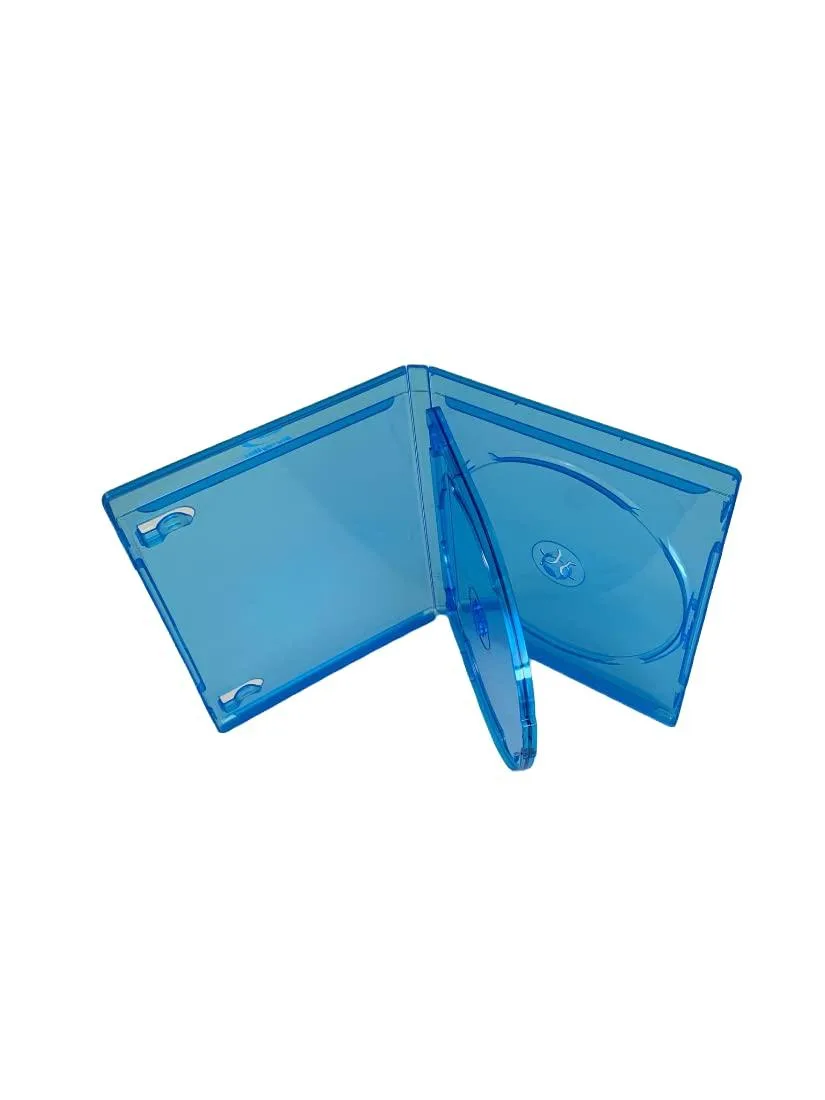
MediaPack4All 12.5mm Blu-Ray Case Multi-Three Storing Capacity
- 2.4892 L x 18.2118…
- 1 Year Warranty
$13.99
0.00016778BTC
In stockWe take cryptocurrency — so the coins you hold can buy real hardware.Pay in crypto, spend it on real hardware. Free insured shipping worldwide over $399. Plain, unbranded boxes, sent from Germany.Free insured shipping over $399. Your rate is locked for 30 minutes once checkout opens.Rate locked 30 minutes. Every item sealed, serial-checked and covered by a 24-month warranty.Sealed, 24-month warranty.


RIITOP
Connects 12+16 pin AHCI SSDs from 2013-2017 MacBooks via USB 3.2 Gen 2 Type-C at up to 20Gbps
This enclosure adapts Apple 12+16 pin AHCI flash drives from 2013 to 2017 MacBook Air, Pro Retina, iMac and Mac Pro models. It accepts a single supported Samsung or Apple SSD module and connects it externally via USB 3.2 Gen 2 Type-C. The SSD must be formatted before use on Windows 7 through 11, macOS 10.0 or Linux 2.6 and later. Toshiba, OWC and SATA drives are not supported.
The aluminum alloy case acts as a heatsink to draw warmth away from the installed SSD during data transfers. No fan is included, so operation remains silent. Power comes entirely from the host USB port through the supplied 30 cm USB-C to USB-C cable with a Type-A adapter. Thermal performance scales with the host port capability and the drive workload.
The adapter replaces the need for a working Mac logic board to read the proprietary flash modules. It is worthwhile when migrating data to a newer machine, recovering files from a damaged system or repurposing a spare Apple SSD as portable storage. The jump is not worth it for Toshiba or OEM OWC modules, for SATA SSDs, or for anyone needing macOS Sonoma support.
| Color | Black |
|---|---|
| Type | Enclosure |
| Material | Aluminum |
| External Interface | USB 3.2 Gen 2 Type-C |
| HDD Count Supported | Single HDD |
| Number of Bay | 1 Bay |
Remove the PCB from the aluminum case, fully insert the Apple flash SSD into the card slot, then reassemble and tighten the screws; on Windows the drive appears in Disk Management, not in File Explorer.
The aluminum alloy case handles heat dissipation passively with no fans or moving parts, so no routine maintenance is required beyond keeping the USB‑C port and cable clean.
Throughput is capped at the lower of the host port capability and the AHCI SSD itself — 20 Gbps if both ends support USB 3.2 Gen 2×2, otherwise 10 Gbps or 5 Gbps.
New to this? Paying with USDT: TRC-20 or ERC-20 — what to check, what it costs to pay, and what is never asked for.
Also in this aisle
Same shelf, same checkout — eight coins and a 30-minute rate lock.
What you pay in, and what you read prices in.
Sent from your wallet at checkout
Display only — the catalogue is priced in USD
No currency matches that.
Pick the language the site speaks to you in.
No language matches that.
New here?
Already have one?
There is no automatic reset: this shop sends no mail, so there is no one-time link to ask for. Leave the address on the account and it gets picked up by hand.
Request noted
Nothing is on its way to your inbox — this shop sends no mail at all. Someone picks these up by hand.
Remembered it?


