

Rexing
Rexing GPS Logger for M2 Dash Cam
Adds location, speed and time data to M2 dash-cam footage for playback on Windows or Mac via free GPS Logger software
- TypeGPS Tracking Device
- Exclusive compatibility with Rexing M2 dash cams only
- Records precise speed and location data onto video files
- Free GPS Logger software for Windows and Mac playback
- Automatic time-zone updates keep footage timestamps accurate
- Google Maps integration shows real-time route and speed during playback
Exclusive M2 dash-cam accessory
The Rexing GPS Logger is a dedicated tracking module built solely for the Rexing M2 dash camera. It records precise speed and location data onto video files while you drive, then lets you review the journey with the free GPS Video Player on Windows or Mac. This unit will not function with any other Rexing model or third-party camera.
Verify M2 ownership before purchase
Confirm that your current dash cam is the Rexing M2, as the logger is electrically and mechanically incompatible with every other Rexing device. No additional cables, mounts or firmware updates are mentioned in the specifications, so the existing M2 connection is the only requirement to check.
Passive operation with no extra power draw
The logger draws its operating current directly from the M2 camera body, adding no independent heat source, fan noise or separate power supply. In normal use it remains silent and runs at the same temperature as the host unit, leaving the vehicle's electrical system unchanged.
Highlights
- Exclusive compatibility with Rexing M2 dash cams only
- Records precise speed and location data onto video files
- Free GPS Logger software for Windows and Mac playback
- Automatic time-zone updates keep footage timestamps accurate
- Google Maps integration shows real-time route and speed during playback
Specifications
| Type | GPS Tracking Device |
|---|
Questions about this item
What comes in the box and does the M2 dash cam need to be purchased separately?
The package contains the GPS Logger module only; the Rexing M2 dash cam is sold separately and is required for operation.
Which version of this logger should I choose for my Rexing M2?
This is a single model designed exclusively for the Rexing M2 dash cam; no other versions or capacities are offered for this accessory.
How does the logged speed and location data appear when I play back footage on my computer?
The free GPS Video Player for Windows and Mac syncs the data with your video, displaying real-time speed and route on Google Maps during playback.
Also in this aisle
People compared these
Same shelf, same checkout — eight coins and a 30-minute rate lock.

BOPORO
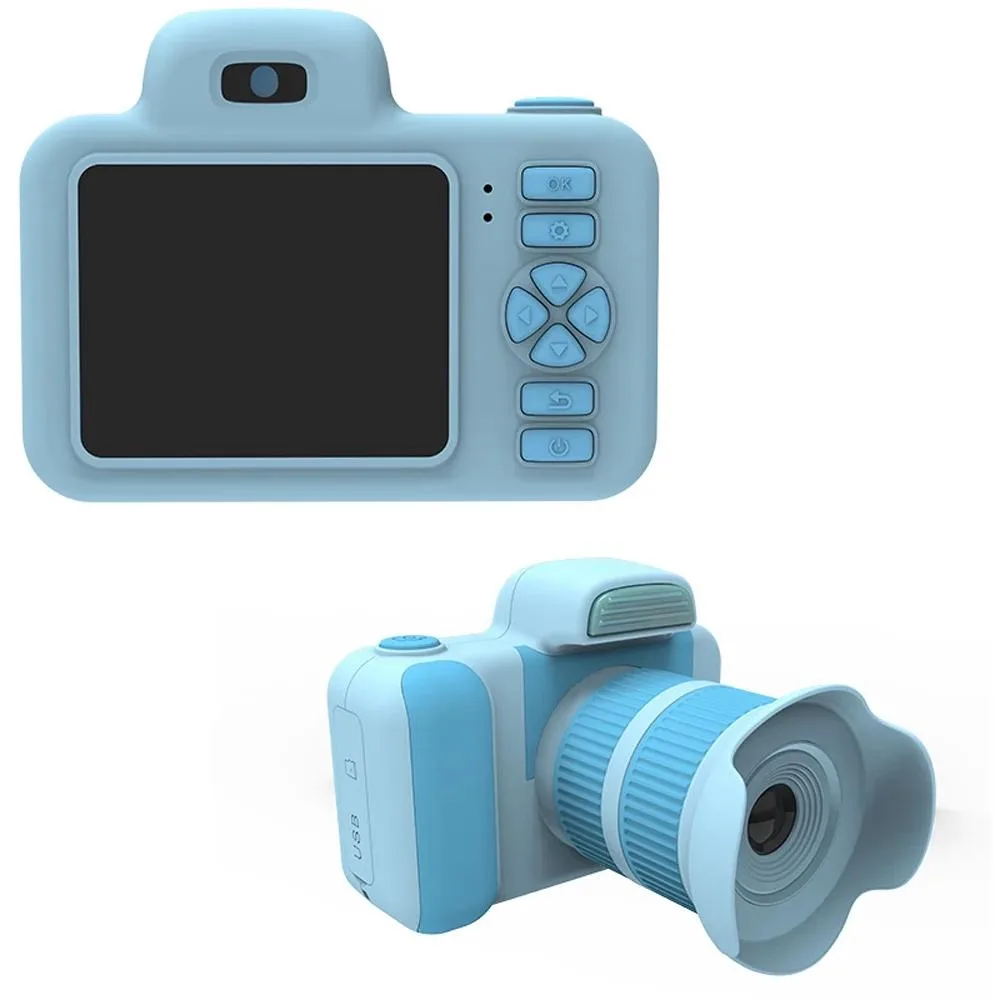
BOPORO 28MP Point & Shoot Camera Blue 2in Display 360 Rotatable Lens
- Blue
$20.99
0.00024223BTC
In stock
