
PureGear
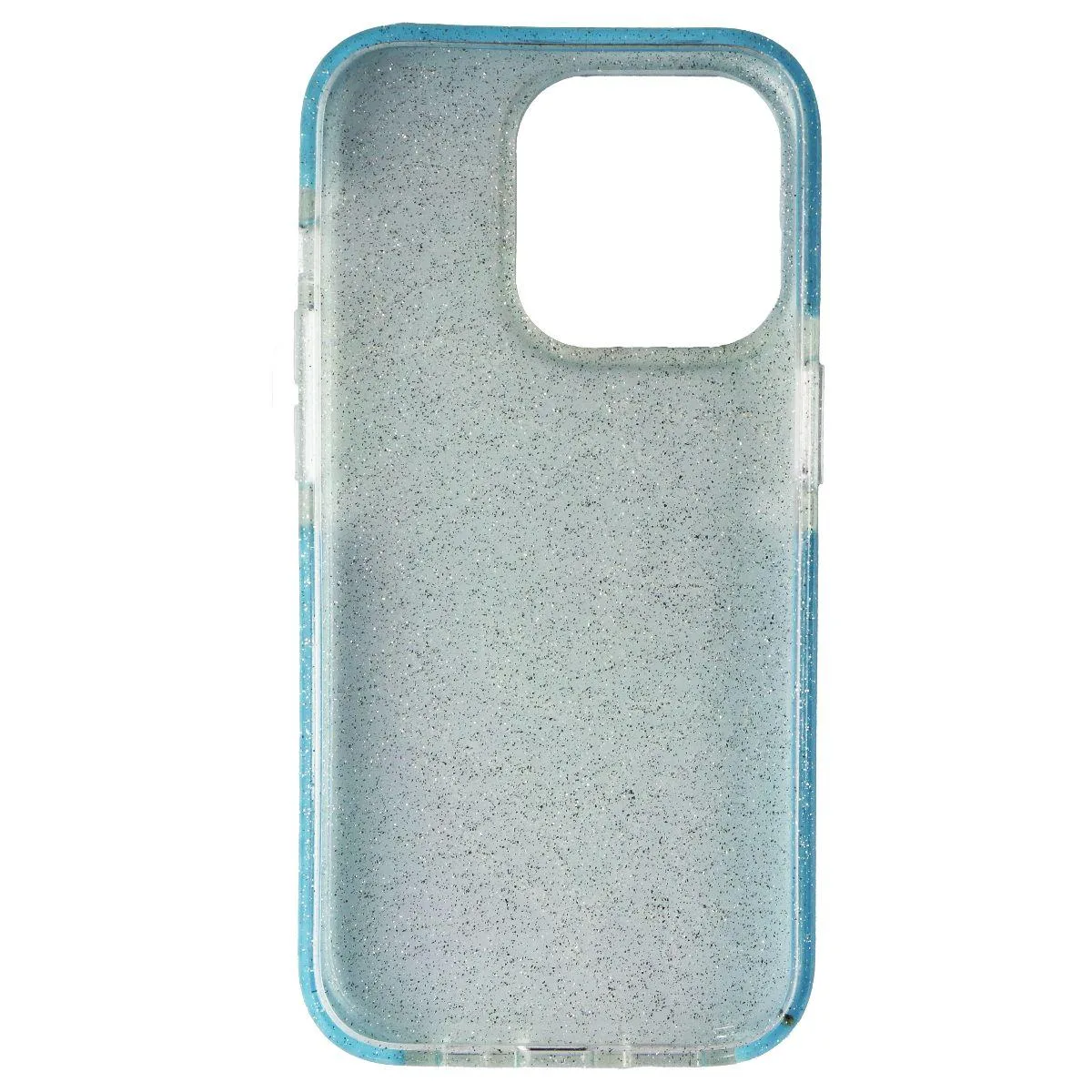
PureGear Slim Shell Designer Series Case iPhone 14 Pro Blue Swirl Design 18
Slim fitted case protects iPhone 14 Pro with shockproof design, raised screen bezel, wireless charging support and a blue swirl pattern
- TypeCase
- Lightweight design slides easily in and out of pockets
- Shockproof protection with raised bezel guards the screen
- Wireless charging works through the case without removal
- Responsive buttons give full control of iPhone 14 Pro functions
- Blue Swirl Design 18 adds distinctive multicolor style
PureGear Slim Shell Designer Series Case
This fitted case is made specifically for the Apple iPhone 14 Pro and adds a lightweight, shockproof layer without bulk. The Blue Swirl Design 18 pattern gives the phone a distinctive multicolour finish while keeping the original profile slim enough to slide in and out of pockets easily.
Replacing a basic bumper or bulky rugged cover
If your current case adds noticeable thickness or lacks a raised screen bezel, this shell upgrades protection without the pocket drag. The jump is worth it when you want wireless charging to work without removing the cover and prefer responsive button feel over stiff, recessed cutouts.
Check your exact model before ordering
This case fits only the iPhone 14 Pro; it will not align with the standard iPhone 14, Pro Max or any earlier generation. Verify the model number on the back of your device or in Settings to avoid a mismatch that would leave the camera cutout or buttons misaligned.
Highlights
- Lightweight design slides easily in and out of pockets
- Shockproof protection with raised bezel guards the screen
- Wireless charging works through the case without removal
- Responsive buttons give full control of iPhone 14 Pro functions
- Blue Swirl Design 18 adds distinctive multicolor style
Specifications
| Type | Case |
|---|
Questions about this item
Will the raised bezel on this iPhone 14 Pro case interfere with a tempered glass screen protector?
The raised bezel is designed to protect the screen surface; it typically accommodates standard tempered glass protectors without lifting edges or reducing touch sensitivity.
How do I correctly seat the responsive button covers during installation so they do not feel mushy?
Align the case starting with the volume-button side, press each button cover firmly until you hear a click, then snap the opposite edge to ensure the tactile switches sit directly over the phone buttons.
Does the Blue Swirl Design 18 finish require any special cleaning to maintain its appearance over time?
The multicolor finish cleans with a soft, slightly damp cloth; avoid alcohol-based cleaners or abrasive pads to preserve the swirl pattern and prevent surface wear.
Also in this aisle
People compared these
Same shelf, same checkout — eight coins and a 30-minute rate lock.


MCHOSE
MCHOSE Adjustable Tablet/Phone Stand Aluminum Black 4-13 inch
- Tablet Stands
$33.99
0.00040222BTC
In stock