provantage
provantage USB Stereo Headset AC-5008A Bluetooth
A USB stereo headset with Bluetooth wireless connectivity and a noise-cancelling microphone for PCs and other USB devices
- Wireless TypeBluetooth
- Bluetooth wireless freedom for cable-free movement
- USB stereo headset with headphones for clear audio
- Noise-cancelling microphone reduces background sound
- Works with PCs and other USB devices
- First listed by manufacturer September 06 2023
USB Stereo Headset
The provantage AC-5008A is a USB stereo headset with an integrated noise-cancelling microphone. It connects to PCs and other USB devices using a Bluetooth wireless link. The headset is designed for office, classroom and home environments. It arrives in new condition.
Upgrade from wired headsets
This model replaces a wired USB headset when freedom of movement matters during calls or lessons. The jump is worth it if you regularly step away from the desk while staying connected. Bluetooth removes the cable without adding a separate dongle.
Suits remote workers and students
It suits professionals who need clear voice capture in shared spaces and learners attending virtual classes. Buyers who want more storage for audio files or a dedicated transmitter base should look at something else. The single USB connection keeps setup simple.
Highlights
- Bluetooth wireless freedom for cable-free movement
- USB stereo headset with headphones for clear audio
- Noise-cancelling microphone reduces background sound
- Works with PCs and other USB devices
- First listed by manufacturer September 06 2023
Specifications
| Wireless Type | Bluetooth |
|---|
Questions about this item
What USB port does the AC-5008A headset need to connect?
The headset plugs into any standard USB-A port on a PC or other USB host device for audio and microphone input.
How do I pair the headset via Bluetooth and what step is often missed?
Put the headset into pairing mode, then select it in the host device's Bluetooth settings; the step often missed is confirming the pairing code on both sides.
When will the ear cushions or microphone boom need replacement?
Replace ear cushions when the foam loses shape or comfort drops, and replace the boom if the noise-cancelling microphone stops filtering background sound.
Also in this aisle
People compared these
Same shelf, same checkout — eight coins and a 30-minute rate lock.


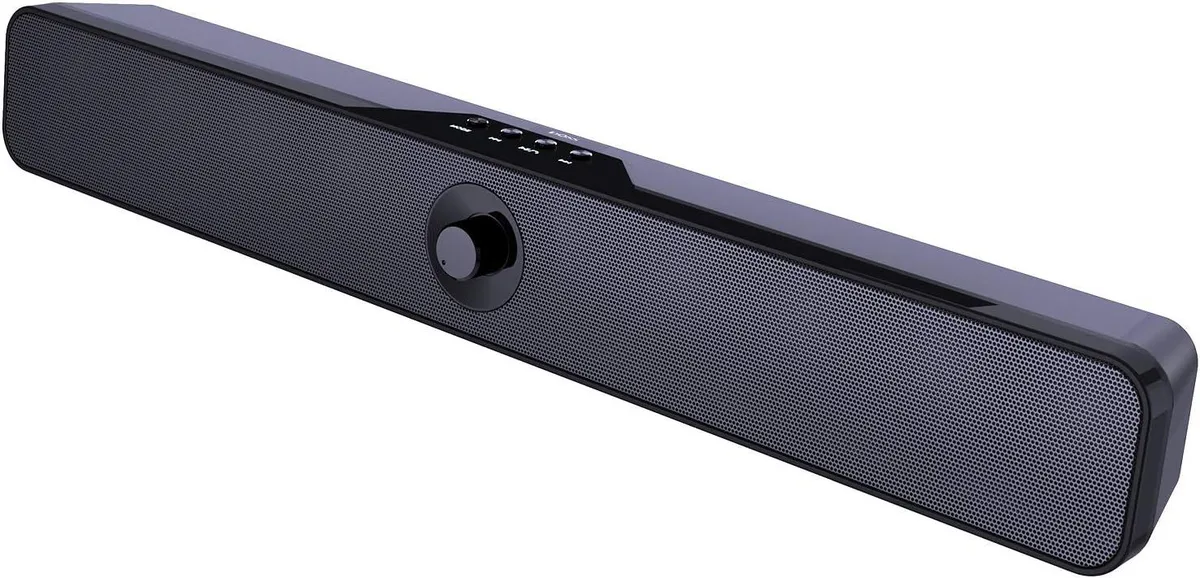
Mickey Technology
Mickey Technology Sound Bar 16W 20H Bluetooth 5.0
- Wired
- Powerful and Clear…
$114.99
0.00133618BTC
In stock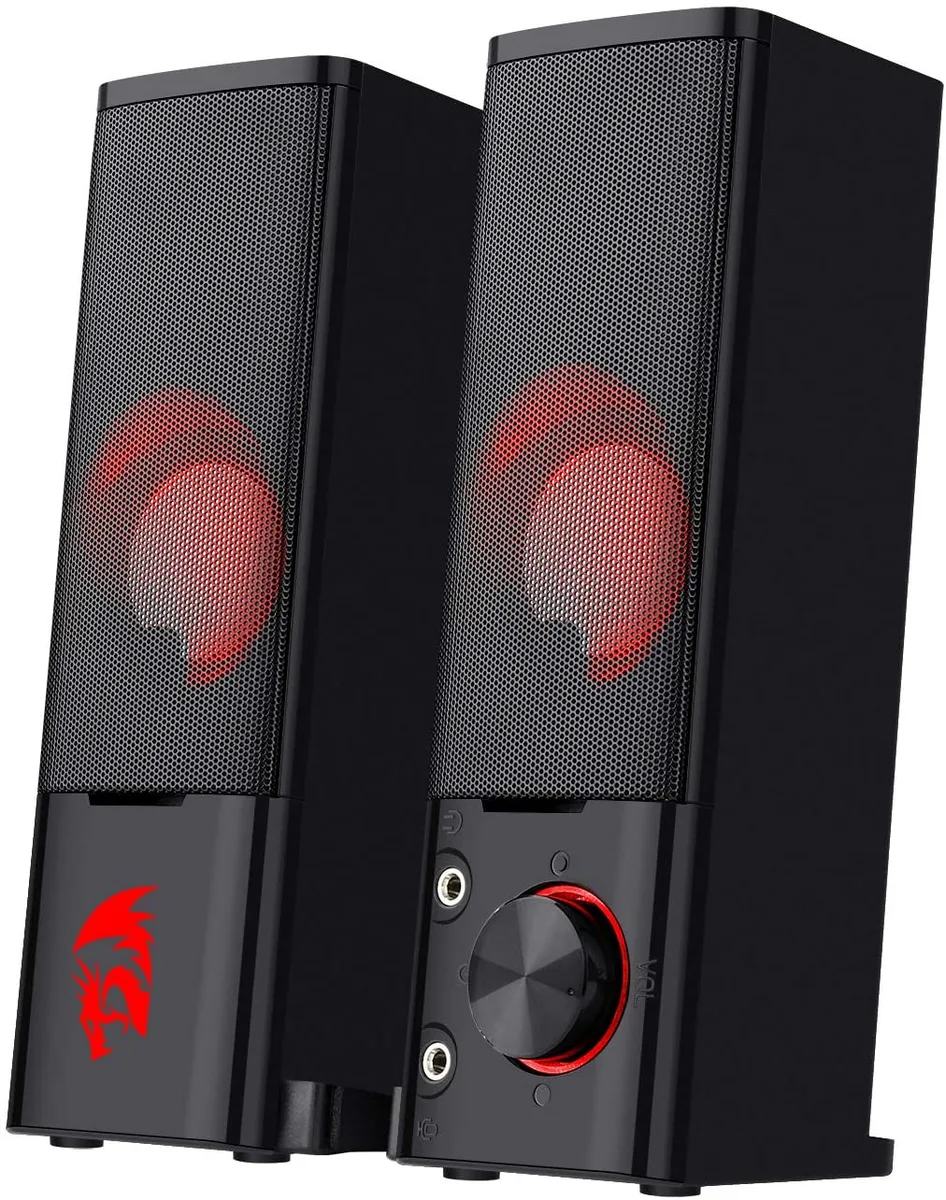
Corn Electronics
Corn Electronics GS550 Orpheus 2.0 stereo speaker, black, red backlight
- Black
- 2.0
$48.99
0.00056926BTC
In stock