


POLY
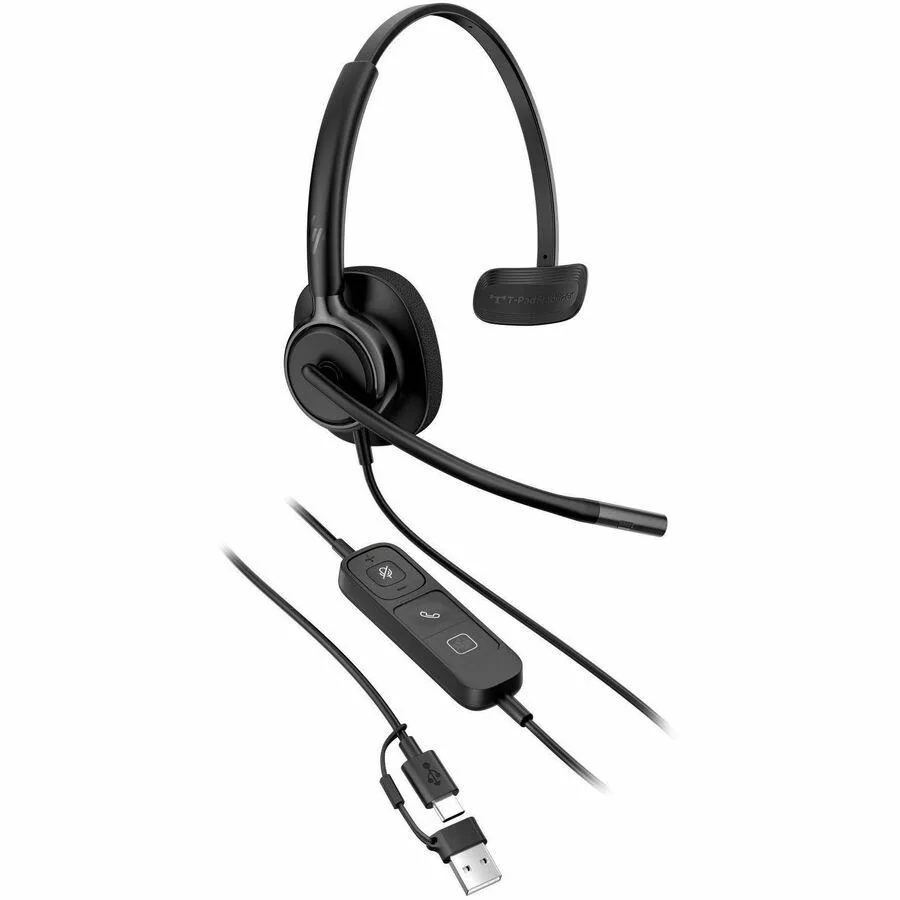
Poly Mission 415 Monaural USB Wired Headset
Monaural USB headset for single-ear communication with included USB-C to USB-A adapter
- Monaural design keeps one ear open for surroundings
- USB wired connection delivers reliable audio without batteries
- Includes USB-C to USB-A adapter for broad device compatibility
- Quick start guide enables fast setup out of the box
- Backed by Poly warranty card for manufacturer support
Poly Mission 415 Monaural Headset
The Poly Mission 415 is a monaural USB wired headset built for clear voice communication. It connects through a USB Type-A interface using the included Type-C adapter. The single-ear design keeps one ear open to the surrounding environment.
Suited for single-ear monitoring
This headset suits professionals who need to stay aware of office conversation while on calls. It is not for users who want stereo audio for music or immersive gaming. Buyers needing active noise cancellation or a boomless design should look at other models.
Voice-focused capacity
The mono speaker and noise-cancelling microphone handle extended voice sessions comfortably. The USB connection provides consistent power without battery management. It runs out of utility when stereo playback or wireless freedom become requirements.
Highlights
- Monaural design keeps one ear open for surroundings
- USB wired connection delivers reliable audio without batteries
- Includes USB-C to USB-A adapter for broad device compatibility
- Quick start guide enables fast setup out of the box
- Backed by Poly warranty card for manufacturer support
Specifications
| Brand | Poly |
|---|
Questions about this item
Does the Poly Mission 415 headset need any software or driver installation to work with a Windows PC?
The headset connects via USB Type-A and is recognised by Windows as a standard audio device without extra drivers.
Can I use the included USB Type-C to USB Type-A adapter with a USB 2.0 port on an older laptop?
Yes, the adapter is backward compatible and will operate at USB 2.0 speeds on legacy ports.
How can I confirm the microphone is capturing my voice after plugging the headset in?
Open the Sound control panel, select the Mission 415 as the input device and watch the level meter while speaking.
Also in this aisle
People compared these
Same shelf, same checkout — eight coins and a 30-minute rate lock.




KEHIPI
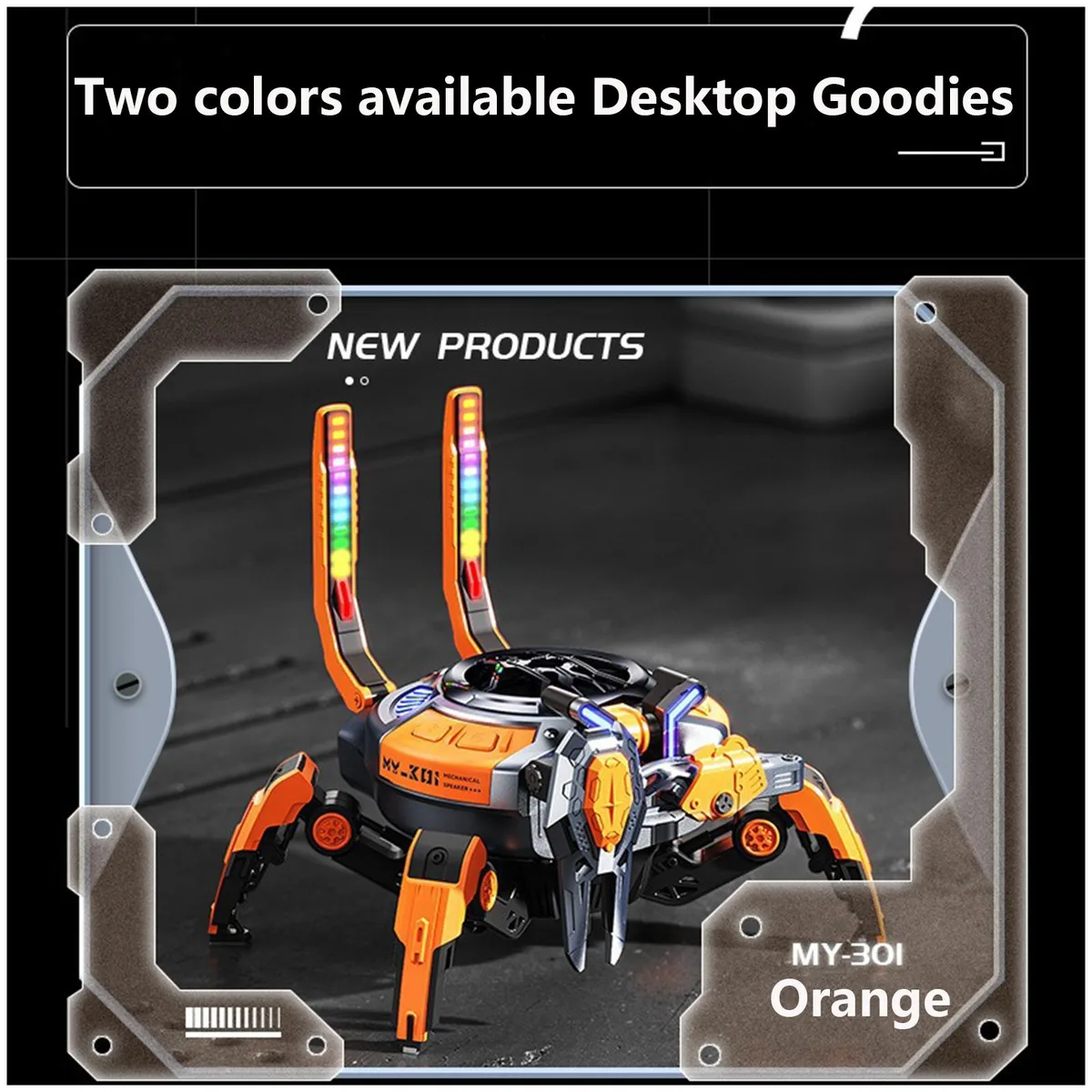
KEHIPI Bluetooth Subwoofer Speaker RGB 2.6x2.4x3.35in 1.3m cable
- Wired
$15.99
0.0001846BTC
In stock