


Plugable Technologies
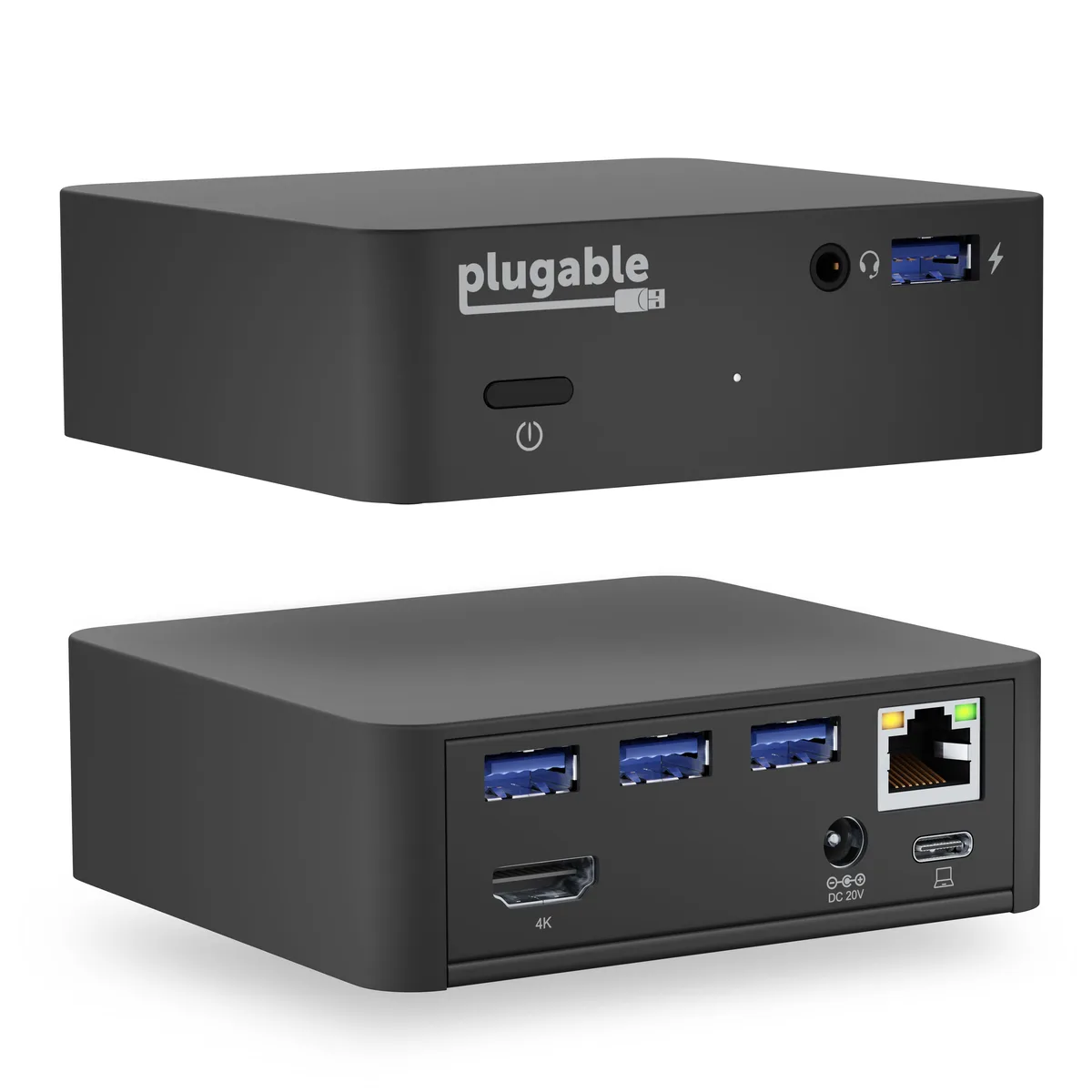
Plugable Technologies UD-CAM USB-C Docking Station with 85W Charging
Connects one 4K HDMI display at 30 Hz, gigabit Ethernet, audio and four USB 3.0 ports while delivering up to 85 W charging over a single USB-C cable
- Charges host laptop up to 85W via USB-C Power Delivery
- Drives a single 4K HDMI display at 30Hz or 2560x1600 at 60Hz
- Adds wired gigabit Ethernet for reliable network connectivity
- Four USB 3.0 ports expand peripheral connections
- VESA mount included for behind-monitor installation
Single 4K HDMI output and 85W charging
The Plugable UD-CAM USB-C Mini Docking Station adds one HDMI display, gigabit Ethernet, audio in/out and four USB 3.0 ports through a single USB-C cable. It delivers up to 85W of Power Delivery to charge compatible laptops while driving an external monitor. A VESA mount is included for attaching the dock behind a display.
Sustained 4K 30Hz or 2560x1600 60Hz via
The dock converts a DisplayPort Alternate Mode signal to HDMI 1.4, giving a direct pipeline to the host GPU for native-level display performance. Under continuous load it maintains 4K at 30Hz or 2560x1600 and lower resolutions at 60Hz without the bandwidth drops seen in compressed or indirect solutions.
Requires host USB-C port
The dock only works with systems whose USB-C ports support both DisplayPort Alternate Mode video output and Power Delivery input. Legacy USB 3.0 ports, USB-C ports lacking video or charging, and DisplayPort monitors are not supported. Compatibility must be verified on the host device before purchase.
Highlights
- Charges host laptop up to 85W via USB-C Power Delivery
- Drives a single 4K HDMI display at 30Hz or 2560x1600 at 60Hz
- Adds wired gigabit Ethernet for reliable network connectivity
- Four USB 3.0 ports expand peripheral connections
- VESA mount included for behind-monitor installation
Specifications
| Brand | Plugable Technologies |
|---|---|
| Model | UD-CAM |
| Shipping weight | 1.11 kg |
| Package size | 178 × 178 × 127 mm |
Questions about this item
How much heat or fan noise does the UD-CAM produce when it delivers 85W charging and drives a 4K 30Hz display all day?
The UD-CAM has no internal fan and relies on passive cooling; the aluminium case dissipates heat from the 85W Power Delivery and HDMI 1.4 video pipeline silently during continuous operation.
Which ports and host capabilities must my laptop already provide for the UD-CAM to function?
Your laptop needs a USB-C or Thunderbolt 3 port that supports both DisplayPort Alternate Mode video output and USB Power Delivery input; legacy USB 3.0 ports and USB-C ports without Alt Mode or PD will not work.
Will the UD-CAM drive my older 2560x1600 monitor at 60Hz alongside a Dell XPS 13 9350?
Yes, the dock supports 2560x1600 at 60Hz over its HDMI 1.4 output when connected to a compatible host such as the Dell XPS 13 9350 that provides DisplayPort Alternate Mode video.
Also in this aisle
People compared these
Same shelf, same checkout — eight coins and a 30-minute rate lock.


Total Micro Technologies
Total Micro Technologies 65 W AC Adapter 693711001TM for HP ProBook 4540s
- Consumer Electronics
$30.99
0.00036167BTC
In stock
Total Micro Technologies
Total Micro Technologies 24W AC Adapter Microsoft Surface Go
- Consumer Electronics
$32.99
0.00038501BTC
In stock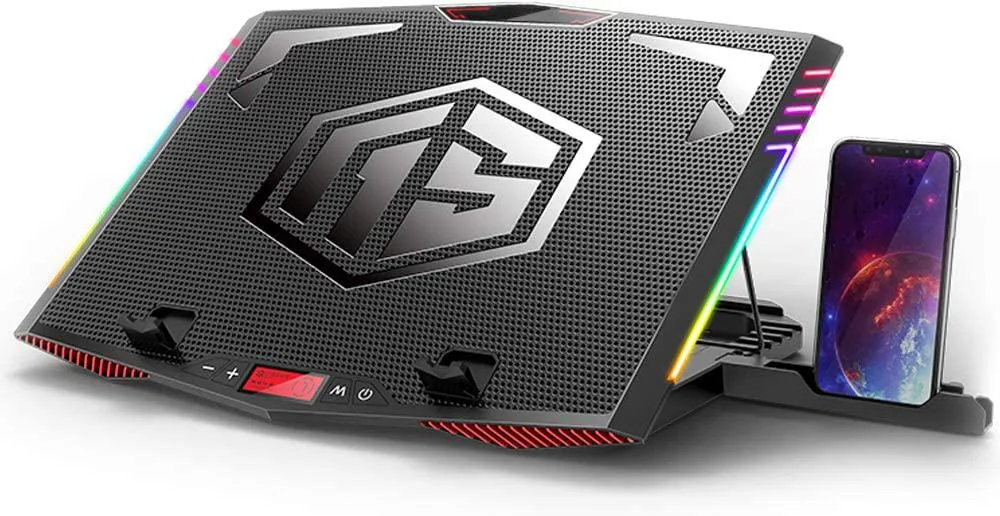
Mickey Technology
Mickey Technology laptop cooling pad 15.6-21 inch 6 fans RGB
- Accessory Case
- Black
$33.99
0.00039668BTC
In stock