Plugable Technologies
Plugable Technologies 12-in-1 Dual 4K USB-C Docking Station
Adds dual 4K 60Hz monitors, gigabit Ethernet, audio, twelve USB ports and 60W laptop charging through one USB-C link
- CompatibilityChromebook, ChromeOS, Windows
- Works With Chromebook certified for secure ChromeOS updates
- Dual 4K 60Hz output via two HDMI and two DisplayPort ports
- 60W host charging keeps laptop powered during use
- 12 ports including 10Gbps USB-C, 10Gbps USB-A, 5Gbps USB-A and gigabit Ethernet
- Compatible with ChromeOS and Windows 10+ for broad device support
12-in-1 Dock with Dual 4K Video
The Plugable 12-in-1 USB-C docking station adds twelve ports to a single USB-C connection. It drives two external monitors at up to 4K 60 Hz through two HDMI and two DisplayPort outputs. A gigabit Ethernet jack, six USB-A ports, one USB-C port and a combo audio jack complete the expansion. The dock delivers up to 60 W of power to the host laptop.
Certified for ChromeOS and Windows
Works With Chromebook certification guarantees validated performance with current and future ChromeOS devices, including automatic secure firmware updates. Windows 10 and newer are fully supported for dual 4K 60 Hz operation. On macOS the dock is limited to a single extended display, so Mac users needing two external screens should look elsewhere. Buyers whose laptops lack a DP 1.4 USB-C port will not achieve dual 4K 60 Hz.
Requires DP 1.4 Host for Dual 4K
The decisive specification is the host requirement: a DisplayPort 1.4 USB-C interface is needed to run two monitors at 4K 60 Hz. Without that host capability the dock falls back to a single 4K output or lower resolutions. Verify your laptop's USB-C video standard before purchasing.
Highlights
- Works With Chromebook certified for secure ChromeOS updates
- Dual 4K 60Hz output via two HDMI and two DisplayPort ports
- 60W host charging keeps laptop powered during use
- 12 ports including 10Gbps USB-C, 10Gbps USB-A, 5Gbps USB-A and gigabit Ethernet
- Compatible with ChromeOS and Windows 10+ for broad device support
Specifications
| Compatibility | Chromebook, ChromeOS, Windows |
|---|---|
| Shipping weight | 1.04 kg |
| Package size | 233 × 146 × 85 mm |
Questions about this item
What does the dual 4K 60Hz figure mean once the dock is connected to a real laptop?
It lets you extend two external monitors, each running at up to 4K resolution and 60Hz refresh, using any combination of the two HDMI and two DisplayPort outputs.
Which host interface standard is required and what does it cap in practice?
A DisplayPort 1.4 host connection is required to drive both displays at 4K 60Hz; without it the second monitor will be limited to a lower mode.
What does the dock physically need to fit or mount on a desk?
The unit sits flat on the desk and connects through a single USB-C cable to the host; no brackets, rails or special mounting hardware are required.
Also in this aisle
People compared these
Same shelf, same checkout — eight coins and a 30-minute rate lock.


IXJYLCPC
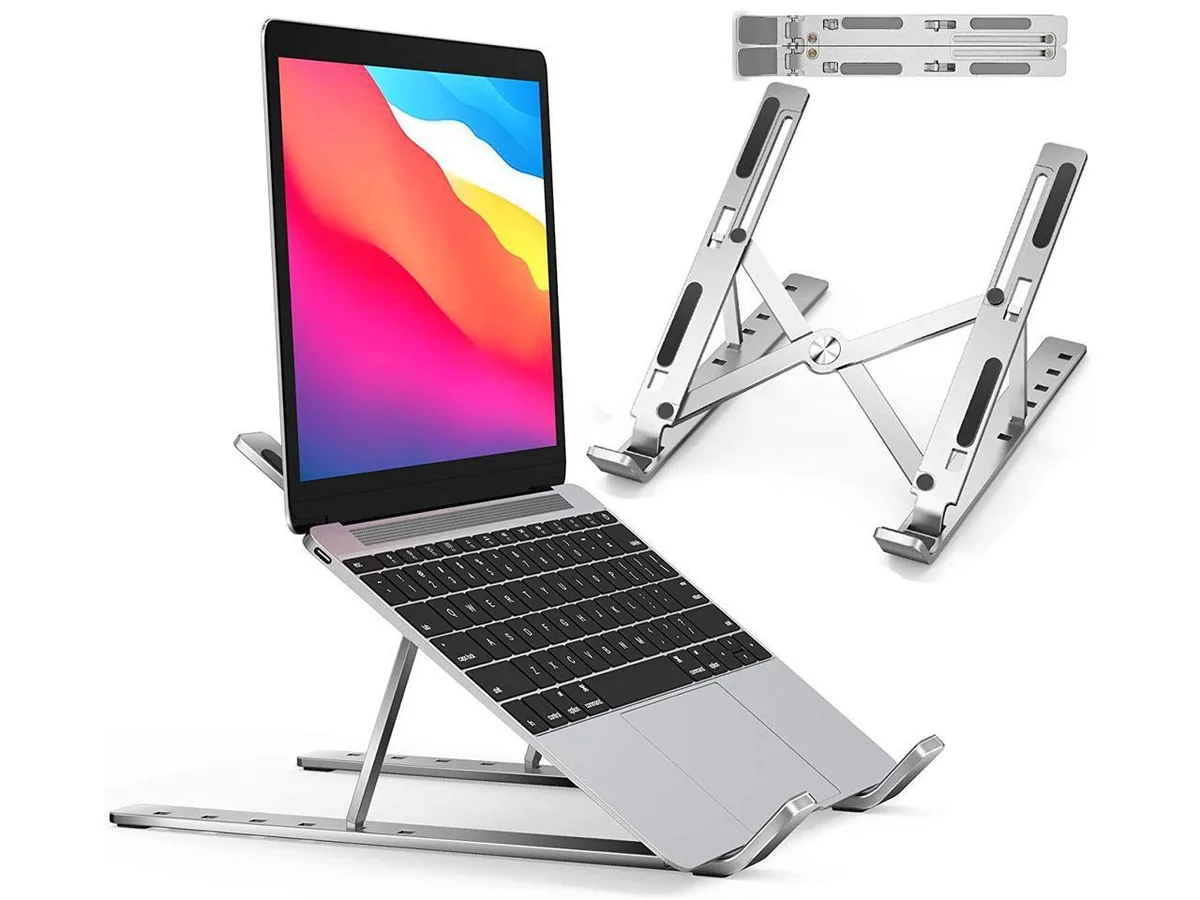
IXJYLCPC C08LS Adjustable Ergonomic Riser Stand Black 10-15.6
- Stand
$31.99
0.00036735BTC
In stock