


PISKEKAT
PISKEKAT Mounting Rack Dual Monitor Arm Laptop Tray 13-27in 10-17in
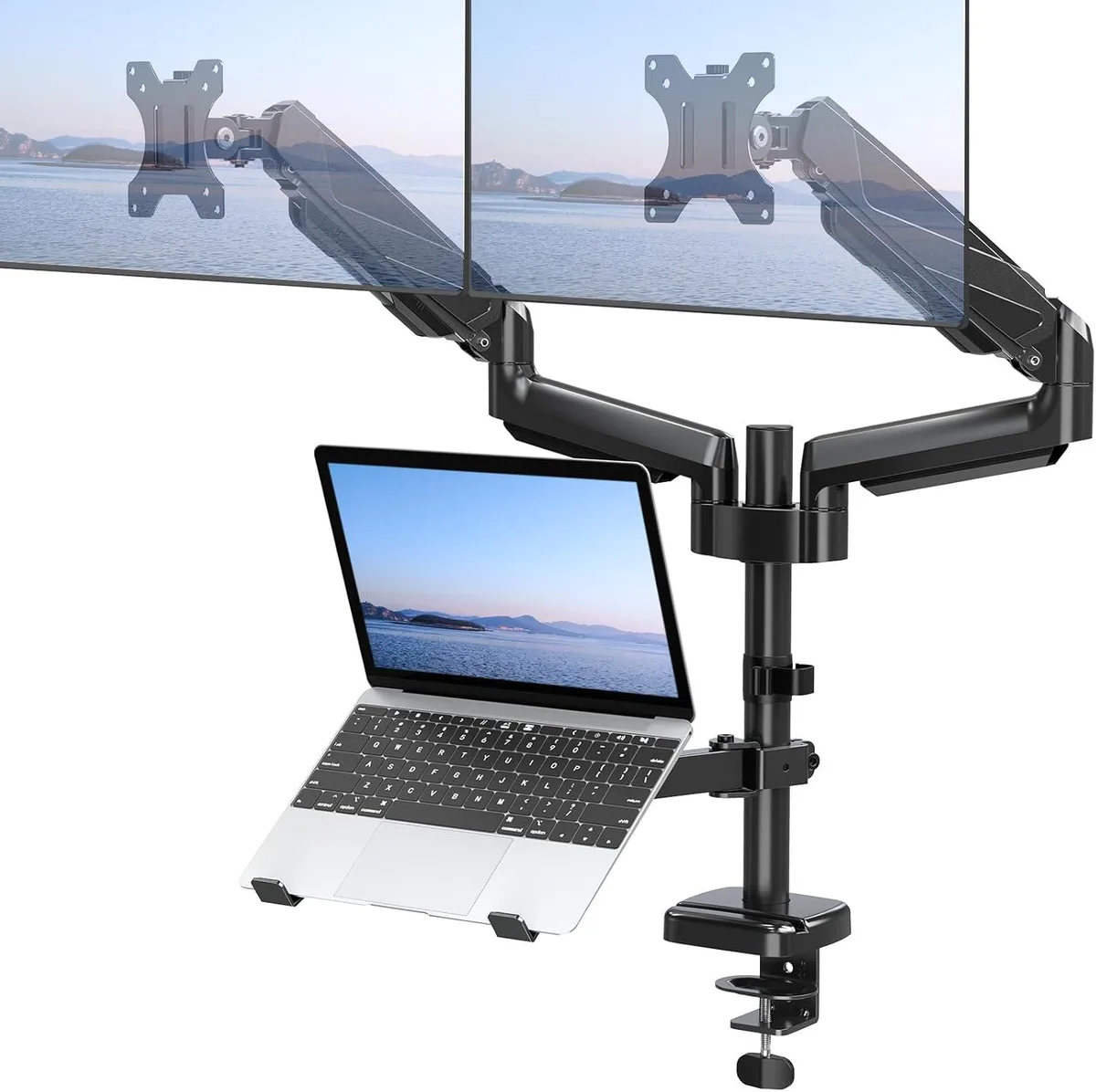
Holds two 13 to 27 inch monitors and a 10 to 17 inch laptop with gas-spring arms for 360° rotation, ±90° swivel and tilt, and height-adjustable tray
- TypeMounting Racks
- Supports two 13-27 inch screens with 75x75mm or 100x100mm VESA
- Holds 10-17 inch laptops up to 17.6 lbs on 8.9 by 9.45 inch tray
- Gas spring arms enable 360° rotation, ±90° swivel and ±90° tilt
- Adjustable height lets you switch between sitting and standing positions
- 3-in-1 design mounts dual monitors and laptop together to save desk space
Dual monitor arm with laptop tray
The PISKEKAT mounting rack holds two screens from 13 to 27 inches and a laptop from 10 to 17 inches. It fits VESA patterns of 75 by 75 millimetres and 100 by 100 millimetres. Each monitor can weigh between 4.4 and 17.6 pounds, and the tray supports the same weight range. The tray measures 8.9 by 9.45 inches.
Gas spring adjustment and ergonomics
Gas springs allow smooth height, tilt, swivel and rotation changes without tools. Monitors rotate 360 degrees, swivel plus or minus 90 degrees and tilt plus or minus 90 degrees. The laptop tray slides up or down the centre pole to match eye level. These movements let users alternate between sitting and standing positions.
Stable under sustained daily use
The arm maintains its set position throughout long work sessions without drifting. Gas springs keep the load balanced when monitors are repositioned repeatedly. The fixed VESA brackets and pole-mounted tray prevent wobble during typing. The 3 in 1 design keeps the desk clear for continuous productivity.
Highlights
- Supports two 13-27 inch screens with 75x75mm or 100x100mm VESA
- Holds 10-17 inch laptops up to 17.6 lbs on 8.9 by 9.45 inch tray
- Gas spring arms enable 360° rotation, ±90° swivel and ±90° tilt
- Adjustable height lets you switch between sitting and standing positions
- 3-in-1 design mounts dual monitors and laptop together to save desk space
Specifications
| Type | Mounting Racks |
|---|
Questions about this item
How do I attach the dual monitor arm to my desk and what is the step people often miss?
The mount uses a C-clamp or grommet base on the centre pole; the step often missed is tightening both the desk clamp and the VESA plate screws to the 75x75mm or 100x100mm pattern before loading the 4.4-17.6 lbs screens.
What maintenance or replacement will the gas spring arms and laptop tray need over time?
The gas springs on the dual monitor arms may lose force after extended use and require arm replacement; the laptop tray has no moving parts but should be checked for screw tightness where it slides on the centre pole.
What is the first limit reached when the dual monitor arms hold two 27 inch screens at full extension all day?
Each arm supports 4.4-17.6 lbs, so the weight limit is reached before the 360° rotation, +/-90° swivel or +/-90° tilt ranges become a constraint.
New to this? Buying server hardware with crypto — what to check, what it costs to pay, and what is never asked for.
Also in this aisle
People compared these
Same shelf, same checkout — eight coins and a 30-minute rate lock.




NVIDIA
NVIDIA 900-2G183-0000-001 Tesla T4 16 GB GDDR6 ai accelerator card
$1,305.99
0.01554917BTC
In stock
Supermicro
Supermicro GPU-XGMIMI210-4P Radeon MI210 64GB HBM2 AI accelerator card
$7,095.99
0.08448512BTC
In stock