

Accsoon
Accsoon CineView SE Multi-Spectrum Wireless Video Transmitter 1200ft 1080p HDMI SDI
$181.99
0.00216389BTC
In stockWe take cryptocurrency — so the coins you hold can buy real hardware.Pay in crypto, spend it on real hardware. Free insured shipping worldwide over $399. Plain, unbranded boxes, sent from Germany.Free insured shipping over $399. Your rate is locked for 30 minutes once checkout opens.Rate locked 30 minutes. Every item sealed, serial-checked and covered by a 24-month warranty.Sealed, 24-month warranty.


PISKEKAT
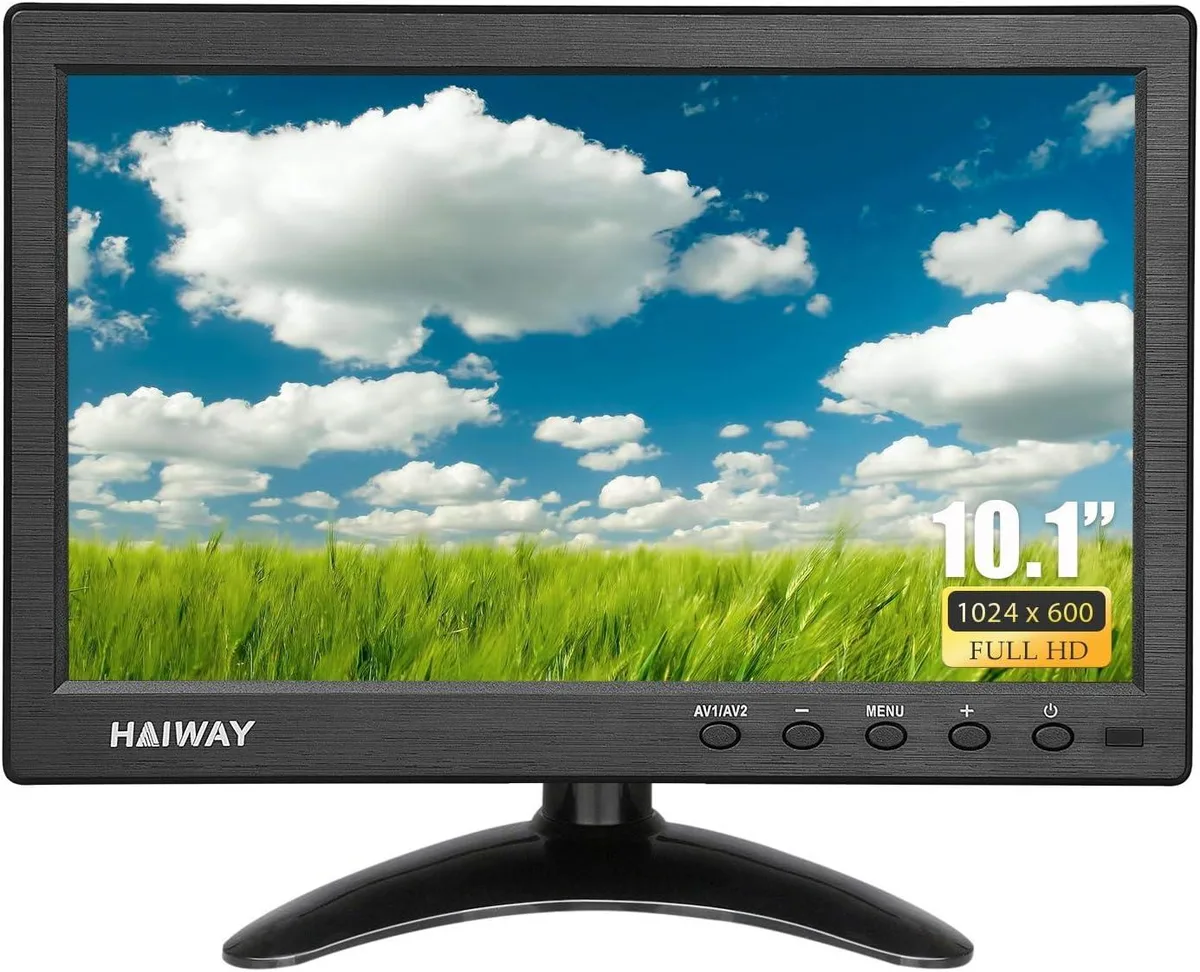
A 10.1 inch portable monitor with 1024x600 resolution, 400 cd/m² brightness and 178° viewing angle, offering HDMI, VGA, BNC, AV and USB inputs for CCTV, Raspberry Pi, gaming consoles and PC
A 10.1 inch display with 1024x600 resolution and 400 cd/m² brightness connects via HDMI, VGA, BNC, AV and USB. Built-in dual speakers provide audio output without external hardware. The 178° wide viewing angle ensures consistent image quality from different positions. It includes a remote control and an adjustable desktop stand.
Suits installers needing a compact screen for CCTV feeds, Raspberry Pi projects or legacy camera systems using BNC input. Gamers can attach consoles through HDMI while professionals gain a secondary display for laptops. Buyers requiring touch interaction or higher pixel density should consider other models.
The 1024x600 panel determines whether text and fine details appear sharp enough for the intended task. Security monitoring and retro gaming typically accept this density, while desktop productivity or modern console output may look coarse. Verify the resolution matches the source device before purchasing.
| Type | Other |
|---|
The VESA 75 mount is not included; you must supply your own VESA 75 bracket for wall mounting.
Power the monitor, press the Source or Input button on the remote or OSD, and choose HDMI before the Pi boots.
Use a dry microfibre cloth; if needed, lightly dampen with water only and wipe gently.
Also in this aisle
Same shelf, same checkout — eight coins and a 30-minute rate lock.
What you pay in, and what you read prices in.
Sent from your wallet at checkout
Display only — the catalogue is priced in USD
No currency matches that.
Pick the language the site speaks to you in.
No language matches that.
New here?
Already have one?
There is no automatic reset: this shop sends no mail, so there is no one-time link to ask for. Leave the address on the account and it gets picked up by hand.
Request noted
Nothing is on its way to your inbox — this shop sends no mail at all. Someone picks these up by hand.
Remembered it?



