


Philips
Philips Vertical Wireless Mouse White 2 in 1 Accessories
An ergonomic vertical mouse with silent buttons, three adjustable DPI settings up to 1600, and 2.4 GHz wireless connectivity for comfortable, quiet use
- Vertical design keeps wrist relaxed during long sessions
- 4 GHz wireless with 800, 1200, 1600 DPI settings for precise control
- Six silent buttons suit small to medium hands
- Quiet clicks eliminate noise in meetings or late-night work
- Auto sleep and light build extend battery life and portability
Ergonomic vertical mouse
The Philips vertical wireless mouse uses a handshake grip to keep the wrist in a neutral position during long sessions. It connects through a 2.4 GHz receiver and offers three DPI settings at 800, 1200 and 1600. Six silent buttons include forward and back controls for navigation. An auto sleep function conserves power when the mouse is idle.
Small to medium hand fit
The shape and button layout are optimised for small to medium hands, making it comfortable for office work and casual gaming. Users with larger hands may find the grip too narrow for extended use. The vertical orientation also requires an adjustment period if you are used to a traditional flat mouse. Buyers who prefer a conventional horizontal shape should consider other models.
Three DPI levels and silent clicks
The 800, 1200 and 1600 DPI steps cover everyday productivity, web browsing and light gaming without needing software configuration. Silent switches keep clicks quiet in shared spaces or during presentations. The 2.4 GHz link provides stable, low latency response comparable to a wired connection. The mouse runs on included batteries and enters sleep mode automatically to extend battery life.
Highlights
- Vertical design keeps wrist relaxed during long sessions
- 4 GHz wireless with 800, 1200, 1600 DPI settings for precise control
- Six silent buttons suit small to medium hands
- Quiet clicks eliminate noise in meetings or late-night work
- Auto sleep and light build extend battery life and portability
Specifications
No published specifications for this item yet.
Questions about this item
What USB port must be free for the 2.4 GHz receiver to plug into?
Any standard USB-A port on the laptop or desktop will accept the 2.4 GHz receiver included with the mouse.
Will the vertical shape and six-button layout feel different if I keep using a flat mouse on another machine?
The vertical grip keeps the forearm neutral and the extra forward/back plus DPI buttons sit under the thumb, so switching between this mouse and a traditional one requires a brief adjustment.
How can I confirm the DPI level I have selected is active?
Press the DPI button to cycle through 800, 1200 and 1600; cursor speed changes immediately so you can feel which setting is in use.
Also in this aisle
People compared these
Same shelf, same checkout — eight coins and a 30-minute rate lock.


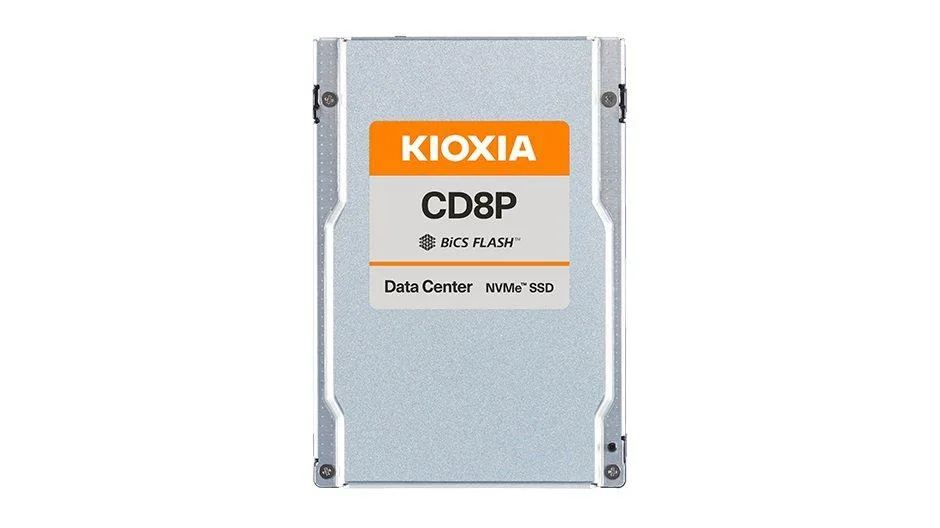

Kioxia
Kioxia KCD8XRUG3T84 CD8-R 3.84TB PCIe 4.0 NVMe 2.5 2 in 1 accessory
$1,997.99
0.02343408BTC
In stock