


PCI
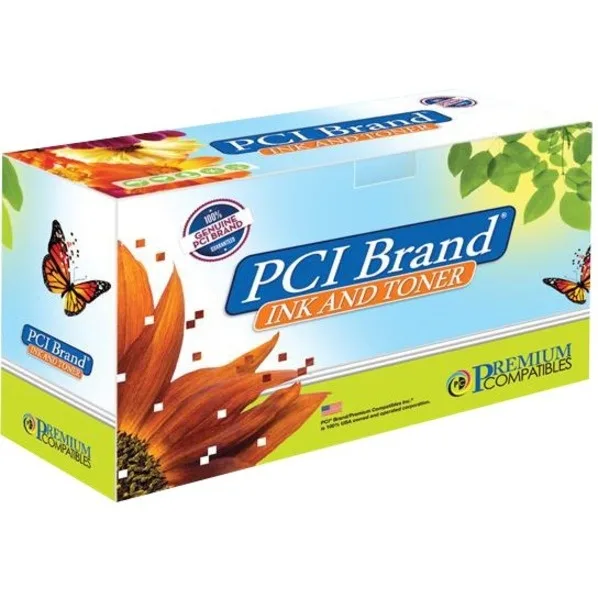
PCI Yellow Toner Cartridge 113R00725 20000 Pages
High-yield yellow toner cartridge delivering 20000 pages for Xerox Phaser 6180 and 8160 series printers
- Cartridge ColorYellow
- Replacement BrandXerox
- Replacement ModelXER-113R00725 113R00725 113R725 113R00495
- Approximate Page Yield20000 Pages
- TypeToner Cartridge
- Yellow toner prints up to 20000 pages
- Compatible with Xerox Phaser 6180 and 8160MFP series
- Replaces OEM part numbers 113R00725, 113R725, 113R00495
- High-yield cartridge reduces replacement frequency
- New aftermarket cartridge from Premium Compatibles
Yellow toner for Xerox Phaser printers
This aftermarket yellow toner cartridge replaces Xerox part numbers 113R00725, 113R725 and 113R00495. It is built for the Phaser 6180, 6180DN, 6180N, 6180MFP, 6180MFPD, 6180MFPN and 8160MFP laser printers. The cartridge delivers a typical yield of 20000 pages.
Upgrading from standard-capacity cartridges
Users replacing lower-yield originals will see fewer change-outs during high-volume print runs. The jump is worthwhile when monthly output regularly exceeds the capacity of standard cartridges and downtime for swaps becomes a bottleneck.
Laser toner yield limits
Page count is based on standard coverage test methods; actual yield varies with page density, job size and environmental conditions. Heavy graphics or continuous short runs reduce the realised page count below the rated figure.
Highlights
- Yellow toner prints up to 20000 pages
- Compatible with Xerox Phaser 6180 and 8160MFP series
- Replaces OEM part numbers 113R00725, 113R725, 113R00495
- High-yield cartridge reduces replacement frequency
- New aftermarket cartridge from Premium Compatibles
Specifications
| Brand | Premium Compatibles |
|---|---|
| Cartridge Color | Yellow |
| Replacement Brand | Xerox |
| Replacement Model | XER-113R00725 113R00725 113R725 113R00495 |
| Approximate Page Yield | 20000 Pages |
| Type | Toner Cartridge |
Questions about this item
Which printer models accept the 113R00725 yellow toner cartridge?
The cartridge fits Xerox Phaser 6180, 6180DN, 6180N, 6180MFP, 6180MFPD, 6180MFPN and 8160MFP laser printers.
How do I install the 113R00725 cartridge and what step is often missed?
Open the front cover, pull out the old yellow cartridge, shake the new one gently, remove its protective seal, then slide it in until it clicks.
When will the 20000-page yellow toner need replacement and what else should I check?
Replace it when prints fade or the printer signals low toner; also inspect the drum unit and waste toner bottle at that time.
Also in this aisle
People compared these
Same shelf, same checkout — eight coins and a 30-minute rate lock.


Tripp Lite
Tripp Lite U324-003-BK USB 3.0 cable USB-A to USB-A 3 ft
- USB
- Black
$13.99
0.00016794BTC
In stock

MADE IN USA TONER
MADE IN USA TONER TK-8367K Cyan Toner Cartridge 25000 Pages
$48.99
0.0005881BTC
In stock