

Panasonic
Panasonic CF-VEB272A2W Docking Station for CF-29
A port replicator that connects a CF-29 Toughbook to desktop peripherals
- Designed specifically for CF-29 Toughbooks
- Adds desktop connectivity through a single dock connection
- Secure docking mechanism withstands field use
- New Panasonic accessory ready for deployment
Panasonic CF-VEB272A2W Port Replicator
This Panasonic CF-VEB272A2W port replicator is designed specifically for the CF-29 Toughbook series. It provides a stationary connection point that allows users to attach peripherals and external displays quickly. The unit simplifies the transition between mobile and desk-based work for field personnel. Condition is new.
Suits CF-29 owners needing legacy port expansion
This replicator suits owners of CF-29 Toughbooks who require a dedicated docking solution for legacy connectivity. It is not for users of other laptop models or newer Toughbook generations. Buyers needing modern high-speed interfaces or charging capabilities not provided by this specific model should look elsewhere.
Highlights
- Designed specifically for CF-29 Toughbooks
- Adds desktop connectivity through a single dock connection
- Secure docking mechanism withstands field use
- New Panasonic accessory ready for deployment
Specifications
No published specifications for this item yet.
Questions about this item
Does the CF-VEB272A2W add fan noise or draw extra power when the CF-29 runs all day?
The port replicator has no fan and draws minimal power from the CF-29, so it adds no audible noise or noticeable heat during continuous use.
Which cables or adapters must I already own to connect monitors, network and USB peripherals to this dock?
You need your own VGA or serial video cable, an Ethernet patch lead and standard USB-A cables for peripherals; the dock only provides the rear ports.
Also in this aisle
People compared these
Same shelf, same checkout — eight coins and a 30-minute rate lock.


Total Micro Technologies
Total Micro Technologies 65 W AC Adapter 693711001TM for HP ProBook 4540s
- Consumer Electronics
$30.99
0.00036177BTC
In stock
Total Micro Technologies
Total Micro Technologies 24W AC Adapter Microsoft Surface Go
- Consumer Electronics
$32.99
0.00038511BTC
In stock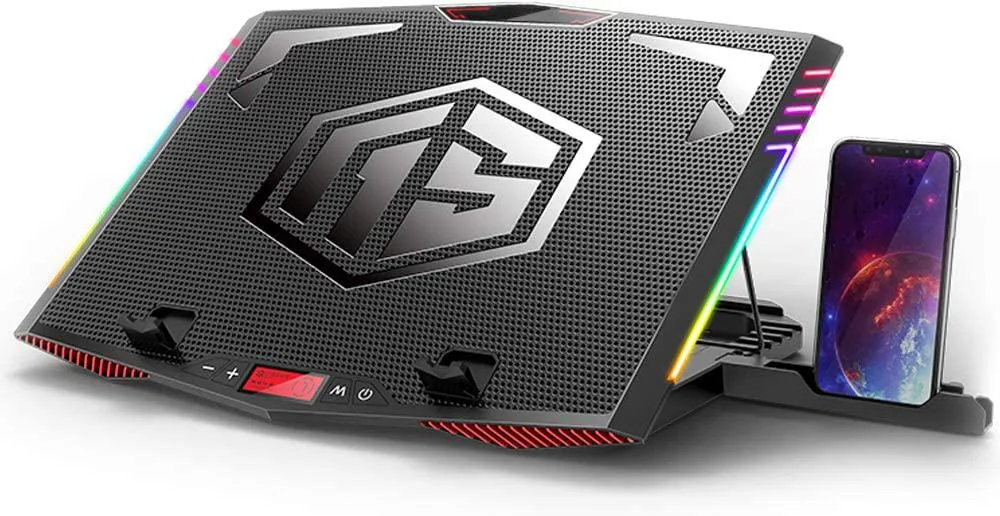
Mickey Technology
Mickey Technology laptop cooling pad 15.6-21 inch 6 fans RGB
- Accessory Case
- Black
$33.99
0.00039679BTC
In stock