
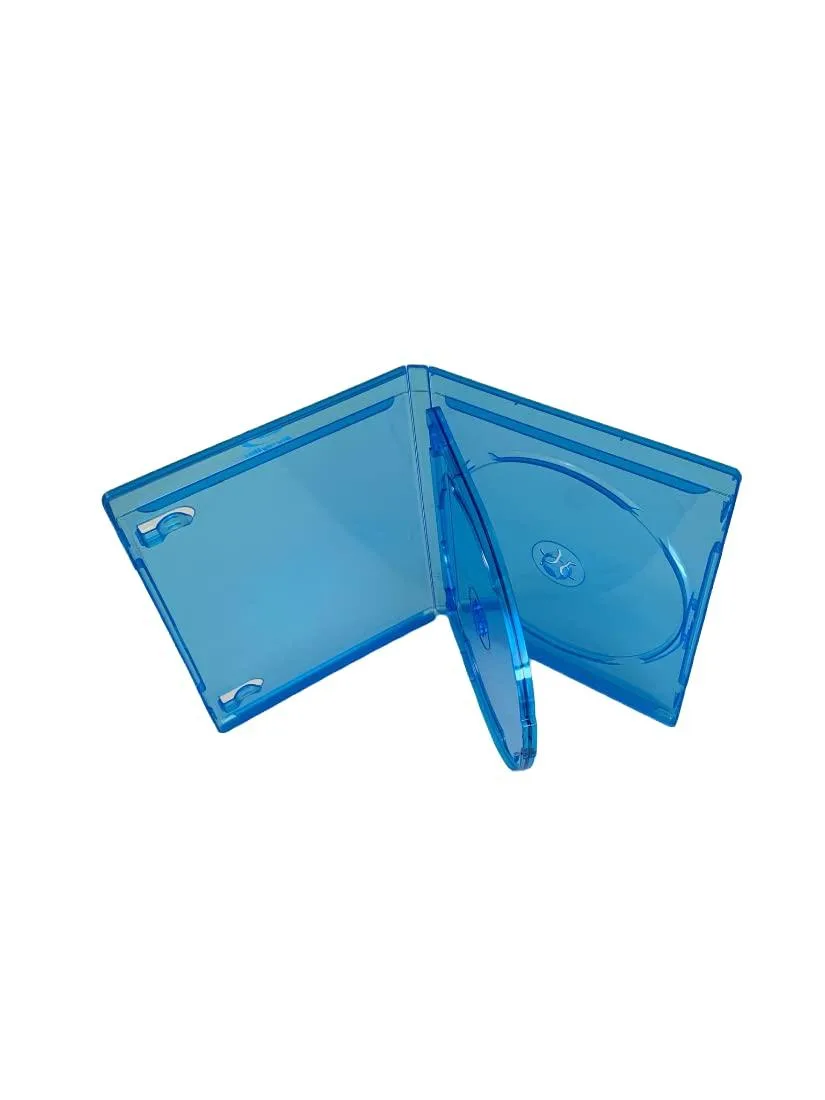
MediaPack4All 12.5mm Blu-Ray Case Multi-Three Storing Capacity
- 2.4892 L x 18.2118…
- 1 Year Warranty
$13.99
0.00016715BTC
In stockWe take cryptocurrency — so the coins you hold can buy real hardware.Pay in crypto, spend it on real hardware. Free insured shipping worldwide over $399. Plain, unbranded boxes, sent from Germany.Free insured shipping over $399. Your rate is locked for 30 minutes once checkout opens.Rate locked 30 minutes. Every item sealed, serial-checked and covered by a 24-month warranty.Sealed, 24-month warranty.


OWC
Dual-bay dock connects 2.5-inch and 3.5-inch SATA drives via USB 3.2 at 10 Gb/s, compatible with Mac OS and Windows 7 through 11
The OWC Drive Dock accepts both 2.5-inch and 3.5-inch SATA and NVMe U.2 drives in two independent bays. It connects to a host through a single USB 3.2 Gen 2 port at 10 Gb/s using either a USB-C or USB-A cable. The unit supports macOS and Windows 7 through 11 without additional drivers. It is built for users who need quick, tool-free access to multiple bare drives.
An included 100-240 V, 50-60 Hz power supply feeds both bays so no host bus power is required. The aluminium chassis acts as a heatsink and operates without fans, so the dock adds no audible noise to a workstation. Power draw scales with the drives installed and the supply handles the full 100-240 V range for worldwide use.
The single USB 3.2 connection carries data for both bays at up to 10 Gb/s aggregate bandwidth. This means total throughput is shared when both drives are active, so sustained transfers to both volumes will divide the available link speed. Buyers who need dedicated full-speed paths for each drive should consider a multi-port controller instead.
| Brand | OWC |
|---|---|
| Model | OWCTCDRVDCKSN |
| Part Number | OWCTCDRVDCKSN |
| Size | 2.5" & 3.5" |
| Type | USB 3.2 (10Gb/s) |
| Internal Interface | NVMe U.2 and SATA Drives |
| Shipping weight | 1.81 kg |
| Package size | 210 × 203 × 178 mm |
Connect the dock to power using the included 100-240V supply, insert the 3.5-inch SATA drive into either bay until seated, then connect the USB-C or USB-A cable to the host. The step often missed is powering the dock on before the host recognises the drive.
The dock has no moving parts or filters. Keep the USB-C or USB-A port and drive bays free of dust; if the external power supply fails after prolonged use, replace it with an equivalent 100-240V 50-60Hz unit.
The enclosure relies on passive convection within its 8.5 cm × 15.0 cm × 16.0 cm chassis; under continuous 10 Gb/s USB 3.2 loads the drive’s own temperature threshold will be reached before the dock’s electronics throttle.
New to this? Paying with USDT: TRC-20 or ERC-20 — what to check, what it costs to pay, and what is never asked for.
Also in this aisle
Same shelf, same checkout — eight coins and a 30-minute rate lock.
What you pay in, and what you read prices in.
Sent from your wallet at checkout
Display only — the catalogue is priced in USD
No currency matches that.
Pick the language the site speaks to you in.
No language matches that.
New here?
Already have one?
There is no automatic reset: this shop sends no mail, so there is no one-time link to ask for. Leave the address on the account and it gets picked up by hand.
Request noted
Nothing is on its way to your inbox — this shop sends no mail at all. Someone picks these up by hand.
Remembered it?


