
OtterBox
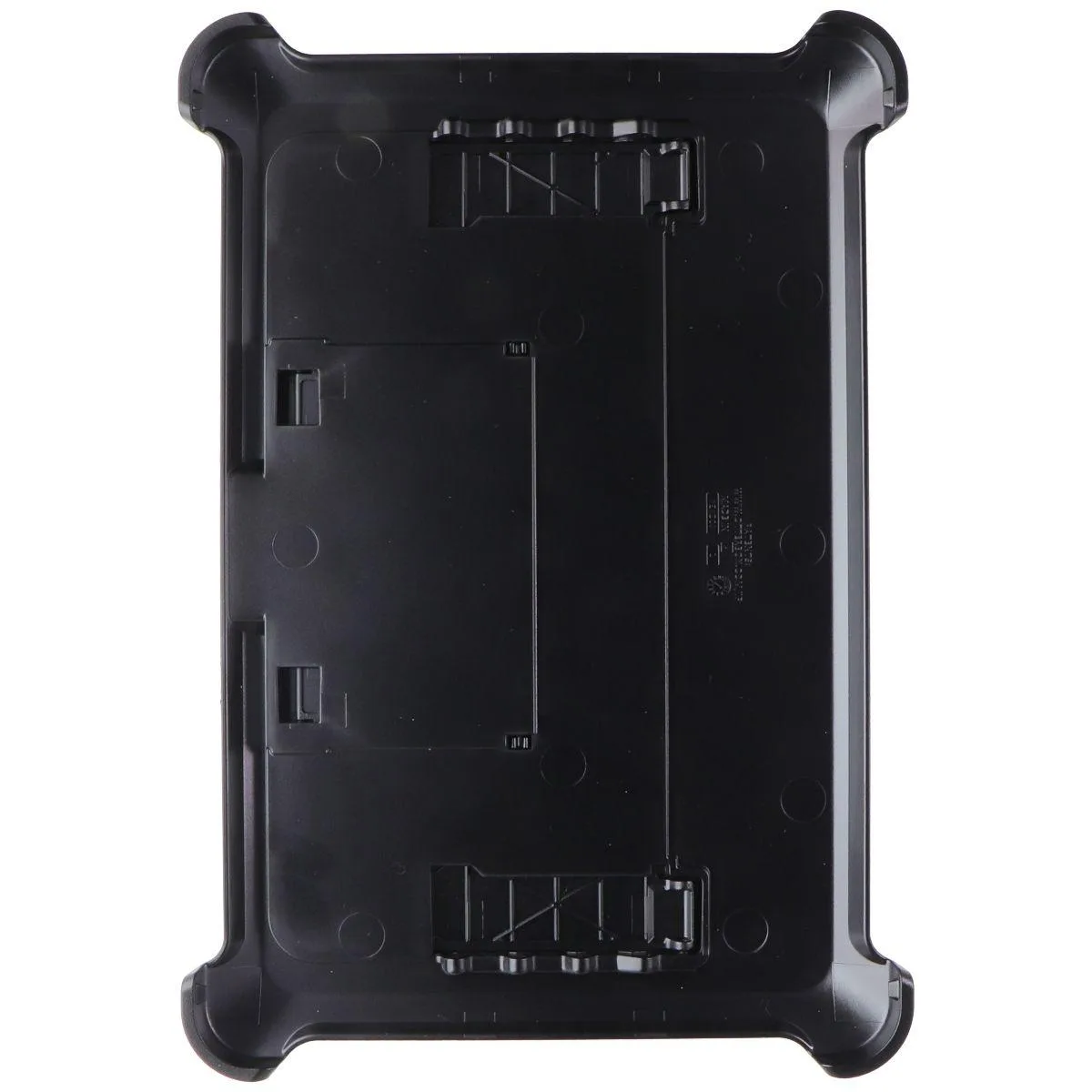
OtterBox Defender Series Case for Samsung Galaxy Tab A9+ Black
Multi-layer protective case with built-in screen protector, port covers, and convertible stand for Samsung Galaxy Tab A9+ in black
- TypeCase
- Multi-layer drop protection shields your tablet
- Built-in screen protector guards the display
- Port covers keep dust out of jacks
- Integrated stand enables hands-free viewing
- Designed specifically for Samsung Galaxy Tab A9+
OtterBox Defender Case for Galaxy Tab A9+
This protective case fits the Samsung Galaxy Tab A9+ and uses a multi-layer construction with an inner shell, outer slipcover, built-in screen protector and integrated shield stand to guard the tablet against drops and impacts.
Multi-layer protection with port covers and stand
The inner shell and outer slipcover combine to absorb shock while port covers seal jacks and ports against dust, dirt and debris. The built-in shield stand protects the touchscreen when closed and converts into a stable stand for typing or hands-free viewing.
Drop-test limits and single-device fit
Protection is validated for the Galaxy Tab A9+ only and does not extend to other tablet models or sizes. The drop-test rating covers typical handling falls; it does not guarantee survival from extreme heights or crushing forces.
Highlights
- Multi-layer drop protection shields your tablet
- Built-in screen protector guards the display
- Port covers keep dust out of jacks
- Integrated stand enables hands-free viewing
- Designed specifically for Samsung Galaxy Tab A9+
Specifications
| Type | Case |
|---|
Questions about this item
How does the multi-layer construction with inner shell, outer slipcover, and built-in screen protector affect everyday use?
The Defender Series wraps the Galaxy Tab A9+ in a polycarbonate inner shell, a synthetic rubber slipcover, and a built-in screen protector; port covers seal the jacks, and the integrated shield stand doubles as a kickstand for typing or viewing.
What clearance does the case need around the tablet's edges and ports?
The rugged shell wraps all four sides and adds raised bezels around the screen and cameras; precise cut-outs align with the USB-C port, speakers, and buttons, so no extra clearance beyond the case itself is required.
What is the correct order to install the inner shell, outer slipcover, and shield stand so the screen protector stays bubble-free?
Snap the tablet into the front frame with the built-in screen protector first, press the back shell on until it clicks, then stretch the outer slipcover over the assembled unit; finally, rotate the shield stand into position — it locks both ways for stand or cover mode.
Also in this aisle
People compared these
Same shelf, same checkout — eight coins and a 30-minute rate lock.


MCHOSE
MCHOSE Adjustable Tablet/Phone Stand Aluminum Black 4-13 inch
- Tablet Stands
$33.99
0.00040463BTC
In stock