Birddog Distributing, Inc.
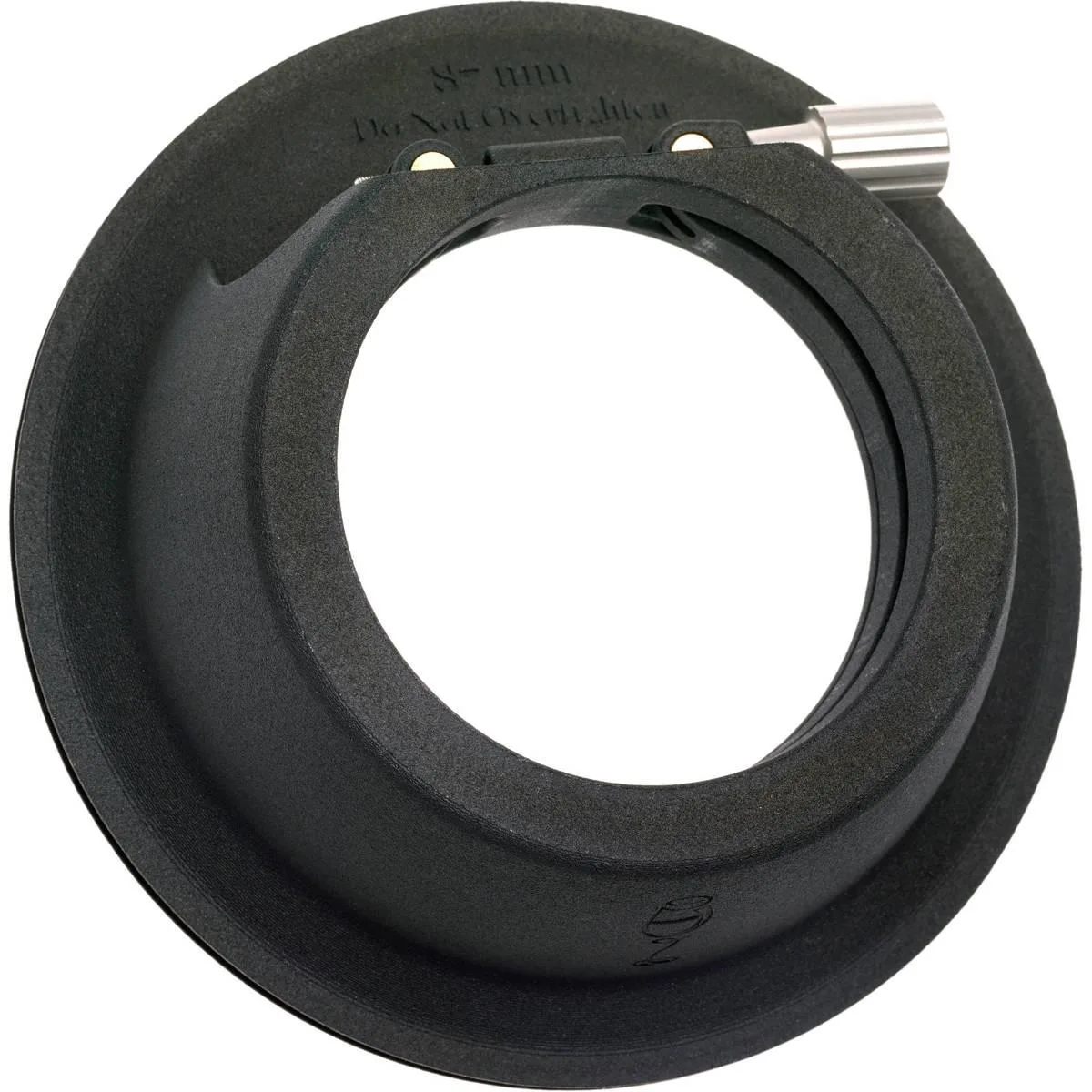
Birddog Distributing, Inc. BD4KQUAD professional video device
$1,533.99
0.01853003BTC
In stockWe take cryptocurrency — so the coins you hold can buy real hardware.Pay in crypto, spend it on real hardware. Free insured shipping worldwide over $399. Plain, unbranded boxes, sent from Germany.Free insured shipping over $399. Your rate is locked for 30 minutes once checkout opens.Rate locked 30 minutes. Every item sealed, serial-checked and covered by a 24-month warranty.Sealed, 24-month warranty.


ORVIX
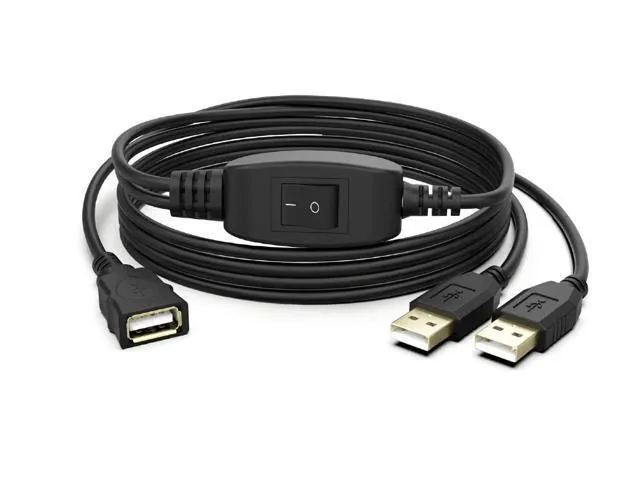
A USB 2.0 switch lets two computers share one peripheral with a button press and includes a 1.5 m cable
This ORVIX USB 2.0 splitter lets two computers share a single USB device such as a printer, scanner or flash drive. A push-button on the cable selects which computer is active. Only one computer can use the device at a time. The 1.5 m cable includes a dedicated printing line and works with USB 2.0 or 1.1 hosts on Windows, Mac and Linux.
Suits home offices or small workspaces where two laptops or desktops need occasional access to the same peripheral without unplugging cables. Not for users who need simultaneous access from both computers or who require faster transfer speeds than USB 2.0 provides.
Comfortably manages printing, scanning or basic file transfers on a single active connection. Runs out when both computers need the device at once or when the workload demands bandwidth beyond the USB 2.0 specification.
| Brand | ORVIX |
|---|
Each computer needs a standard USB 2.0 or USB 1.1 Type-A port to accept the male connectors.
Yes, the splitter works with USB 1.1 devices on the shared port at USB 2.0 speeds.
Press the button switch; the selected computer will recognise the shared device immediately.
Also in this aisle
Same shelf, same checkout — eight coins and a 30-minute rate lock.
What you pay in, and what you read prices in.
Sent from your wallet at checkout
Display only — the catalogue is priced in USD
No currency matches that.
Pick the language the site speaks to you in.
No language matches that.
New here?
Already have one?
There is no automatic reset: this shop sends no mail, so there is no one-time link to ask for. Leave the address on the account and it gets picked up by hand.
Request noted
Nothing is on its way to your inbox — this shop sends no mail at all. Someone picks these up by hand.
Remembered it?