
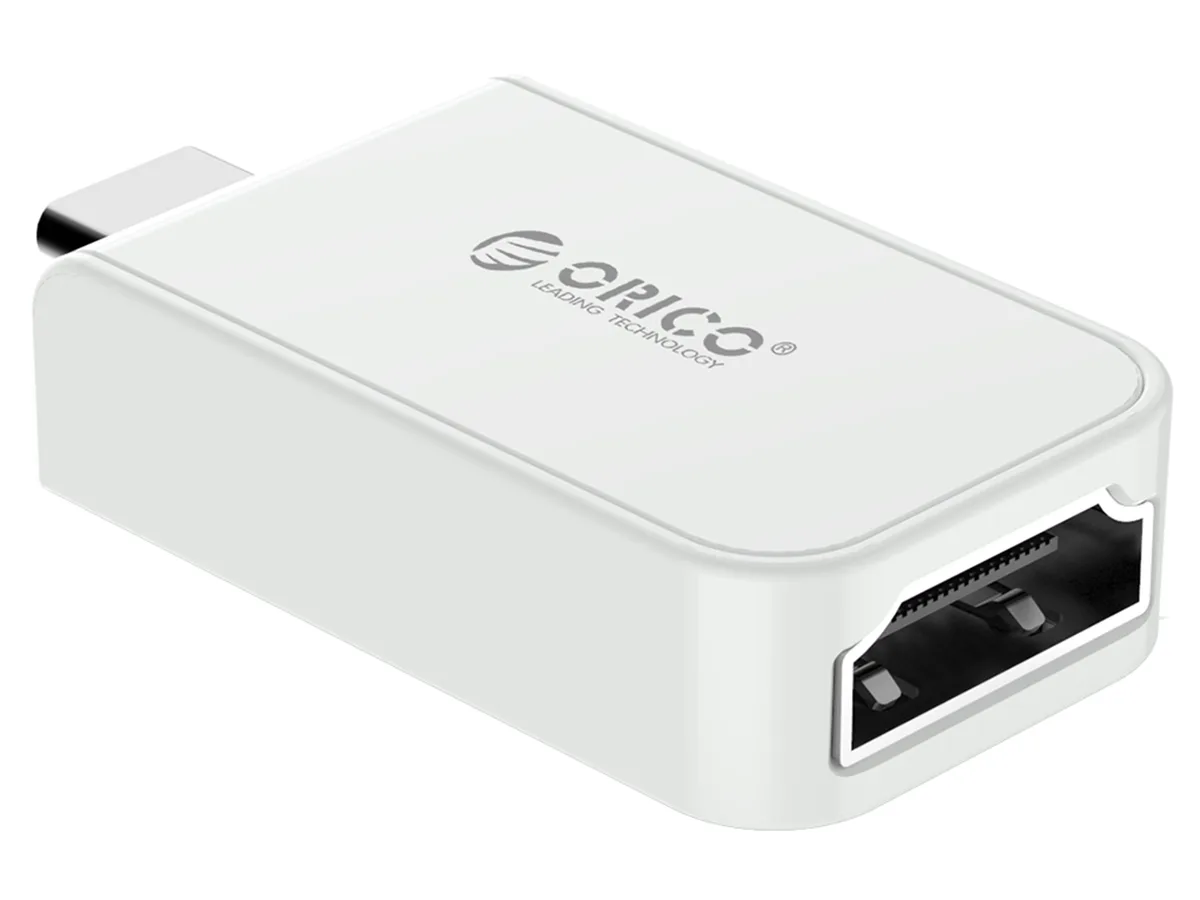


Orico
Orico CLH-X1 Series USB-C to HDMI adapter white 4K60Hz
Connects a USB-C device to an HDMI display at 4K 60 Hz, 52.5 by 28 by 9.7 mm, white
- TypeUSB-C to HDMI Adapters
- ColorWhite
- FeaturesType C to HDMI Adapter
- Dimensions52.5*28*9.7mm
- 4K at 60 Hz for smooth video playback
- DisplayPort Alt Mode support on USB-C devices
- Works with 2015-2017 MacBook, Dell XPS 13/15 and listed USB-C laptops
- Compact 52.5 x 28 x 9.7 mm adapter fits in any bag
- Backward compatible down to 720p at 60 Hz
Compact 4K60 USB-C to HDMI Adapter
This white Orico CLH-X1 adapter connects a USB-C device to an HDMI display. It supports video output up to 3840x2160 at 60 Hz and lower resolutions such as 2560x1440 and 1920x1080. The unit measures 52.5 by 28 by 9.7 mm and suits users who need a simple, portable link for presentations or media playback.
Upgrade from Lower-Resolution or VGA Dongles
The adapter replaces older converters limited to 1080p or 30 Hz 4K output. The jump is worthwhile when the host supports DisplayPort Alt Mode and the display accepts 4K at 60 Hz. It does not add support for phones or tablets other than the Samsung Galaxy S8 series and Huawei Mate 10.
Limited by Host DisplayPort Alt Mode
Video requires the USB-C port to implement DisplayPort Alt Mode; ports without this feature will not transmit a signal. Maximum refresh rate at 4K depends on the display's HDMI input specification. The adapter cannot overcome host or sink limitations.
Highlights
- 4K at 60 Hz for smooth video playback
- DisplayPort Alt Mode support on USB-C devices
- Works with 2015-2017 MacBook, Dell XPS 13/15 and listed USB-C laptops
- Compact 52.5 x 28 x 9.7 mm adapter fits in any bag
- Backward compatible down to 720p at 60 Hz
Specifications
| Brand | Orico |
|---|---|
| Series | CLH-X1 Series |
| Model | USB & HDMI |
| Type | USB-C to HDMI Adapters |
| Color | White |
| Features | Type C to HDMI Adapter |
| Dimensions | 52.5*28*9.7mm |
Questions about this item
How much space does the 52.5 mm by 28 mm adapter need beside a USB-C port?
The white CLH-X1 adapter measures 52.5 mm long, 28 mm wide and 9.7 mm thick, so allow at least that much clearance next to the port for the HDMI cable bend radius.
Which step do people miss when plugging this USB 3.1 Type-C to HDMI adapter into a 2016 MacBook Pro?
The host USB-C port must support DisplayPort Alt Mode; the adapter will not send video if the port is data-only, so verify the laptop spec before assuming it will work.
When should I replace the CLH-X1 Series adapter if 4K 60 Hz output becomes unstable?
Intermittent 3840x2160@60Hz or 1920x1080@60Hz flicker usually means the USB-C connector or internal converter has worn; swap the adapter when reseating the cable no longer restores a steady picture.
New to this? Which coin should you pay with — what to check, what it costs to pay, and what is never asked for.
Also in this aisle
People compared these
Same shelf, same checkout — eight coins and a 30-minute rate lock.



Black Box Corporation
Black Box Corporation CAT6 EZ-RJ45 Modular Plugs 100-Pack
$95.99
0.00115038BTC
In stock
