


OPTOMA
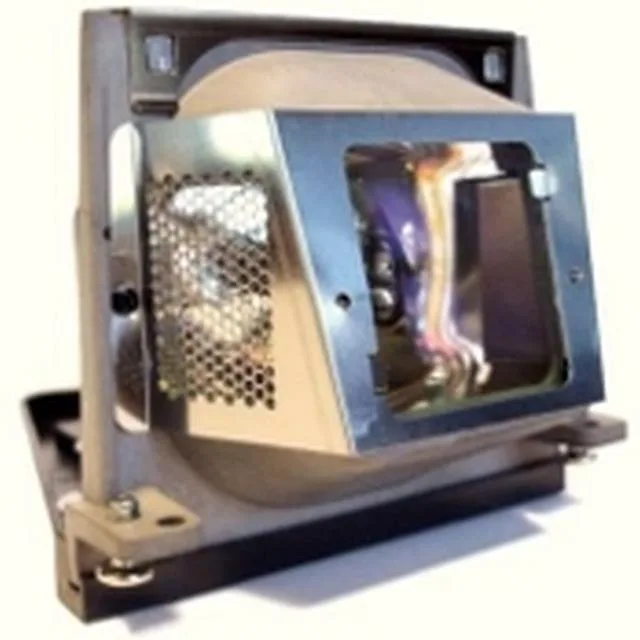
OPTOMA 5811116037-SOT projector lamp 180W
Genuine 180W replacement projector lamp module with 3,000 to 4,000 hour rated life
- TypeProjector Lamp
- Wattage180W
- Lamp Life3,000 (Normal) - 4,000 (Economy) Hrs.
- Genuine Optoma replacement lamp ready for immediate installation
- 180W P-VIP bulb delivers consistent brightness for presentations
- Up to 3000 hours normal mode or 4000 hours economy mode
- Built to ISO 9001 quality standards with full performance testing
- New condition module includes bulb and housing assembled
Genuine compatible replacement lamp
The OPTOMA 5811116037-SOT is a new projector lamp module that ships with a pre-assembled 180W P-VIP bulb inside its housing. It is built for owners of compatible Optoma projectors who need a direct swap without handling bare bulbs.
Upgrades from a dimming or expired module
Replace the lamp when brightness drops below usable levels or when the projector warns that the hour limit is reached. The jump is worth it if the current unit has passed 3000 hours in normal mode or 4000 hours in economy mode.
Fits into the projector lamp bay
The module slides into the existing lamp compartment and connects with the original power leads, requiring no extra tools or adapters. It frees the owner from sourcing a bare bulb and a separate housing, restoring full image output in a single step.
Highlights
- Genuine Optoma replacement lamp ready for immediate installation
- 180W P-VIP bulb delivers consistent brightness for presentations
- Up to 3000 hours normal mode or 4000 hours economy mode
- Built to ISO 9001 quality standards with full performance testing
- New condition module includes bulb and housing assembled
Specifications
| Type | Projector Lamp |
|---|---|
| Wattage | 180W |
| Lamp Life | 3,000 (Normal) - 4,000 (Economy) Hrs. |
Questions about this item
Does the Optoma 5811116037-SOT lamp module include the housing so I can swap it without tools?
Yes, the unit ships as a fully assembled 180W P-VIP bulb inside its housing, so you simply remove the old module and slide the new one into the projector’s lamp bay.
What is the correct reset procedure after fitting the 5811116037-SOT lamp, and which step do users most often miss?
After installation, power on the projector and hold the lamp-reset button or use the on-screen menu to reset the hour counter to zero; the step most often missed is confirming the reset before exiting the menu.
When should I plan to replace the 5811116037-SOT lamp based on its rated life?
The lamp is rated for 3,000 hours in normal mode and 4,000 hours in economy mode; schedule a replacement when the projector’s hour counter approaches those figures.
Also in this aisle
People compared these
Same shelf, same checkout — eight coins and a 30-minute rate lock.



CHIEF MANUFACTURING
CHIEF MANUFACTURING CMS018 18" 457 mm Fixed Extension Column projector accessory
- Extension Column
- Projector
$22.99$22.99
0.0002715BTC
In stock