
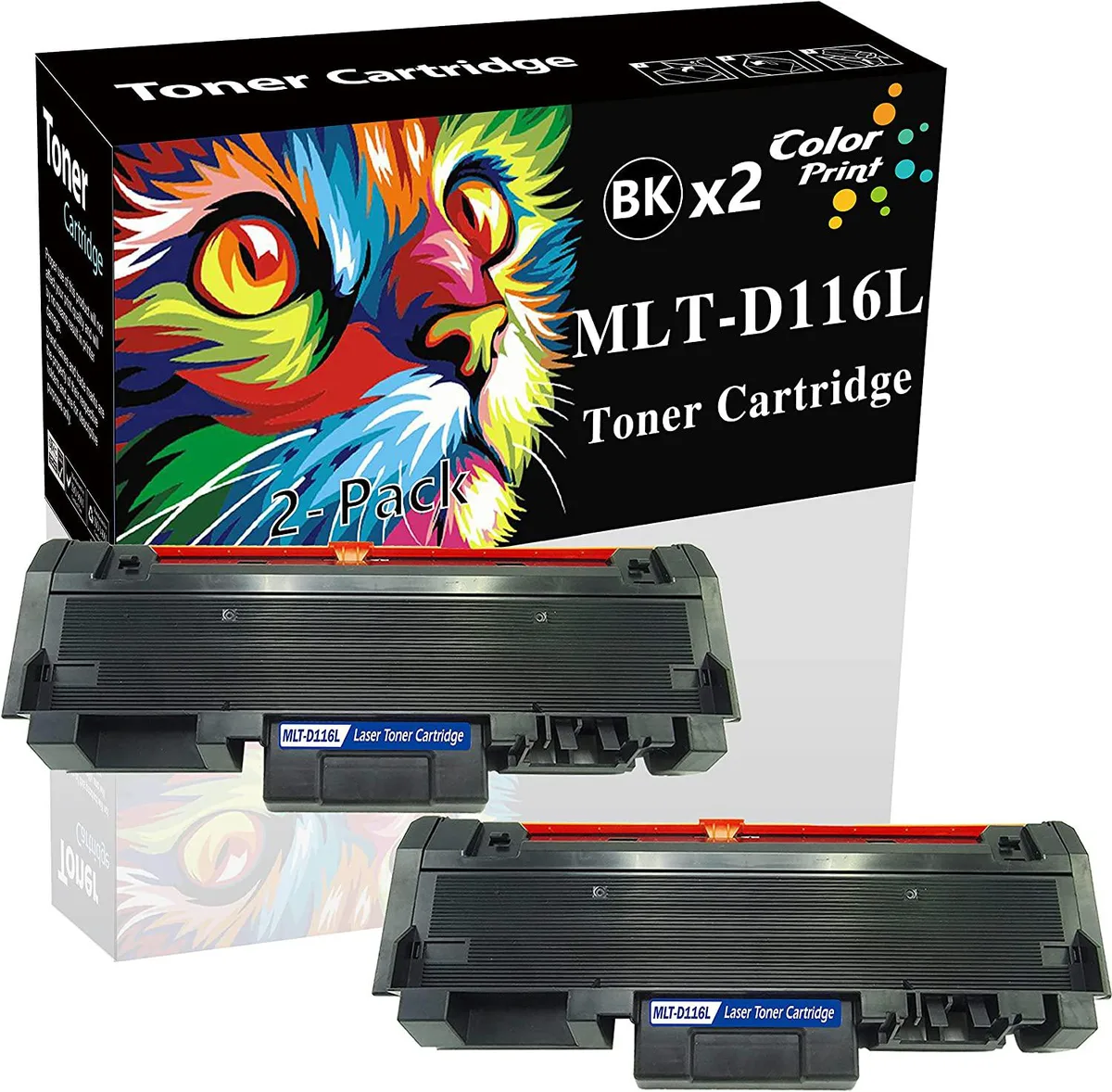


NuoTo
NuoTo MLT-D116L Compatible Toner Cartridge 2-Pack Black 3000 Pages
Two compatible black toner cartridges yield up to 3000 pages each for Samsung Xpress laser printers
- Two cartridges deliver up to 3000 pages each
- Clear black output that resists fading over time
- Works with Xpress SL-M2625D and SL-M2675F printers
- Compatible with SL-M2825DW and SL-M2835DW models
- Fits SL-M2875FD, SL-M2875FW and SL-M2885FW devices
What this pack contains
This two-pack supplies two black toner cartridges built to replace the MLT-D116L unit. Each cartridge is new and rated for up to 3000 pages at five percent coverage on A4 paper. The set is aimed at offices, schools, hospitals and home users who want a lower-cost alternative to the original Samsung supply.
Printer models that accept these cartridges
The cartridges fit the Samsung Xpress SL-M2625D, SL-M2675F, SL-M2825DW, SL-M2835DW, SL-M2875FD, SL-M2875FW, SL-M2885FW and SL-M2875DW laser printers. They will not work in printers that require a different cartridge code or a higher-yield version.
Output over a full cartridge life
Print density stays consistent from the first page to the last of the rated 3000-page yield. The toner formulation resists fading so documents remain legible after long storage. Large continuous jobs run without the streaking or light bands that can appear when a cartridge nears empty.
Highlights
- Two cartridges deliver up to 3000 pages each
- Clear black output that resists fading over time
- Works with Xpress SL-M2625D and SL-M2675F printers
- Compatible with SL-M2825DW and SL-M2835DW models
- Fits SL-M2875FD, SL-M2875FW and SL-M2885FW devices
Specifications
No published specifications for this item yet.
Questions about this item
How many pages can one cartridge actually print in my office printer?
Each cartridge is rated for up to 3000 pages at 5% coverage on A4 paper, so typical office documents with moderate text density will approach that figure.
Which printer models does this toner work with?
It fits the Samsung Xpress SL-M2625D, SL-M2675F, SL-M2825DW, SL-M2835DW, SL-M2875FD, SL-M2875FW, SL-M2885FW and SL-M2875DW laser printers.
What do I need to check before installing the cartridge?
Verify your printer is one of the listed Xpress models, then simply remove the protective seal and slide the cartridge into the toner bay until it clicks.
Also in this aisle
People compared these
Same shelf, same checkout — eight coins and a 30-minute rate lock.



CHIEF MANUFACTURING
CHIEF MANUFACTURING CMS018 18" 457 mm Fixed Extension Column projector accessory
- Extension Column
- Projector
$22.99$22.99
0.00027392BTC
In stock