


NUOLAISUN
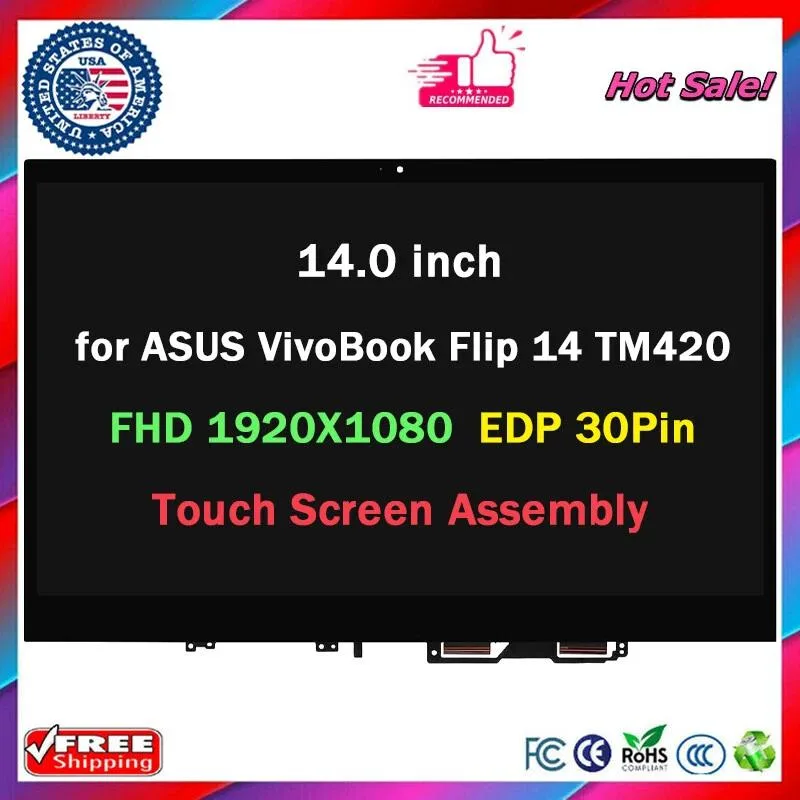
NUOLAISUN LCD Touch Screen Digitizer Assembly for ASUS VivoBook Flip TM420 TM420UA-WS51T
Replacement touch-screen digitizer assembly for compatible ASUS VivoBook Flip models
- Compatible with ASUS VivoBook Flip TM420 TM420UA-WS51T
- New replacement LCD touch screen digitizer assembly
- Professional installation required with power disconnected
- Fragile glass component handled with care
- Verify model numbers before purchase to ensure fit
Replacement Touch Digitizer for ASUS VivoBook Flip
This new LCD touch screen digitizer assembly is built for the ASUS VivoBook Flip TM420 TM420UA-WS51T. It restores touch input and display output on a compatible machine. Owners of this exact model can replace a cracked or unresponsive panel. Buyers who need a different size, pin count, or non-touch variant should verify their part number before ordering.
Fits as Direct Panel Swap in Compatible Chassis
The assembly installs inside the existing lid structure using the original mounting points and connector. No extra brackets, cables, or adapters are required when the part numbers match. Professional installation is recommended because the ribbon cable and battery must be disconnected first. Builders working on unrelated laptop series or models with different connector layouts cannot use this unit.
Replaces Damaged Factory Touch Panel on Same Model
This part substitutes the original touch-enabled display when the glass is broken, the digitizer fails, or the LCD shows defects. The upgrade is worthwhile when the laptop chassis and mainboard remain functional. Users whose device uses a non-touch screen or a different resolution should not purchase this assembly.
Highlights
- Compatible with ASUS VivoBook Flip TM420 TM420UA-WS51T
- New replacement LCD touch screen digitizer assembly
- Professional installation required with power disconnected
- Fragile glass component handled with care
- Verify model numbers before purchase to ensure fit
Specifications
No published specifications for this item yet.
Questions about this item
How do I verify the 51-pin connector matches my TM420 before fitting this digitizer?
Compare the pin count printed on the back of your original screen; this assembly uses a 51-pin cable and only fits panels with the same layout.
Will the adhesive hold during long sessions when the chassis gets warm?
The factory adhesive is rated for normal operating temperatures; clean the frame with isopropyl alcohol and apply even pressure for a lasting bond.
Which cables must I disconnect before starting the swap on a TM420UA-WS51T?
Remove the AC adapter and detach the battery cable first, then unplug the 51-pin display ribbon and any touch-controller flex before lifting the old panel.
Also in this aisle
People compared these
Same shelf, same checkout — eight coins and a 30-minute rate lock.


Kensington
Kensington Desk Mount Cable Anchor K64613WW accessory
- Black
- Provides a secure a…
$19.99
0.00023667BTC
In stock
Panasonic
Panasonic CF-VDR291U laptop cooling pad
- Optical Drive
- Buffer Size: 2 MB B…
$213.99
0.00253357BTC
In stock
eReplacements
eReplacements PB992A-ER laptop battery 14.4V
- Battery
- Lithium-Ion
$65.99
0.0007813BTC
In stock