

NUOLAISUN
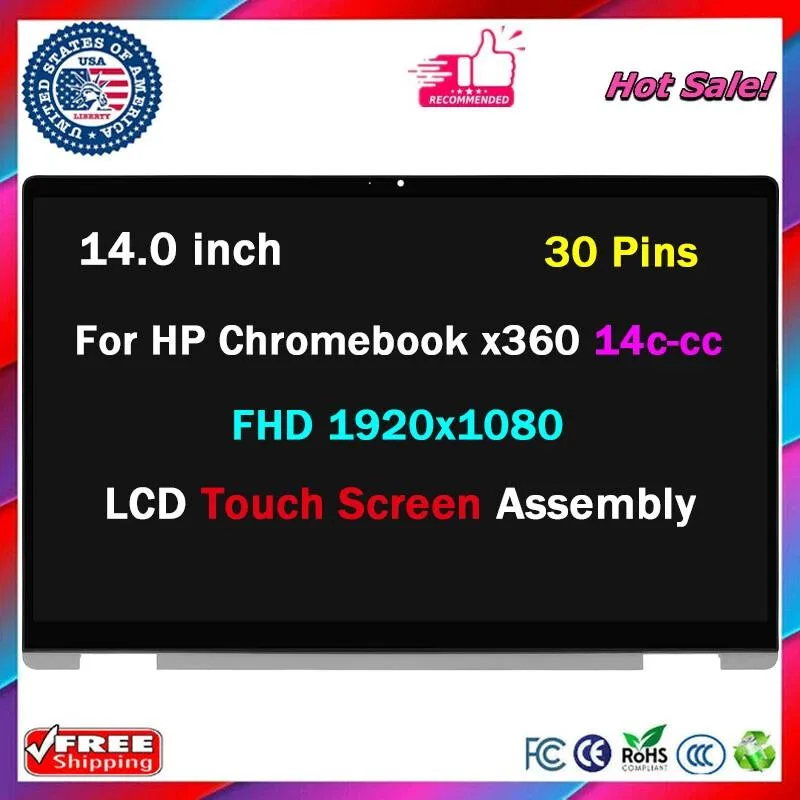
NUOLAISUN 14.0" LCD Touch Screen Digitizer Assembly for HP Chromebook x360 14c-cc0013dx
14.0-inch touch digitizer assembly replaces the display on HP Chromebook x360 14c-cc0013dx
- 0" touchscreen restores full display control
- Direct fit for HP Chromebook x360 14c-cc0013dx
- Digitizer assembly includes LCD and touch layer
- New condition ensures zero dead pixels out of box
- Professional installation recommended to protect fragile glass components
Compatible Screen Assembly
This 14.0 inch LCD touch digitizer assembly is built for the HP Chromebook x360 14c-cc0013dx. It replaces a cracked or non-responsive display panel. The part arrives new and includes the screen only, not a complete laptop. Professional fitting is strongly advised.
Buyers Needing Exact Match
This suits owners who have verified their model number, resolution, pin count and touch version against the listing. It does not suit anyone who cannot confirm those details or who expects installation guidance in the box.
Model-Specific Fit Check
The part number 14c-cc0013dx and the 14.0 inch size are the critical identifiers that decide compatibility. Cross-reference every label on the original panel before ordering.
Highlights
- 0" touchscreen restores full display control
- Direct fit for HP Chromebook x360 14c-cc0013dx
- Digitizer assembly includes LCD and touch layer
- New condition ensures zero dead pixels out of box
- Professional installation recommended to protect fragile glass components
Specifications
No published specifications for this item yet.
Questions about this item
Does this 14.0 inch assembly include the cables and brackets I need to fit it in my HP Chromebook x360 14c-cc0013dx?
The package contains the LCD touch screen digitizer only; cables, brackets and adhesive are not included and must be reused from the original screen or sourced separately.
Will the 360-degree hinge on my Chromebook still operate correctly after I swap in this replacement panel?
The hinge mechanism is separate from the display assembly, so fitting this 14.0 inch screen does not affect hinge rotation or the convertible modes of the device.
How can I verify the touch layer and 14.0 inch display are functioning properly once the screen is installed?
Power on the Chromebook, confirm the desktop appears without dead pixels, then tap and swipe across the surface to check that touch input registers accurately at all points.
Also in this aisle
People compared these
Same shelf, same checkout — eight coins and a 30-minute rate lock.


Kensington
Kensington Desk Mount Cable Anchor K64613WW accessory
- Black
- Provides a secure a…
$19.99
0.00023597BTC
In stock
Panasonic
Panasonic CF-VDR291U laptop cooling pad
- Optical Drive
- Buffer Size: 2 MB B…
$213.99
0.00252606BTC
In stock
eReplacements
eReplacements PB992A-ER laptop battery 14.4V
- Battery
- Lithium-Ion
$65.99
0.00077898BTC
In stock