


NShi
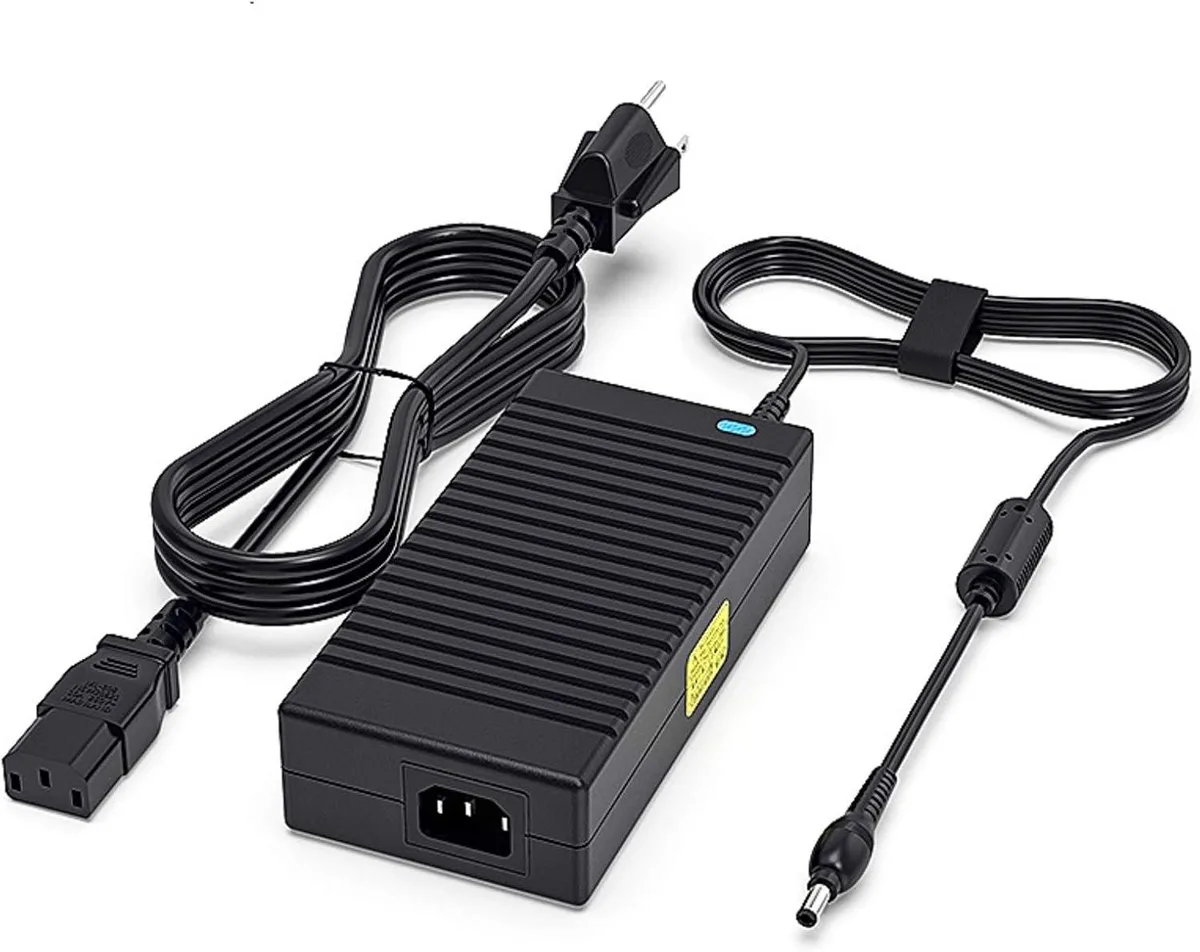
NShi 180W 19V 9.5A Laptop AC Adapter
180 W 19 V 9.5 A AC adapter with blue LED indicator replaces Asus G750, G751, G752 and GL502 series chargers
- Delivers 180W for demanding Asus ROG and Strix laptops
- Blue LED indicator shows charging status at a glance
- Tested at high temperature for reliable operation
- Works with 100-240V input for worldwide use
- Compatible with 19V 9.45A and 19.5V 9.23A models
180W 19V Adapter for Asus ROG Laptops
This replacement AC adapter delivers 180W at 19V 9.5A and accepts 100-240V input. It targets owners of listed Asus G750, G751, G752 and GL502 series notebooks who need a direct power-supply substitute.
Thermals, Noise and Power Draw
The unit is 100% tested after high-temperature aging and carries certified-safe validation. A built-in blue LED indicator shows charging status without audible fan noise. It supplies maximum rated current continuously during normal operation.
Connector Compatibility Decides Fit
The barrel tip must match the laptop’s DC-in jack; the adapter is confirmed for the specific Asus models listed in the compatibility data. Buyers with different connector sizes or voltage requirements cannot use this part.
Highlights
- Delivers 180W for demanding Asus ROG and Strix laptops
- Blue LED indicator shows charging status at a glance
- Tested at high temperature for reliable operation
- Works with 100-240V input for worldwide use
- Compatible with 19V 9.45A and 19.5V 9.23A models
Specifications
No published specifications for this item yet.
Questions about this item
How do I connect the 19V 9.5A adapter to my Asus G750JM, and which step is often missed?
Plug the AC cord into the adapter brick, connect the barrel tip to the laptop's DC jack, then insert the mains plug into a 100-240V outlet; the step often missed is confirming the blue LED lights up to show charging has started
What part will need replacement first on this 180W unit under normal use?
The detachable AC power cord is the most likely part to wear out before the sealed adapter brick itself
What limit appears first when the adapter runs at full 180W load for long periods?
The brick reaches its thermal ceiling after extended high-temperature aging, so sustained 19V 9.5A output will eventually trigger internal over-temperature protection
Also in this aisle
People compared these
Same shelf, same checkout — eight coins and a 30-minute rate lock.


Kensington
Kensington Desk Mount Cable Anchor K64613WW accessory
- Black
- Provides a secure a…
$19.99
0.00023755BTC
In stock
Panasonic
Panasonic CF-VDR291U laptop cooling pad
- Optical Drive
- Buffer Size: 2 MB B…
$213.99
0.00254296BTC
In stock
eReplacements
eReplacements PB992A-ER laptop battery 14.4V
- Battery
- Lithium-Ion
$65.99
0.00078419BTC
In stock