ZKTECO
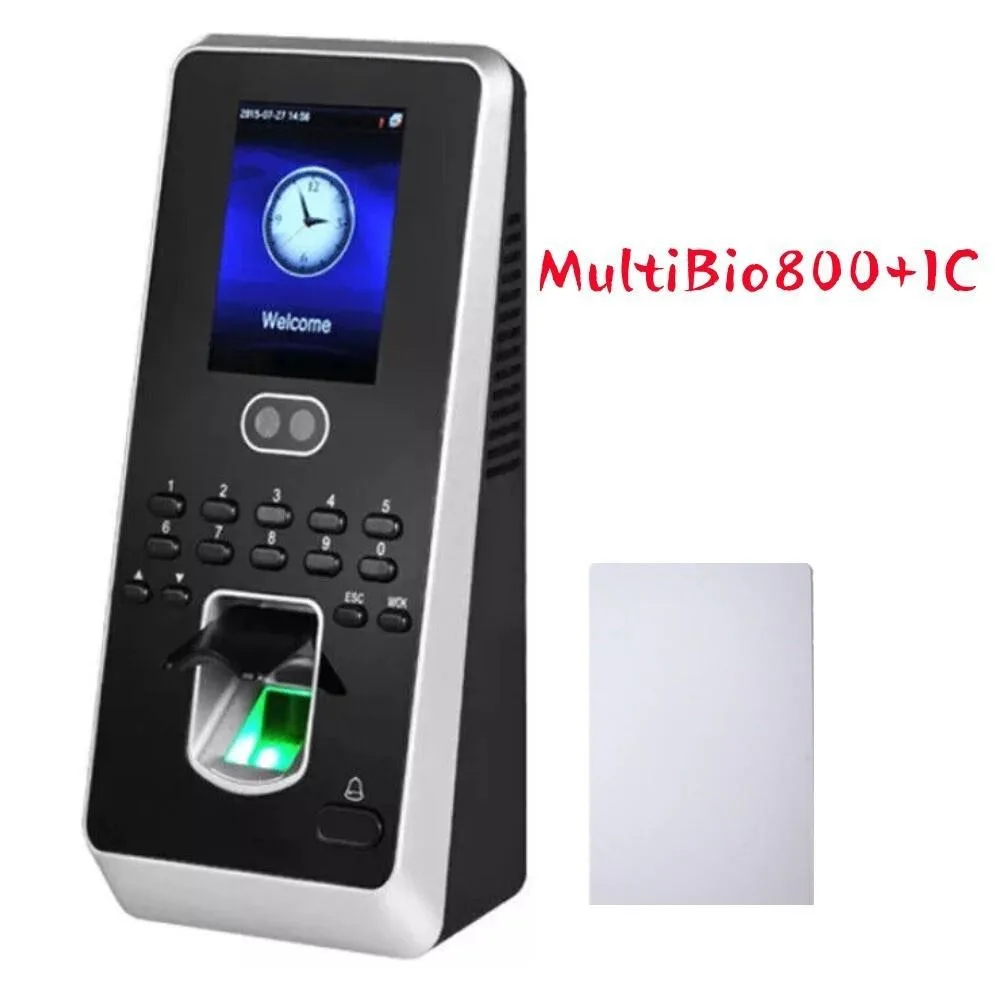
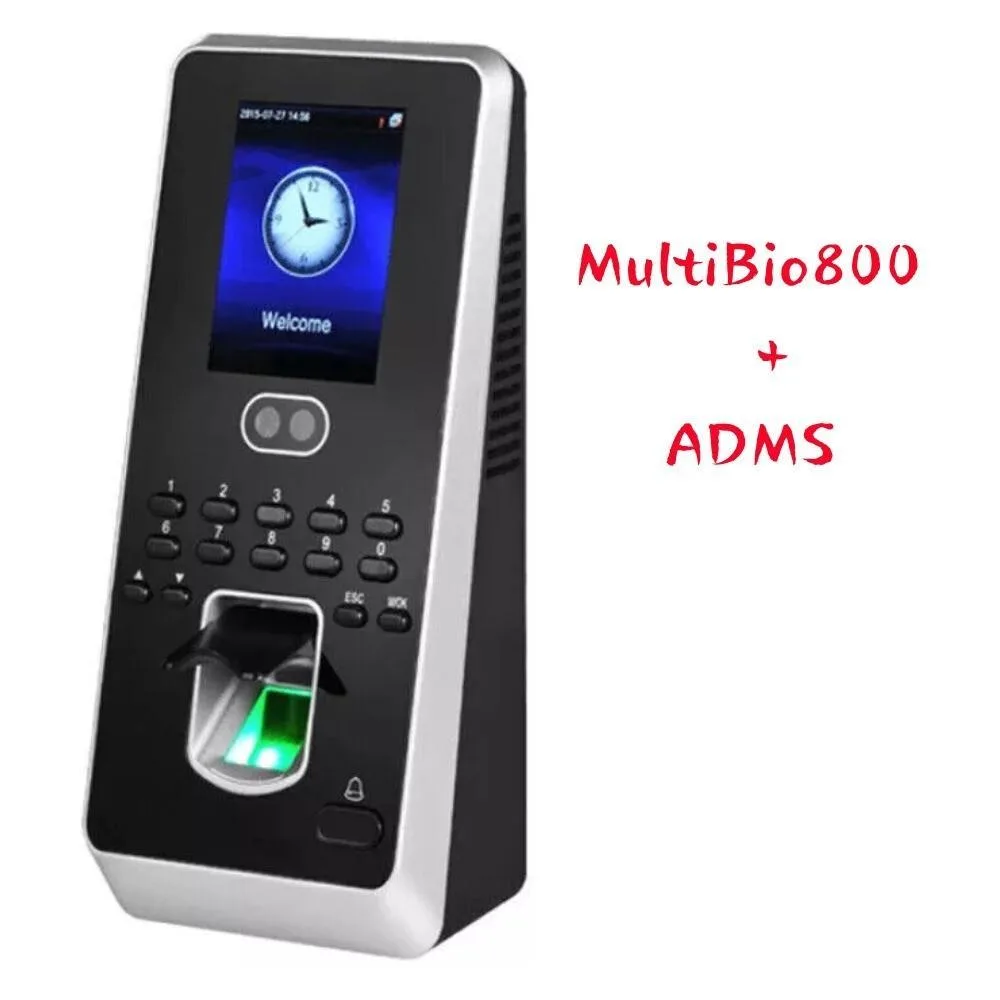
ZKTECO MultiBio800+ADMS facial fingerprint time attendance terminal
$206.99
0.00242213BTC
In stockWe take cryptocurrency — so the coins you hold can buy real hardware.Pay in crypto, spend it on real hardware. Free insured shipping worldwide over $399. Plain, unbranded boxes, sent from Germany.Free insured shipping over $399. Your rate is locked for 30 minutes once checkout opens.Rate locked 30 minutes. Every item sealed, serial-checked and covered by a 24-month warranty.Sealed, 24-month warranty.


NEL-TECH LABS
A telephone accessory that connects via USB for multi-message handling, first listed by the manufacturer in January 2020
The NEL-TECH LABS Multi-Messager USB is a telephone accessory that connects through a USB port. It is intended for office environments that need an additional way to manage calls or messaging alongside a computer.
This accessory replaces reliance on a standalone handset or software-only client for unified communications. The jump is worth it when a desk setup requires a dedicated USB device that integrates with existing telephony infrastructure.
The unit draws power directly from the USB connection, so it remains active as long as the host system is running. No separate power supply is needed, and operation stays consistent during extended call sessions or continuous signalling.
| Brand | Nel-Tech Labs |
|---|
The unit is a compact USB telephone accessory designed to sit beside a computer or mount on a vertical surface using its integrated bracket; allow roughly a hand-span of clearance for the cable and handset cradle.
Plug the USB connector into the host PC, wait for the automatic driver installation to finish, then launch the included messaging software before lifting the handset — skipping the software launch is the common oversight.
The handset cord and ear cushions are the only wear items; replace the cord if it frays and swap cushions when they lose shape, typically after extended daily use.
Also in this aisle
Same shelf, same checkout — eight coins and a 30-minute rate lock.
What you pay in, and what you read prices in.
Sent from your wallet at checkout
Display only — the catalogue is priced in USD
No currency matches that.
Pick the language the site speaks to you in.
No language matches that.
New here?
Already have one?
There is no automatic reset: this shop sends no mail, so there is no one-time link to ask for. Leave the address on the account and it gets picked up by hand.
Request noted
Nothing is on its way to your inbox — this shop sends no mail at all. Someone picks these up by hand.
Remembered it?