

NEC Display Solutions
NEC NP300 DLP Replacement Lamp
Genuine OEM bulb inside a compatible housing restores factory brightness and 180-day warranty coverage for the NP300 projector
- TypeProjector Lamps
- Genuine OEM bulb delivers original brightness
- Compatible housing fits NEC NP300 projector
- Engineered to manufacturer specifications for reliable performance
- High-quality components maintain image clarity over time
- 180-day warranty covers defective units
Genuine OEM bulb for NP300 projectors
This replacement lamp fits NEC NP300 projectors and ships with a genuine original OEM bulb inside a compatible housing. It is intended for owners who need to restore factory brightness and colour accuracy after the original lamp reaches end of life. The module installs directly without modification. Buyers who need a bare bulb without housing should look elsewhere.
Thermal behaviour and power
The lamp operates within the projector's original thermal and electrical envelope, so fan noise and power draw remain unchanged from the factory specification. No additional cooling or power-supply upgrades are required. The housing is designed to dissipate heat exactly as the OEM unit does. Users who run their projector in high-temperature environments should verify the projector's own operating limits.
Housing quality and daily use
The assembly uses a high-quality compatible housing that aligns with the projector's mounting points for a secure fit. Installation follows the standard lamp-door procedure with no special tools. The product is covered by a 180-day warranty against defects. Customers who require a longer coverage period or a bare-bulb option will need a different solution.
Highlights
- Genuine OEM bulb delivers original brightness
- Compatible housing fits NEC NP300 projector
- Engineered to manufacturer specifications for reliable performance
- High-quality components maintain image clarity over time
- 180-day warranty covers defective units
Specifications
| Brand | NEC |
|---|---|
| Type | Projector Lamps |
Questions about this item
How do I install the NP300 lamp housing without damaging the genuine OEM bulb inside?
Power off and unplug the projector, let it cool completely, remove the old lamp cover, slide out the old housing by its handle, insert the new housing until it clicks, replace the cover, then reset the lamp timer in the menu — the step most people skip is the timer reset, which causes premature replacement warnings.
What maintenance will the NP300 replacement lamp need over its life?
The lamp itself is a sealed unit with no user-serviceable parts; the only required maintenance is cleaning the projector's air filters regularly to prevent overheating, and replacing the entire housing once brightness drops or the lamp indicator signals end of life.
What limit appears first when running the NP300 lamp continuously for long sessions?
Thermal protection will trigger first — if internal temperatures exceed safe levels the projector shuts down to protect the genuine OEM bulb, so keeping vents clear and filters clean is essential for sustained operation.
Also in this aisle
People compared these
Same shelf, same checkout — eight coins and a 30-minute rate lock.


Avantalk
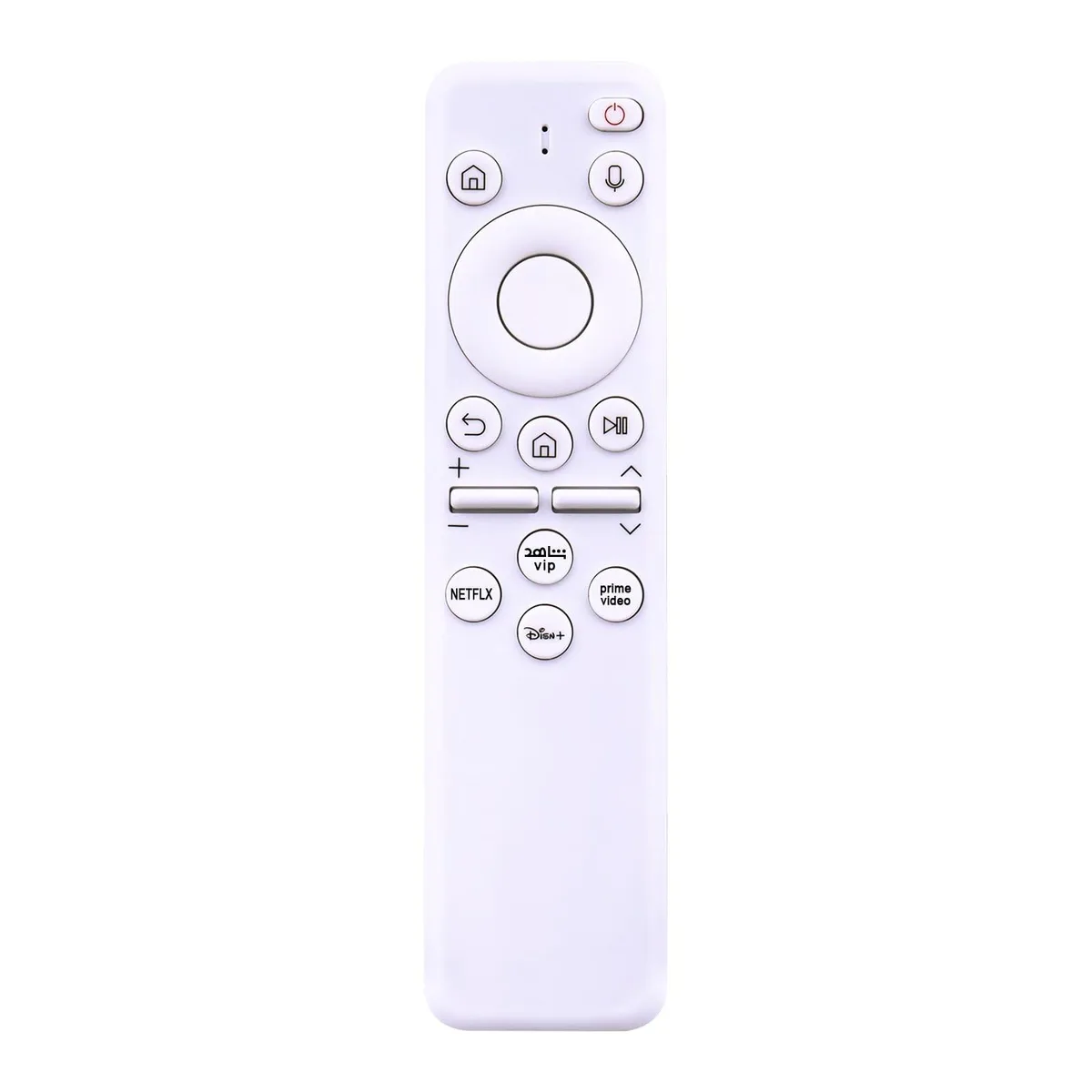
Avantalk Replacement Remote for Reverie RC-WM-103/107/108 Grey video accessory
$111.99
0.0012954BTC
In stock
V2 Technologies
V2 Technologies Fixed TV Mount 65-100 in 200 lbs VESA 800x600mm 1.3 in Profile
$62.99
0.00072861BTC
In stock